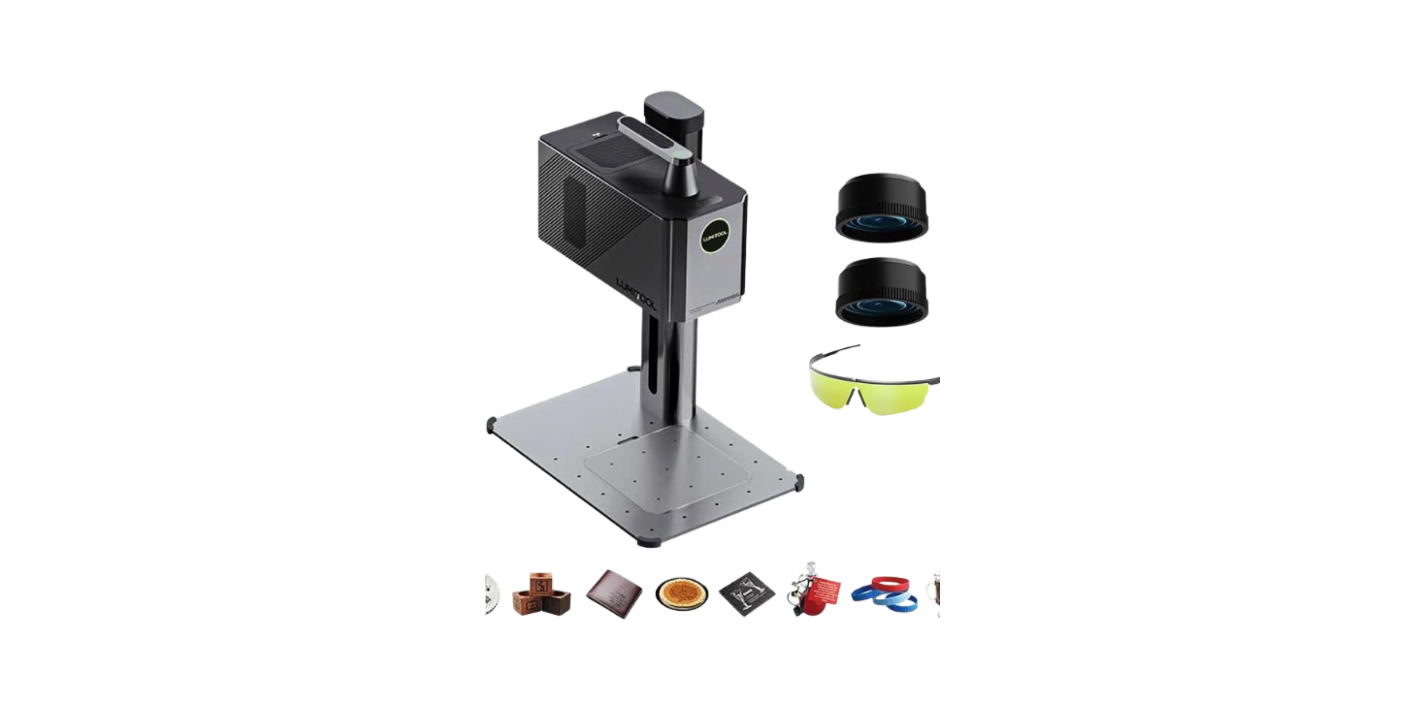
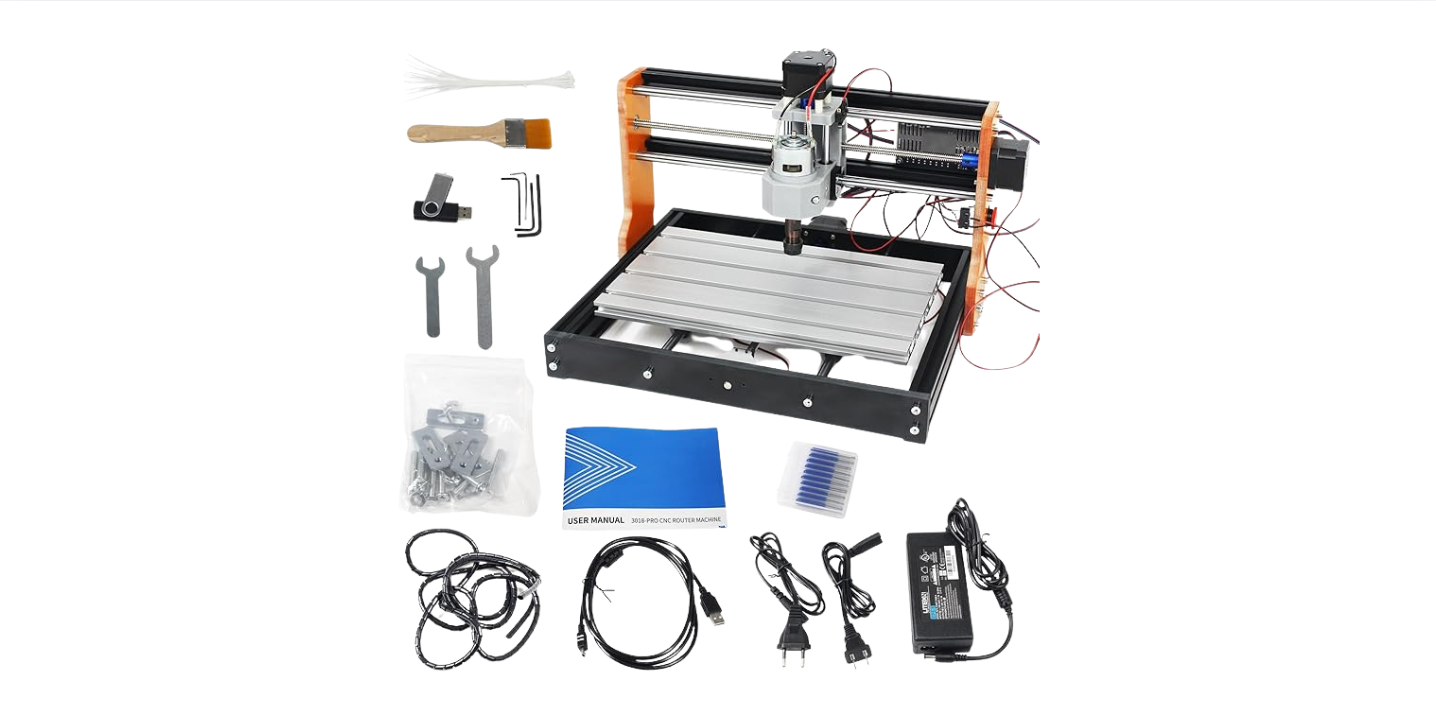
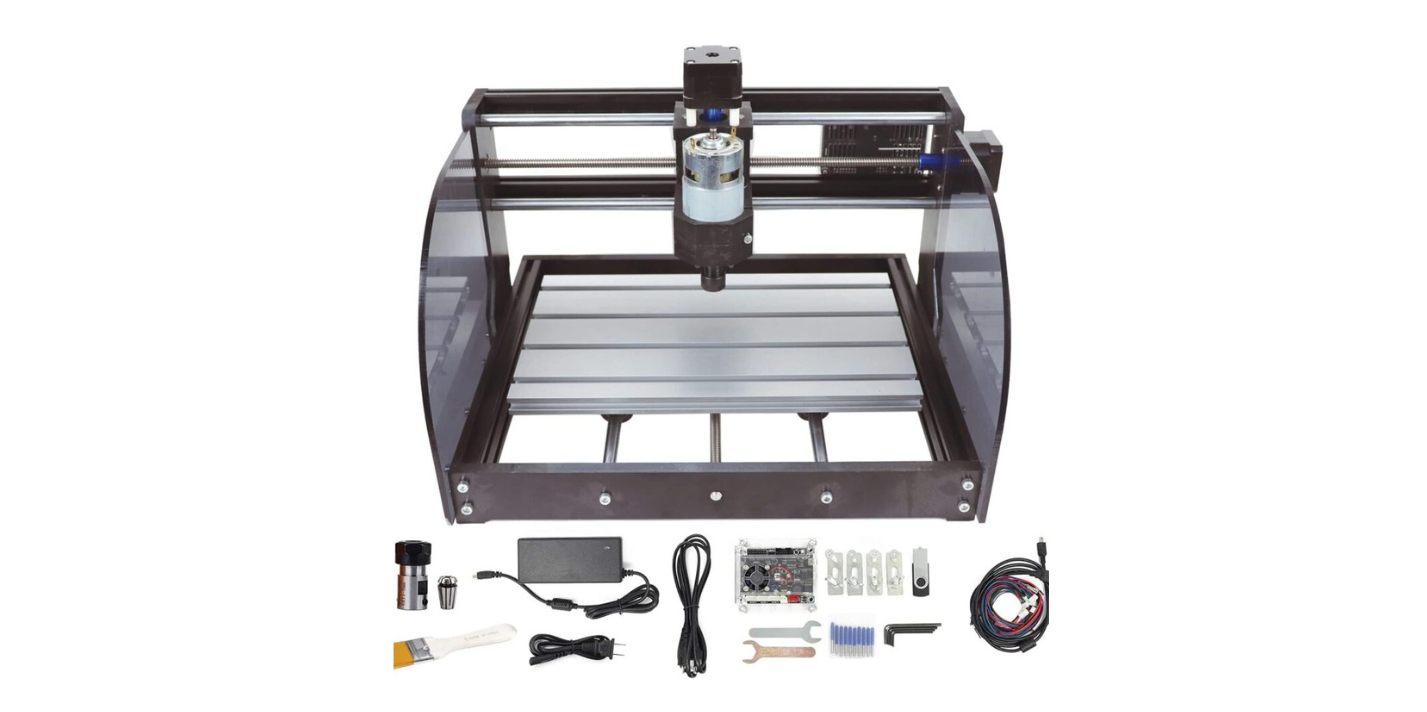
Have you ever read “50W” in big letters on a portable laser engraver box and felt like you’d won the lottery — only to find the machine scribbling like a bored pen?
Understanding Power Ratings In Portable Laser Engravers: What The Numbers Don’t Tell You
You bought a portable laser engraver because the spec sheet promised power, speed, and transformation of mundane objects into artisanal marvels. The number stamped on the spec sheet is important, but it’s only one actor on stage; what you really need is a sense of how that actor performs with a script, lighting, and the occasional temperamental stagehand.
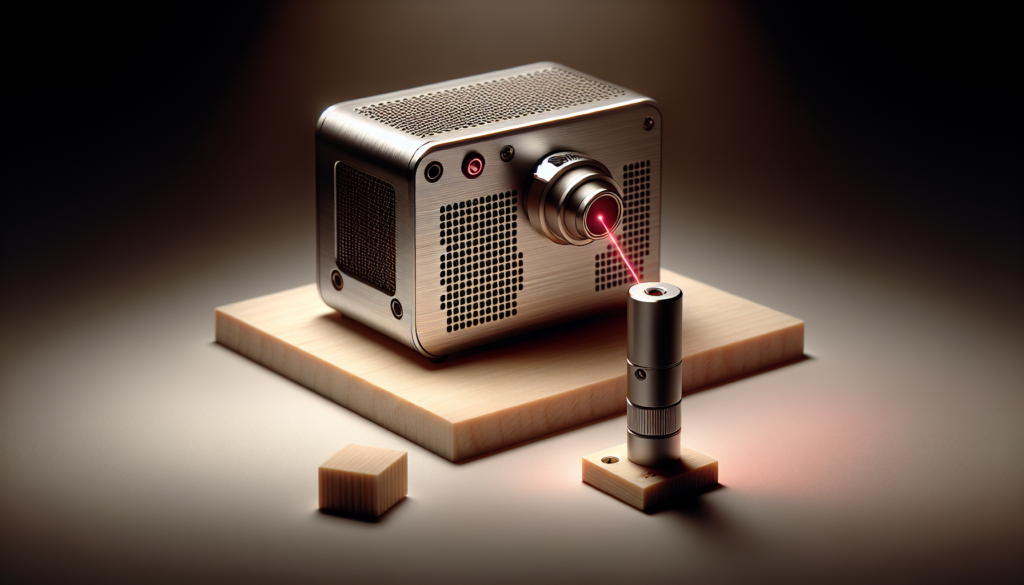
Why power ratings matter (and why they don’t tell the whole story)
You rely on power ratings to set expectations: cutting thickness, engraving speed, and which materials are possible. Yet, those ratings are often measured under ideal conditions and don’t account for beam quality, duty cycle, or how your particular material absorbs the wavelength of light.
Peak power vs nominal power vs average power
You may see several different power numbers: peak, nominal, and average, and each means something different for your work. Understanding their distinctions prevents disappointment when the 20W mark on the box behaves differently from the 20W on your finished piece.
- Peak power: the maximum instantaneous power during a pulse.
- Average power: the time-weighted average power delivered over many pulses.
- Nominal/claimed power: what the manufacturer advertises, which may be peak or theoretical.
| Term | What it Means | Why You Should Care |
|---|---|---|
| Peak Power | Instantaneous maximum (often in pulsed systems) | High peak can ablate material even if average is low |
| Average Power | Power averaged over time (usable for heating/cutting) | Predicts continuous cut capacity |
| Rated/Nominal Power | Manufacturer’s advertised number | May be optimistic or measured under different conditions |
Continuous wave (CW) vs pulsed operation
You’ll encounter CW lasers that emit a steady beam and pulsed lasers that fire brief bursts; both produce “laser light” but behave differently on material. CW is intuitive for continuous cuts, while pulsed is superior when you want precise ablation with minimal heat spread.
- CW: steady energy delivery, simpler control, often used for cutting.
- Pulsed: bursts reduce thermal damage, allow high peak power, ideal for marking and certain metals.
Wavelength and material absorption
You might assume that power alone dictates performance, but wavelength determines whether your material absorbs the light at all. Two lasers with the same wattage can behave like mismatched lovers in different materials — one will bond passionately, the other will stand awkwardly across the room.
| Material | Typical Best Wavelength(s) | Typical Outcome |
|---|---|---|
| Wood | 445–1064 nm | Engraves and chars easily |
| Acrylic (PMMA) | 445–1064 nm | Cuts smoothly with CO2 often preferred |
| Steel | 1064 nm (fiber) or shorter with additives | Fiber lasers mark/engrave; CO2 struggles unless coated |
| Leather | 445–1064 nm | Engraves and blackens nicely |
| Glass | 1064 nm with ultrafast pulses or CO2 for surface marking | Smooth frosted marks with CO2; ultrafast induces internal changes |
Beam quality, spot size, and why M² matters
You’ll hear the mysterious M² number and ignore it until you need a clean cut. M² describes how close the beam is to an ideal Gaussian spot; the closer to 1, the tighter and more focusable the beam — which means more energy in a smaller area for cleaner cuts.
- Good beam quality = smaller spot = higher power density.
- Poor beam quality = larger spot = less effective energy per unit area.
| Beam Quality (M²) | Effect on Spot Size and Cutting |
|---|---|
| ~1.0 | Tight focus, deep cuts, fine detail |
| 1.5–2.5 | Acceptable for many jobs, slightly larger kerf |
| >3.0 | Diffuse, less effective for precision or deep cuts |
Pulse duration and repetition rate: the microsecond and millisecond dance
You have to think about pulse duration and repetition rate like the rhythm and tempo of a song; change either and the music — or the cut — changes. Short pulses concentrate energy and reduce heat-affected zones, while longer pulses give more thermal conduction and broader melting.
- Nanosecond to picosecond pulses: minimal heat-affected zone, clean ablation.
- Microsecond to millisecond pulses: useful for some engraving and controlled melting.
- Repetition rate (kHz): affects average power and interaction with material.
Duty cycle, cooling, and thermal management
You may assume the machine will happily run for hours because it “has 20W,” but that 20W might come with caveats about duty cycle and cooling. Portable units especially may be designed for intermittent use; push them past their cycle and watch power sag or safety interlocks trip.
- Duty cycle defines how long you can run at rated power without overheating.
- Active cooling (fans, TEC) and passive (heatsinks) determine sustained performance.
- Short duty cycles mean you’ll get the advertised power only intermittently.
How manufacturers label power — and how to read between the lines
You’ll see terms like “peak power,” “max output,” and “rated power” tossed liberally in ads, often with small-print caveats. Manufacturers sometimes quote peak pulse power or electrical input wattage rather than continuous optical output, and you should treat all advertising claims as negotiable until verified.
Look for these signs:
- Explicitly stated measurement method (average optical power is best).
- Temperature or duty cycle conditions.
- Whether accessories affect power (e.g., collimation optics).
How to measure actual power — practical methods you can use
You want to measure what your machine really delivers rather than trusting glossy labels, and you can do it with a few tools and experiments. Practical options range from buying an optical power meter to running controlled burn tests on standardized material.
Methods:
- Optical power meter: direct, reasonably accurate measurement of average power.
- Calorimetric sensors: good for higher power or pulsed beams, measures energy.
- Burn tests: inexpensive, practical, and provide real-world results (compare cut depth, speed).
- Third-party test reports: independent verification when available.
| Method | Typical Cost | Accuracy | Best Use |
|---|---|---|---|
| Optical power meter | $100–$1000+ | High for CW/low rep-rate pulsed | Small labs and hobbyists |
| Calorimeter | $500–$5000 | High for higher power/pulsed | Industrial testing |
| Burn test | <$20< />d> | Low to moderate (relative) | Practical performance checks |
| Independent lab test | Varies | Very high | Purchase decisions, warranties |
Why spot size and focus trump raw wattage more often than you expect
You’ll see wattage and imagine a linear relationship to cutting capability, but spot size multiplies (or divides) that power into a power density. Small spot, high density: the beam works like a chef’s knife. Large spot, same power: it’s more like spreading butter on toast.
- Power density = Power / Spot area.
- Reducing spot radius by half increases power density by four times.
- Focused beams can make a low-wattage laser outperform a higher-wattage, poorly focused one.
Thermal properties of materials — what you need to know before you press start
You have to know how your chosen material conducts and stores heat if you want predictable results. Thermal conductivity, specific heat, and melting/vaporization points govern how the laser’s energy turns into the effects you want.
- High thermal conductivity (metals) spreads heat, affecting cut quality.
- Low thermal conductivity (wood) localizes burning and char.
- Coatings and finishes change absorption dramatically.
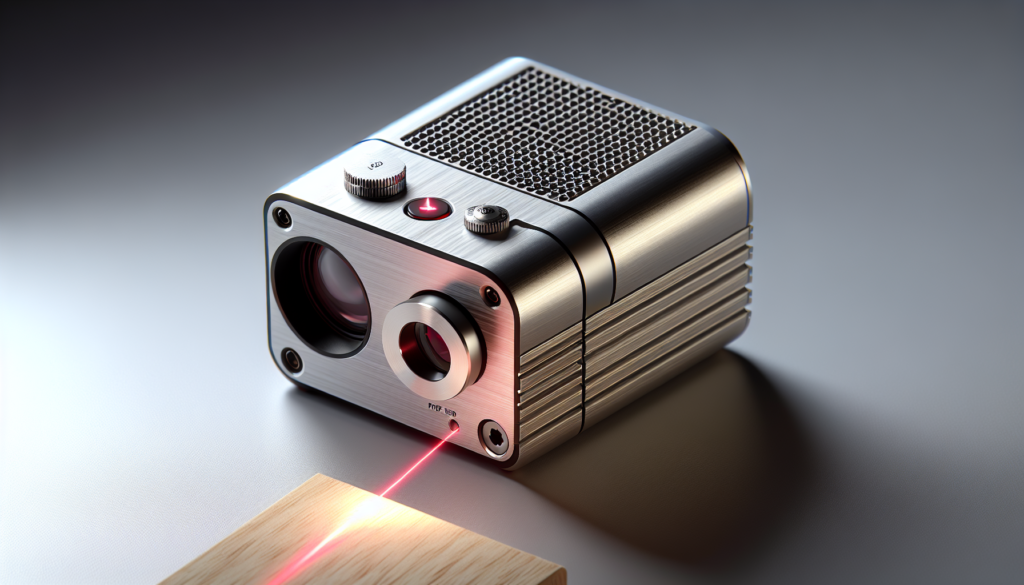
Raster vs vector operation: power plays different roles
You’ll use raster mode for shading and detailed artwork and vector mode for clean lines and cuts; each mode relies on power differently. Vector work often needs continuous average power, while raster work may benefit from higher peak power to ablate tiny spots quickly.
- Raster: pixel-by-pixel energy deposition; resolution and dwell time matter.
- Vector: continuous motion; speed and power determine cut depth.
Real-world examples: reading the numbers with context
You’ll perform differently if your “20W” engraver is a 20W average diode or a 20W peak pulsed module. Here are hypothetical scenarios to show how the same number can mean different outcomes.
Example 1 — Diode engraving: A 5W average diode with excellent focus might cut thin acrylic and engrave wood cleanly. Example 2 — Pulsed module advertised as 20W peak: it may mark many materials well but struggle to cut thicker sheets because average power is low.
How environmental factors affect actual power delivery
You’ll notice that ambient temperature, humidity, and even altitude can affect laser output and cooling effectiveness. Portable units used outdoors under hot sun will behave differently than in a cool workshop.
- High temperature reduces cooling margin and often triggers thermal protection.
- Dust and airflow changes can alter optics efficiency and cooling performance.
- Altitude affects air cooling and, rarely, gas-based lasers’ behavior.
Calibration and maintenance to keep power consistent
You’ll have the best chance of getting promised performance if you maintain optics, ensure correct focus, and keep cooling systems functional. A fuzzy lens or misaligned beam is like a dentist with tremors — the tool is still technically capable, but results decline fast.
Maintenance checklist:
- Clean lenses and protective windows regularly (isopropyl and lint-free wipes).
- Check alignment and beam centration.
- Verify cooling fans and heatsinks are dust-free.
- Replace worn nozzles or optics as per manufacturer guidance.
How to choose the right power for your intended projects
You’ll select power based on material, thickness, and finish requirements — not because a number looks cool on a spec sheet. Decide the maximum thickness you need to cut and the type of finish you want on engraving, then match that to realistic, measured performance, not advertising bravado.
General guidance:
- Light engraving and marking: 1–5W (diode or low-power fiber).
- Moderate engraving and cutting thin acrylic/wood: 5–20W.
- Heavy cutting and thicker materials: 30W+ (often fiber or CO2).
Practical buying tips for portable laser engravers
You’ll get the most satisfaction if you factor in real-world constraints: duty cycle, cooling, optics, and usable spot size. Warranties and service networks count; a great spec sheet is useless if the machine dies and parts are impossible to source.
What to look for:
- Clear statements of optical average power, not just peak.
- Duty cycle and cooling specs.
- Beam quality (M²) or tests showing spot size at focus.
- Support and availability of replacement optics.
Common marketing myths and how to spot them
You’ll see myths repeated like laundry lists: more wattage equals better, wavelength doesn’t matter if the number is high, and sealed systems never need maintenance. These claims are easy to spot if you ask for measurement conditions and third-party verification.
Red flags:
- Power listed as “electrical input” rather than optical output.
- No duty cycle or measurement conditions provided.
- Ambiguous terms like “laser class 4 but safe.”
Safety basics you must follow
You’ll be tempted to test materials or ignore protective eyewear when you’re excited, but lasers are unforgiving and occasionally dramatic. Follow safety protocols, use the correct eyewear for the wavelength, and ensure enclosures and interlocks are functional.
Core safety steps:
- Wear appropriate laser safety goggles rated for the wavelength.
- Use enclosures or barriers to prevent stray beams and reflections.
- Ensure proper ventilation; some materials release toxic fumes.
- Keep a fire extinguisher nearby and never leave a cutting operation unattended.
Troubleshooting: when outputs don’t match expectations
You’ll run into inconsistencies between spec and output, and a methodical checklist saves time and blood pressure. Start with simple checks and escalate to measurement tools if necessary.
Troubleshooting checklist:
- Verify correct focus and optics cleanliness.
- Confirm duty cycle hasn’t limited power output.
- Run a power meter measurement if available.
- Check for firmware limits or power scaling settings.
- Ensure cooling systems are functioning and ambient temperature is reasonable.
Testing protocols you can run at home
You’ll want reproducible tests so you can compare machines or verify after maintenance; standardized tests are practical and easy to run. Keep notes on material batch, focus distance, and ambient conditions to make results meaningful.
Simple tests:
- Burn test: use a consistent test pattern on pine or birch at fixed speed and compare depth/contrast.
- Power meter test: measure output at the aperture and under the same settings used in your work.
- Cut test: see how many passes are needed to cut a standard thickness of acrylic.
Case study: what a “20W” portable diode might actually mean
You’ll read this as an example to apply to your own decisions. Imagine a “20W” portable diode marketed with that number as peak power. In continuous mode the device might deliver 6–8W average, with a 30% duty cycle before throttling; with a focused spot this can still engrave deeply but will require slower pass rates for cutting.
Realistic expectations from that example:
- Engraving wood or leather: excellent with high detail.
- Cutting 3mm acrylic: possible but slow, likely multiple passes.
- Cutting 6mm wood: impractical without higher average or continuous power.
Final thoughts on reading the numbers
You’ll find that power is a convenient shorthand but not a substitute for practical understanding of beam quality, wavelength, duty cycle, and material interaction. Treat the advertised number as the start of a conversation rather than the final verdict, and you’ll save time, money, and a few minor meltdowns.
Helpful glossary to keep on your bench
You’ll appreciate having a quick reference to terms that manufacturers throw around. Keep this list handy when comparing models or talking to vendors.
- Average power: time-averaged optical power output.
- Peak power: instantaneous maximum power in a pulse.
- Duty cycle: percentage of time the laser can operate at rated power.
- M²: beam quality factor.
- Spot size: diameter of focused beam at the focal plane.
- CW (continuous wave): steady beam emission.
- kHz (repetition rate): pulses per second in pulsed lasers.
- Wavelength (nm): color of the laser, key for material absorption.
Closing note: what you should take away
You’ll do best if you treat laser power as one of several interrelated parameters that together shape performance. Read labels carefully, measure when you can, and match machine capabilities to the materials and finishes you actually intend to use — and remember to laugh a little when the “50W” machine behaves like it forgot its caffeine.
If you want, you can tell me the spec of a particular model you’re looking at, and you’ll get a practical, second-person assessment of what that number probably means for your projects.