?Have you ever bought a tool that promised to make your life simpler, only to realize it required an unpaid apprenticeship in mechanical sympathy?
The Ultimate 2026 CNC Machine Buyer’s Guide: Industrial, Desktop & Portable Compared
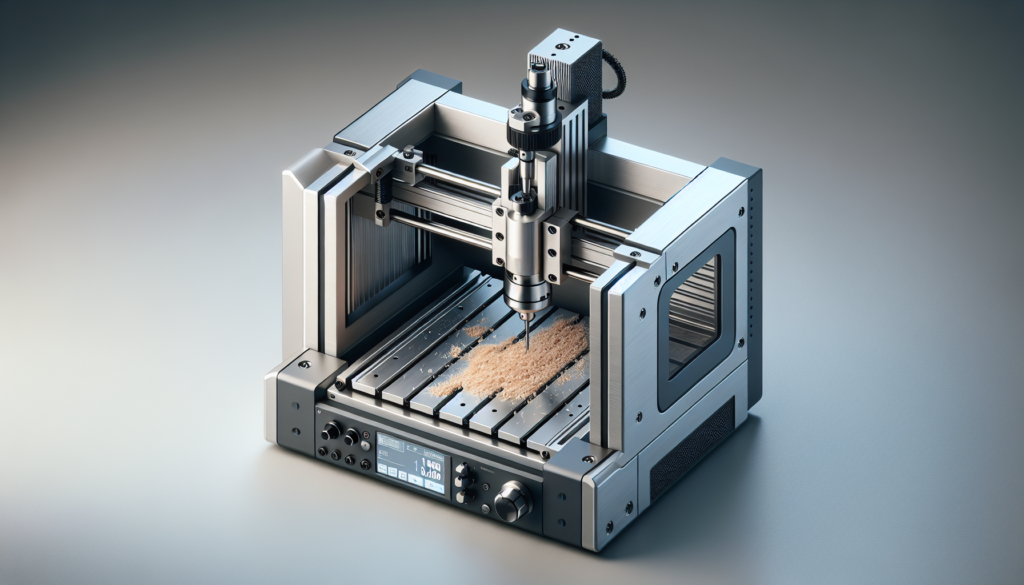
You probably imagine CNC machines as big, humming factory gods that fold steel into parts while foremen sip coffee and pretend not to be impressed. In reality, CNCs come in shapes that will fit on a kitchen table, in a trailer, or in a climate-controlled hangar with polished floors and suspiciously few windows. This guide will help you figure out which machine fits your needs, your budget, and your tolerance for late-night tool changes.
Below, you’ll find practical comparisons, checklists, spec explanations, and the kind of mildly embarrassed anecdotes that explain why the right purchase sometimes prevents a hilarious, expensive disaster.
Why CNC matters in 2026
CNC technology keeps getting cheaper, smarter, and more accessible. You can automate production runs, prototype faster, and turn ideas into objects without begging a machine shop for time. In 2026, integration with CAM software, more intuitive touchscreens, and better open-source ecosystems mean you get power and flexibility at lower cost.
You should care because CNC can change how you make things: smaller batch runs, complex geometries, and consistent repeatability. If you like control, speed, or the simple joy of watching a toolpath unfold, you’ll find a machine to match.
Who this guide is for
This guide is for makers, entrepreneurs, engineers, hobbyists, and the kind of people who read tool specs like bedtime stories. If you’re buying your first CNC, upgrading, or adding a portable unit for sitework, you’ll find guidance here.
You’ll get actionable advice on:
- Choosing between industrial, desktop, and portable CNCs
- Understanding core specs and what they mean for your projects
- Software, tooling, and consumables
- Maintenance, safety, and setup
- Budgeting and ROI expectations
Types of CNC machines: a quick primer
Every CNC has elements in common: a controller, motion axes (usually X, Y, Z), a spindle or router, and a bed to hold your work. But how those elements scale—or shrink—matters a lot.
Industrial CNCs
These are the machines you picture when you think of modern manufacturing: rigid frames, high horsepower spindles, multi-axis capability, automatic tool changers, and the ability to chip away metal all day. They’re expensive, large, and built for production.
You choose industrial CNCs when you need high throughput, tight tolerances, and the ability to run hours-long or days-long jobs repeatedly with minimal human intervention.
Desktop CNCs
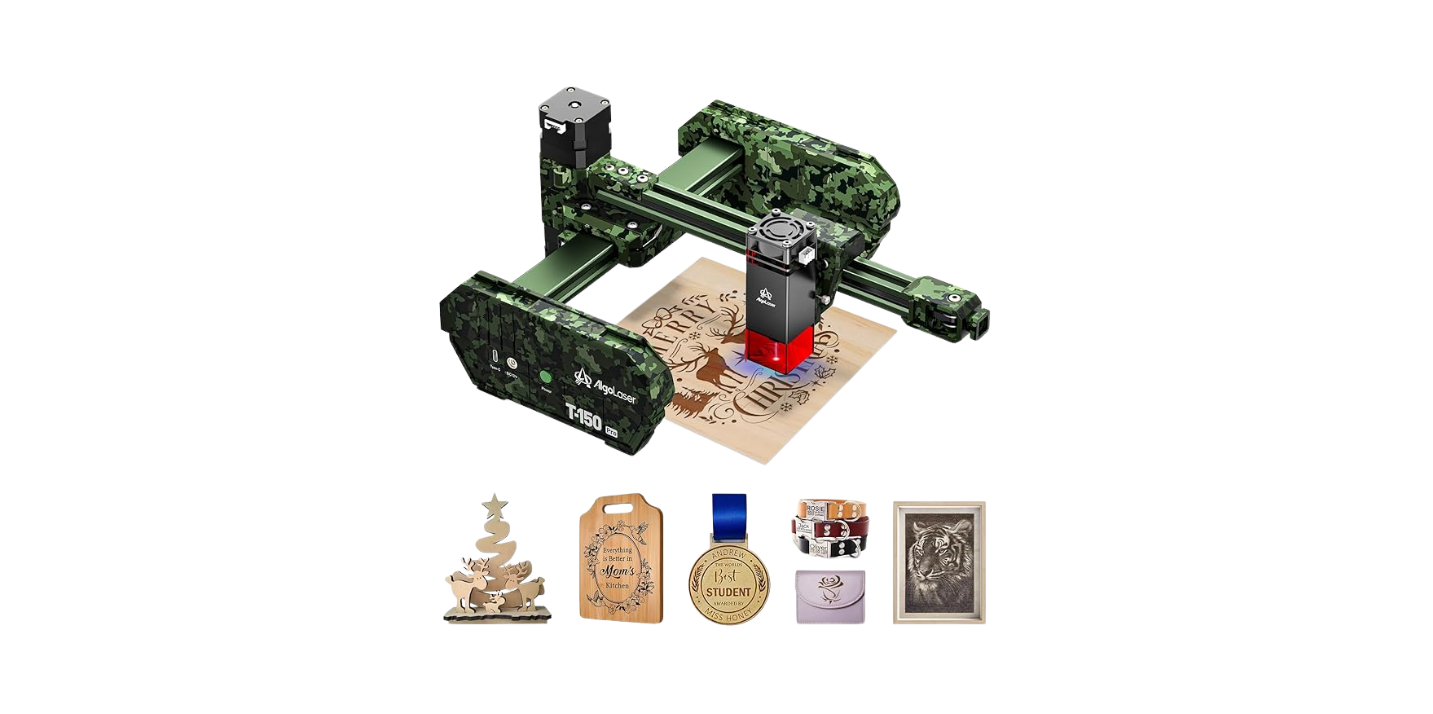
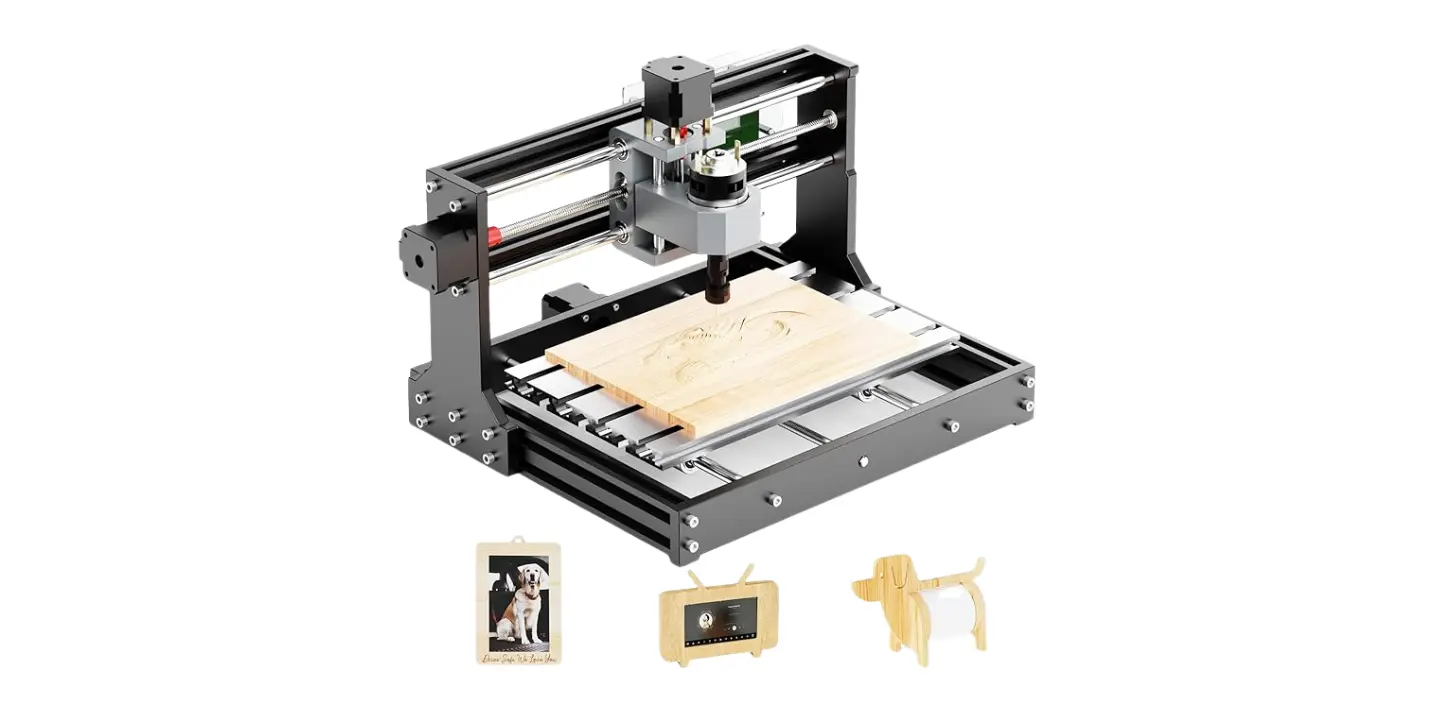
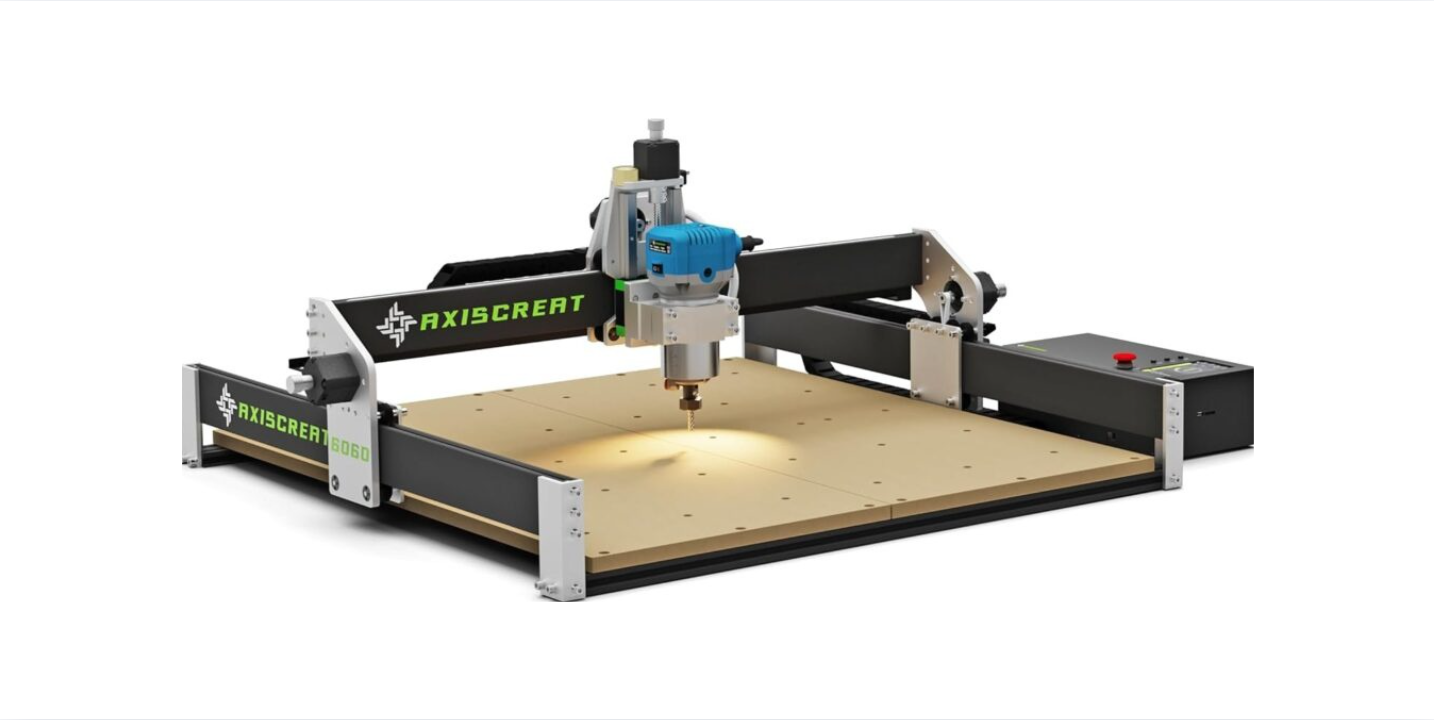
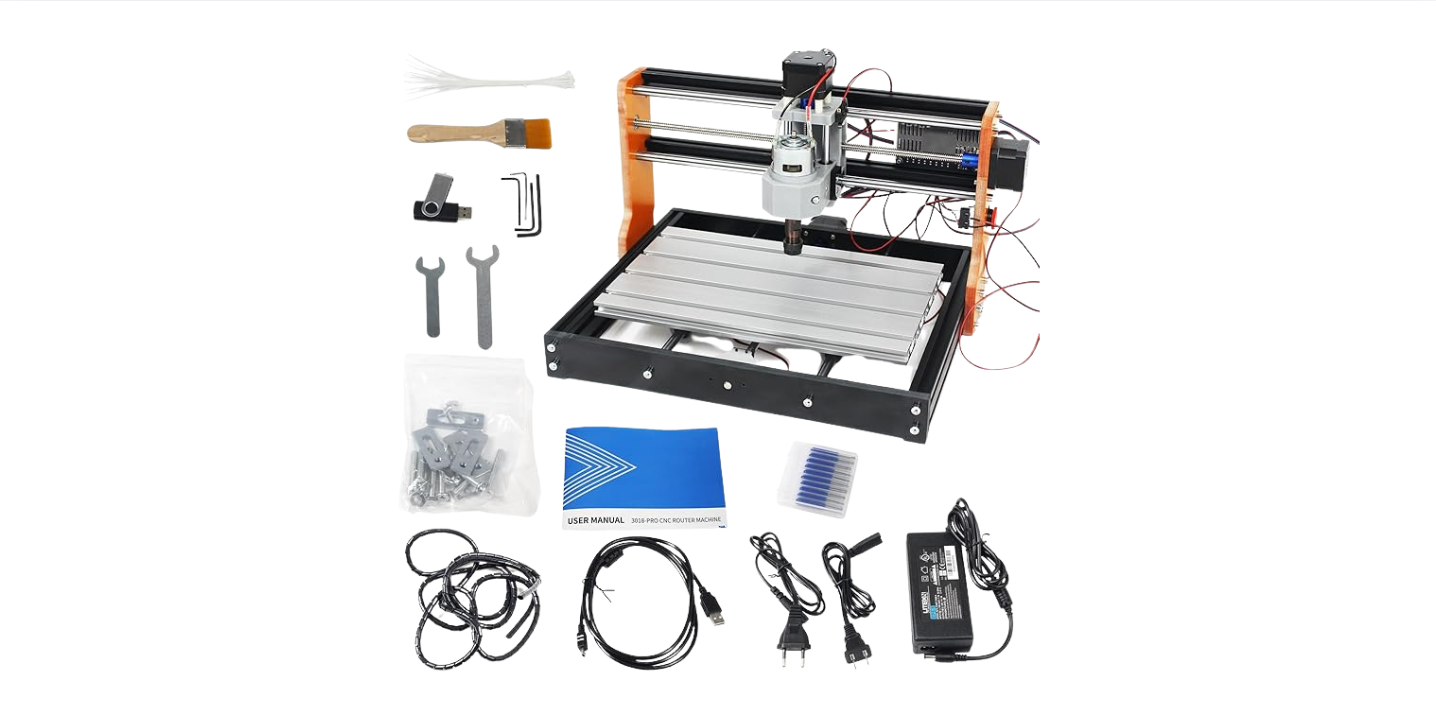
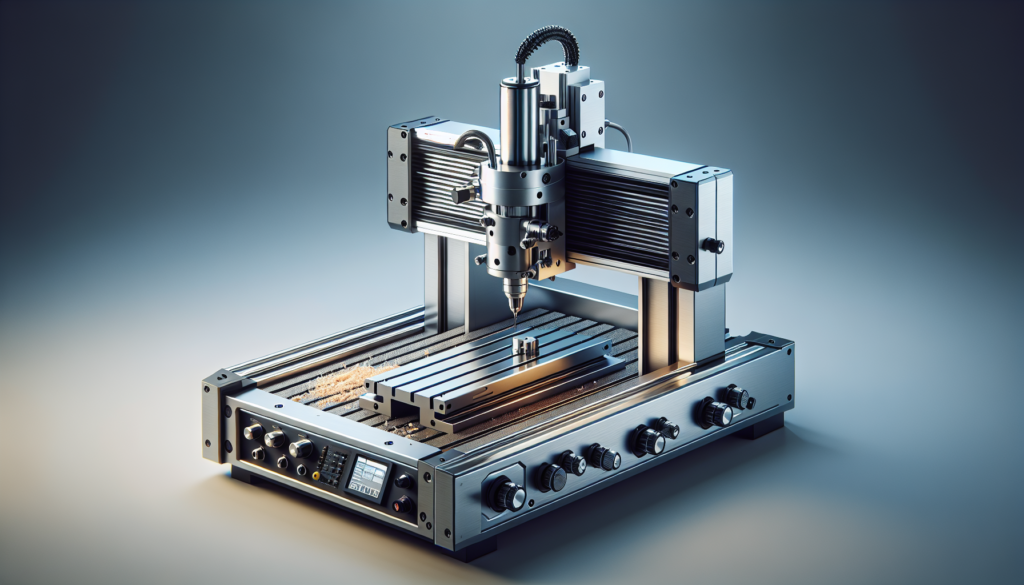
Desktop machines are for shops, studios, and garages. They’re compact, relatively affordable, and often designed for softer materials like wood, plastic, and aluminum. They can be surprisingly capable—especially with the right spindle and fixturing.
You pick a desktop CNC for prototyping, small production runs, and education. They’re ideal if your workspace is limited and you don’t need industrial-level throughput.
Portable CNCs
Portable CNCs are handheld routers with guided arms or compact gantries designed for on-site work: repairs, large-format routing, or jobs where moving the workpiece is impractical. They sacrifice some rigidity for mobility.
You’d buy a portable CNC if you work with boats, signage, large panels, or do maintenance and field service work where transporting the part to a shop is impractical.
Comparison table: Industrial vs Desktop vs Portable
This table gives a snapshot of strengths, weaknesses, and common uses to help you decide quickly.
| Feature / Type | Industrial CNC | Desktop CNC | Portable CNC |
|---|---|---|---|
| Typical footprint | 10-100+ m² | 0.5-3 m² | Minimal; fits in vehicle |
| Precision | 0.005–0.05 mm | 0.01–0.2 mm | 0.05–1 mm |
| Recommended materials | Steel, titanium, high-temp alloys | Wood, plastics, aluminum, soft steels | Wood, composites, plastics, sheet metal |
| Power / spindle | 5–30+ kW | 0.2–2.2 kW | 0.5–2 kW |
| Complexity | High; PLC, coolant, tool changers | Moderate; simpler electronics | Low-to-moderate; mechanical guides |
| Cost range (2026) | $75k–$1M+ | $1k–$35k | $2k–$25k |
| Best for | High-volume production, tight tolerance | Prototyping, small-run production | On-site large parts, signage, repairs |
| Setup required | Extensive (foundation, leveling) | Moderate | Minimal |
| Portability | Fixed | Semi-portable | High |
Core buying considerations
You’ll want to match machine capability to the work you actually do, not the work you imagine doing “someday.” Here are the core factors to weigh.
Materials you plan to cut
Different machines and spindles suit different materials. Aluminum needs rigidity and spindle speed that minimizes chatter. Steel requires high torque, coolant, and hardened tooling. Composites need dust containment.
You must identify your primary materials and be honest about the occasional exception. If you mostly cut wood but sneak in aluminum once a month, a desktop machine with an upgraded spindle and proper cutters will likely do the job.
Accuracy and repeatability
Accuracy tells you how close parts are to the intended dimensions. Repeatability tells you whether the machine will return to the same position reliably. The two are related but not identical.
If you’re making jigs, fixtures, or functional mechanical parts, aim for repeatability under 0.05 mm for small parts. For woodwork, tolerances can be looser. Always check quoted specs under cutting conditions, not just idle conditions.
Work envelope
This is the physical size you can cut. Measure your biggest parts and then add margin. A common mistake is to buy a machine that just fits a part—then realize you need clamps, fixtures, or space for tool change.
If you work on furniture or boat panels, consider gantry-style machines with larger beds or portable CNCs that move around the workpiece.
Spindle power and speed
Spindle power (kW or HP) determines what materials and cut depths you can handle. Speed (RPM) affects surface finish and cutting behavior. High RPM is good for plastics and light cuts; low RPM with high torque is needed for steel.
Match spindle specs to tooling and material. If in doubt, a variable-speed spindle with sufficient torque across the range is safer.
Axis configuration and expansion
Basic 3-axis machines move in X, Y, Z. 4-axis adds rotation (A-axis), and 5-axis adds more complex movement for contoured parts. More axes mean more versatility but also more complexity and cost.
Ask whether you need multi-axis capability now or might need it in future. Some industrial machines allow later upgrades.
Controller and software compatibility
Controllers can be proprietary (Siemens, FANUC, Heidenhain) or open-source/consumer-level (GRBL, Mach4, LinuxCNC). Software matters: the CAD/CAM workflow affects your productivity far more than raw machine specs.
Ensure the machine supports CAM packages you use or plan to use, or that you’re willing to learn new software. Proprietary controllers often require specific post-processors.
Tooling and workholding
Quality tooling and workholding often influence final part quality more than the machine frame. Consider collet types (ER20, ER32), tool changer compatibility, vice/clamp options, and fixture plates.
Spend budget on good cutters, spoil boards, and fixturing—these pay back quickly in efficiency and reduced scrap.
Safety features
Look for enclosures, emergency stop circuits, spindle braking, and dust extraction, especially with composites and wood. Industrial machines often include interlocked doors and coolant containment.
You’ll also need personal protective equipment (PPE) and training. Safety isn’t optional; it’s expensive to ignore.
Service, warranty, and parts availability
Check lead times for replacement parts, local service providers, and warranty terms. A cheap machine with no support can cost more in downtime than a pricier one with quick service.
If you can, buy from a dealer with local support or a manufacturer with global presence.
Cost breakdown and budgeting
You should budget beyond the initial machine cost. Here’s a realistic cost breakdown to consider.
One-time purchase and installation
- Machine price: industrial ($75k–$1M+), desktop ($1k–$35k), portable ($2k–$25k)
- Foundation and leveling: $1k–$50k for industrial
- Electrical upgrades: $500–$10k
- Dust/coolant systems: $500–$20k
- Shipping and rigging: $200–$10k
Consumables and tooling
- End mills: $10–$200 each
- Tool holders and collets: $50–$500
- Coolants and lubricants: ongoing
- Cutting fluids and filters (industrial setups): recurring
Software
- CAD/CAM: Free to $10k+ annually (Fusion 360, SolidWorks, Mastercam)
- Controller licenses: possible additional fees
- Post-processors and plug-ins: may cost extra
Training and labor
- Operator training: $500–$5k depending on vendor
- Programmer training for CAM: similar ballpark
- Time to tune and develop first parts: expect a learning curve
Maintenance and spare parts
- Annual maintenance: 2–6% of machine cost
- Spare parts (belts, bearings, tool holders): budget for unexpected replacements
Return on investment (ROI) considerations
You should estimate part cost vs. in-house production. Small-batch production and rapid prototyping show the fastest ROI. Industrial machines need steady production to justify their cost.
Detailed comparisons by use case
Below are common scenarios and recommended machine types and minimum specs.
Hobbyist / maker (wood, plastics, simple aluminum)
You’ll likely prioritize affordability, footprint, and ease of use. A desktop CNC with a 1–2 kW spindle, 500 x 500 mm bed, and a reliable controller will suit most projects.
Minimum recommended specs:
- Work envelope: 600 x 600 x 100 mm
- Spindle: 1–2 kW, ER11/ER16
- Controller: Mach4 or LinuxCNC-compatible
- Accuracy: 0.05–0.2 mm
Prototyping & small business (aluminum, small steel parts)
Here you need repeatability and the ability to change jobs quickly. A 3–5 kW desktop or small industrial machine with rigid spindle and decent axis travel will work.
Minimum recommended specs:
- Work envelope: 1000 x 500 x 300 mm
- Spindle: 2–5 kW, ER20/ER32
- Controller: Reliable brand or industrial-class open system
- Accuracy: 0.01–0.05 mm
Production manufacturing
Industrial frames, automatic tool changers, coolant systems, and hardened spindle bearings are standard. Choose multi-shift-capable machines with documented MTBF (mean time between failures).
Minimum recommended specs:
- Work envelope: depends on part size; often 1000–3000 mm ranges
- Spindle: 7–20+ kW, HSK/BT toolholders
- Controller: FANUC, Siemens, Heidenhain
- Accuracy: 0.005–0.02 mm (with proper tooling and setup)
On-site construction, signage, ship repair
Portable CNCs or large gantry systems that move around the workpiece are best. Look for robust guides, anti-backlash mechanisms, and good dust/water resistance.
Minimum recommended specs:
- Reach: fits panel/part dimensions; modular rail lengths common
- Spindle: 1–3 kW, high torque
- Accuracy: 0.1–0.5 mm (context-dependent)
- Rigidity and vibration control are more important than absolute speed
Software and workflow
Software shapes your workflow. You’ll move from CAD (design) to CAM (toolpath generation) to controller (machine execution). Choose software that matches your skill level and complexity needs.
CAD options
- Free/low-cost: FreeCAD, SketchUp (limited CAM), Onshape (free tiers)
- Mid-range: Fusion 360 (subscription), Rhino
- High-end: SolidWorks, Creo
You’ll pick based on part complexity, assembly needs, and team collaboration.
CAM options
- Beginner-friendly: Fusion 360 CAM, Vectric Aspire (great for woodworking)
- Advanced: Mastercam, PowerMill
- Open-source: PyCAM, FreeMill (useful for learning)
CAM choice affects postprocessors and tooling strategies. Cross-check compatibility with your controller.
Controllers and motion software
- Consumer/hobby: GRBL, TinyG, Smoothieware
- Professional: Mach4, LinuxCNC
- Industrial: FANUC, Siemens, Heidenhain
Make sure your controller can handle features you need like canned cycles, macro programming, and real-time overrides.
Recommended software table
| Software Type | Good for | Pros | Cons |
|---|---|---|---|
| Fusion 360 (CAD/CAM) | Hobbyists, small shops | Integrated CAD & CAM, cloud features | Subscription model |
| Vectric Aspire | Woodworkers, sign makers | Easy 2D/3D toolpath creation, good for relief work | Not ideal for complex metalwork |
| Mastercam / PowerMill | Industrial CAM | Powerful, optimized toolpaths | Expensive, steep learning curve |
| Mach4 / LinuxCNC | Motion control | Flexible, community support | Setup can be technical |
| FANUC / Siemens / Heidenhain | Industrial control | Robust, widely supported | Expensive and proprietary |
Tooling, cutters, and materials guidance
The right cutters, coatings, and feeds/speeds will make or break your results.
End mills and cutters
- Carbide end mills are versatile and hold up across many materials.
- Coatings like TiAlN or DLC can extend life in challenging conditions.
- Use specialty cutters for composites or nonferrous metals.
Choose feature-appropriate flutes (2-flute for aluminum, 3-4 flute for steels) and keep a range of diameters.
Tool holding and collets
- ER collets (ER11, ER20, ER32) are standard for many spindles.
- HSK and BT holders are common in industrial setups and provide better repeatability.
- Balance tool assemblies for high-speed spindles.
Cutting parameters
Feeds and speeds are not a law of nature; they’re guidelines. Start conservative and increase feed until chatter or poor finish appears, then back off.
Use CAM feeds/speeds calculators and manufacturer charts. Consider climb vs. conventional milling—climb milling typically yields better finish on CNCs but depends on setup.
Setup, fixturing, and workholding
How you hold work impacts accuracy more than machine specs.
Common fixturing options
- T-slot tables with clamps for flexible setups
- Vacuum tables for stone, composite, and thin sheet work
- Precision vises for metalwork
- Custom fixtures for repeat production
Design fixturing that supports the part near cut areas, avoids deflection, and allows chip evacuation.
Zeroing and probing
Probing systems reduce setup time and improve repeatability. Touch probes and tool length setters speed up multi-tool jobs.
If you don’t want a probe, develop reliable manual setups and reference points.
Safety and environmental concerns
You’ll want to protect yourself, your team, and your workspace.
Basic safety checklist
- Emergency stop within easy reach
- Proper guards and enclosures for shavings and coolant
- Dust extraction for wood and composites
- Coolant containment and disposal policy
- Hearing protection and eye protection for operators
- Fire extinguisher rated for workshop use
Environmental and regulatory considerations
- Disposal of coolant and cutting fluids must meet local regulations
- Noise and dust may require zoning or workplace compliance checks
- If you work with composites or fiberglass, respiratory protection and specialized extraction are essential
Maintenance and expected lifecycle
Machines need love. Regular maintenance prolongs life and accuracy.
Routine maintenance schedule (example)
- Daily: Clean chips, inspect tools, check coolant levels
- Weekly: Lubricate axis guides and ballscrews as recommended
- Monthly: Check belt tension, retorque fasteners
- Quarterly: Inspect electrical connections, run accuracy checks
- Annual: Full alignment and calibration by technician
Keep a maintenance log. It’s boring but pays dividends.
Common wear items
- Bearings and ballscrews
- Belts and pulleys
- Collets and tool holders
- Spindle bearings (over time)
- Coolant pumps and filters
Budget accordingly for replacements over the lifetime of the machine.
Tips for negotiating with vendors
You can often get better terms than the sticker price. Here’s how to be tactful and firm.
- Ask for bundled discounts on training, tooling, and software.
- Request a performance trial or demonstration cutting a part similar to your work.
- Clarify delivery, installation, and support obligations in writing.
- Negotiate spare parts kits and service contracts.
- Consider local resellers if you want on-site support.
If you treat the purchase like a partnership, you’re more likely to get post-sale help.
Decision checklist before purchase
Use this checklist before signing any purchase order.
- Have you tested or seen a machine cut similar material?
- Does the machine’s work envelope accommodate your largest parts plus fixtures?
- Are tooling and consumables available locally?
- Is the controller compatible with your CAD/CAM pipeline?
- Have you budgeted for installation, training, and maintenance?
- Is there documented post-sale support and parts availability?
- Do safety and environmental controls meet local regulations?
If you can’t answer these confidently, hold off.
Final recommendations by budget tier (2026)
These are high-level suggestions to guide final decisions.
Under $5,000
- Best for hobbyists, education, and light prototyping.
- Choose a reliable desktop CNC with good community support and modular upgrades.
- Invest in a decent spindle and quality cutters.
$5,000–$35,000
- Ideal for small businesses and serious prototypers.
- Look for machines with better frames, higher torque spindles, and a trustworthy controller.
- Allocate budget for CAM software and a proper workholding system.
$35,000–$200,000
- Good for scaling production and heavier metals.
- Prioritize uptime, support, and multishift capability.
- Include automated tool changers and coolant systems if you’ll run series jobs.
$200,000+
- Enterprise-level manufacturing with highest precision and throughput.
- Focus on integration, automation, robotics, and quality control systems.
Unexpected costs and common mistakes
You’ll be tempted to save on the things that matter most.
- Under-budgeting for tooling and fixtures: cheap cutters lead to poor parts and faster wear.
- Overlooking training: the machine won’t make parts on its own.
- Skipping proper flooring or foundation for heavy machines: misalignment costs production.
- Ignoring environmental controls: dust and coolant mismanagement shortens machine life.
Plan conservatively and accept a modest learning curve.
Closing thoughts (a modest confession)
You’ll find yourself strangely proud the first time a machine follows a toolpath without drama. You might also be startled at how fast you can generate a series of identical parts once you iron out workflows. Buying the right CNC is less about buying a machine and more about buying a future where ideas become objects at predictable cost and time.
If you treat the purchase as an investment in processes—software, tooling, and training—you’ll avoid many funny stories. But if you still end up with a tale about a clamp that flew like a small metallic comet across the shop, at least you’ll have learned something.
Now that you have the guide, measure twice, ask questions thrice, and pick the CNC that makes you feel like the sensible, slightly obsessive professional you are.