Have you ever turned on your portable laser engraver and felt like you’d started a miniature science fair that also happened to be auditioning for an industrial fan commercial?
You probably bought the machine because it promised precision and portability. What it didn’t promise, and rarely mentions in the glossy photos, is the chorus of noise, the heat that makes your coffee feel judged, and the invisible parade of fumes that insists on rearranging your lungs’ expectations. You’re not alone — most owners learn the sensory realities the hard way, and you’ll be much happier if you prepare for them now.
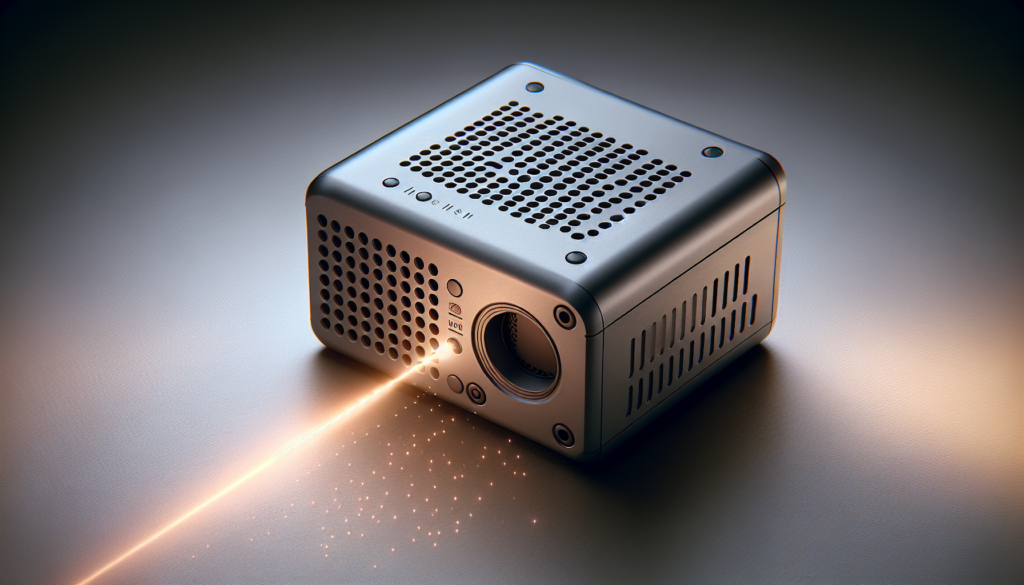
What a portable laser engraver is (and what it isn’t)
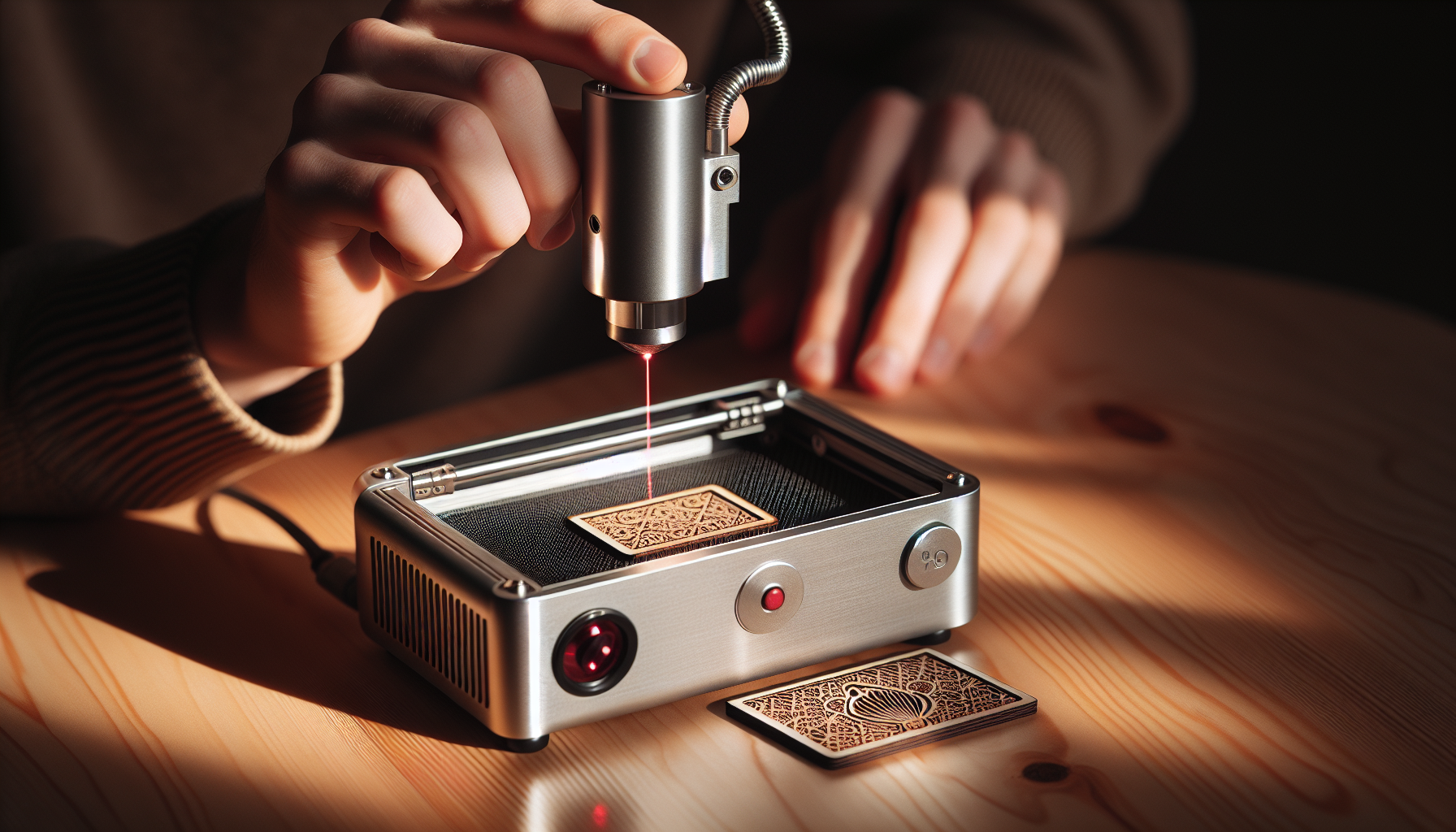
You know the basic idea: a focused laser beam moves over material to cut or engrave patterns. Portable models are designed to be light, compact, and somewhat flexible about where you use them.
They trade power and industrial features for convenience, which means some design decisions (ventilation ports, tiny fans, compact enclosures) show up as practical limits: noise, heat, and fume control become your responsibility.
Why noise, heat, and ventilation matter to you
You’ll care because these three elements affect performance, safety, and the environment around you. They influence how long you can run the machine, what materials you can work with, and how comfortable you’ll be while doing it.
Treating them as a package prevents surprises: a quiet machine with no ventilation isn’t helpful, and a well-ventilated unit that boils itself will be useless in a single job. You want an integrated approach to all three.
Noise: what you hear and why it matters
Noise isn’t just annoying; it affects your concentration, communication with others, and may violate local restrictions. The sound you hear is a mix of fans, motion systems, and mechanical resonance.
In portable units, fans are often small and fast-spinning, which can make a high-pitched whine. Mechanical elements (belts, stepper motors, linear rails) add a rhythmic hum and occasional clunk.
Typical noise sources in portable engravers
There are three common noise categories to watch for: airflow, motion, and mechanical resonance. Each has different causes and fixes.
- Airflow noise: intake and exhaust fans, ducting turbulence.
- Motion noise: stepper motors, belt slaps, rail friction.
- Resonance and vibration: loose panels, unbalanced components, enclosure amplification.
Typical noise levels (for context)
You need a sense of decibels to understand what’s acceptable. This table gives typical ranges and relatable comparisons.
| Source | Typical dB | What that feels like |
|---|---|---|
| Whisper or rustling leaves | 20–30 dB | Very quiet, barely noticeable |
| Quiet home | 30–40 dB | Background hum, light conversation possible |
| Portable laser fans + motion (idle) | 45–55 dB | Noticeable; you can still talk comfortably |
| Portable laser during heavy cutting | 55–70 dB | Loud; raises voice to speak nearby |
| Vacuum cleaner | 70–75 dB | Loud and intrusive for long periods |
| Blender, hairdryer | 80–90 dB | Potentially harmful over long durations |
You’ll notice that many portable engravers sit in the 45–70 dB band, meaning you’ll hear them clearly and may not be able to hold a normal conversation within a foot or two.
How to measure noise
You can use a smartphone app to get a ballpark measurement, but a dedicated sound level meter will be more accurate. Measure from the operator position and from adjacent rooms to understand real-world impact.
Record both idle and active operation because the difference can be large. Don’t forget transient spikes when the machine starts cutting or hits a limit switch.
Noise reduction strategies
You’ll want to reduce noise without sacrificing ventilation or cooling. Practical methods include:
- Isolation: place the unit on vibration-damping pads or a heavy, stable surface to prevent resonance.
- Enclosures: build or buy a sound-attenuating box with proper ventilation. Use acoustic foam on non-vent surfaces, but never block airflow.
- Fan upgrades: consider larger, slower fans or variable-speed controllers to lower RPM while maintaining airflow.
- Belt and motor maintenance: tighten belts properly, apply appropriate lubrication, and check mounts for looseness.
- Distance and barriers: move the engraver away from living areas, use doors or partitions to damp sound.
Heat: how it builds and why it matters
Heat is produced by the laser source, driving electronics, and the work itself. While heat is expected, unmanaged heat shortens component life and can warp materials.
You’ll see heat measured as temperature increases in the enclosure, hotter laser modules, or rising coolant temperatures in systems that use water cooling.
How lasers and components generate heat
There are a few main heat producers:
- Laser source (diode, CO2 tube, fiber): inefficiency causes waste heat.
- Power supply and drivers: electronics get warm under load.
- Motors: steppers and drivers dissipate heat during motion.
- Workpiece: some materials absorb energy and radiate heat back into the enclosure.
Diode lasers are generally more efficient than CO2 tubes, but every system needs a way to move heat away.
Typical heat levels and safe operating ranges
This table gives rough expectations; actual numbers vary by model and use.
| Component | Typical operating temp | Notes |
|---|---|---|
| Diode laser module | 25–50°C (77–122°F) | Keep below manufacturer max to avoid power drop or failure |
| CO2 tube exterior | 40–60°C (104–140°F) | Usually cooled; hot to touch risks |
| Power supply / drivers | 40–80°C (104–176°F) | Provide ventilation or heat sinks |
| Enclosure air temp during heavy use | 30–50°C (86–122°F) | High temps can affect electronics and material behavior |
You need active cooling if your machine operates near the high end of these ranges for long periods.
Cooling options: air vs. water vs. passive
Your choices affect noise and maintenance trade-offs.
- Air cooling: cheap, simple, and common. Fans move heat out but create noise and may struggle with sustained heavy loads.
- Water cooling: effective for steady loads and keeps lasers and drivers cooler. Pumps can be quieter than high-RPM fans, but leaks are catastrophic and maintenance is higher.
- Passive cooling: heat sinks and thermal conduction are silent but limited in capacity; not suitable alone for prolonged heavy work.
Each method has pros and cons. Water cooling reduces air temperature and allows higher average power, but the pump and radiator add parts, noise, and complexity.
Monitoring and controlling heat
You should monitor temperature in at least two places: near the laser module and inside the enclosure. Use thermal sensors with alarms if possible.
Active controls like automatic fan curves, coolant-temperature switches, and thermal shutdowns can save components and prevent fires. Don’t ignore the small, inexpensive sensors — they’re cheap insurance.
Ventilation: protecting your air and lungs
Ventilation is non-negotiable for many materials. Fumes and particulates can be toxic or simply unpleasant. You’ll want to control where they go and filter them properly.
Even when engraving “safe” materials like untreated wood, you’ll create fine particulates and VOCs. For plastics like acrylic or PVC, the stakes are higher — they can release hazardous gases.
Why ventilation matters for health and machine performance
Fume buildup can damage electronics, create corrosion, and deposit residue on optics and moving parts. Health-wise, chronic exposure to some fumes is linked to respiratory problems and other effects.
Ventilation also improves cut quality: by moving smoke away from the beam you reduce charring and improve edge definition.
Material-by-material ventilation considerations
Understand what you plan to cut. The table below summarizes common materials and the ventilation implications.
| Material | Typical fumes/particulates | Ventilation requirement |
|---|---|---|
| Wood (untreated) | Smoke, VOCs, particulates | Strong ventilation + filtration recommended |
| Painted/treated wood | Complex VOCs, heavy particulates | Avoid or use industrial extraction & PPE |
| Acrylic (PMMA) | Methyl methacrylate vapors | Exhaust to outdoors or activated carbon filter |
| PVC / Vinyl | Hydrogen chloride, chlorine gas, dioxins | Do not cut indoors; avoid entirely if possible |
| Leather (untreated) | Organic compounds including VOCs | Ventilation + filtration; treated leather can be worse |
| Rubber | Sulfur compounds, particulates | Avoid unless proper industrial extraction is present |
| Metals (marking/annealing) | Metal particulates, little VOC (depends on coating) | HEPA filtration for particulates; ventilation recommended |
This is a simplified guide: if you’re unsure about a specific substrate, look it up or test with extreme caution and good ventilation.
Ventilation approaches and components
You can mix and match ventilation elements to create a safe setup. Here are common components and how they fit.
- Inline exhaust fans and ducting: move fumes outdoors; effective if you can vent through a wall or window.
- Fume extractors with HEPA + activated carbon: filter particulates and absorb VOCs; portable and useful when outdoor venting isn’t allowed.
- Window kits and flexible ducting: temporary, cheaper solutions for home setups.
- Air purifiers with HEPA and activated carbon: good for ambient air, not a substitute for source capture.
- Source capture hoods and local extraction: take fumes right where they’re generated — most effective.
Choosing filters: HEPA, carbon, and beyond
Filters have roles:
- HEPA removes particulates down to 0.3 microns with high efficiency.
- Activated carbon adsorbs many VOCs and odors but saturates over time.
- Specialty chemical cartridges capture specific gases but are expensive.
A combined approach (HEPA + carbon) is often best for small shops: HEPA for particles, carbon for VOCs.
Setting up ventilation in small spaces
If you live in an apartment or small workshop, you’ll need creative solutions.
- Short duct runs to a window with an inline fan are effective and simple.
- Use a fume extractor close to the cut area to reduce what the room sees.
- If venting outdoors isn’t possible, don’t cut hazardous materials indoors — rent workspace or use services.
- Consider negative pressure: slightly lower pressure inside prevents fumes from migrating, but ensure fresh air supply so fans don’t starve.
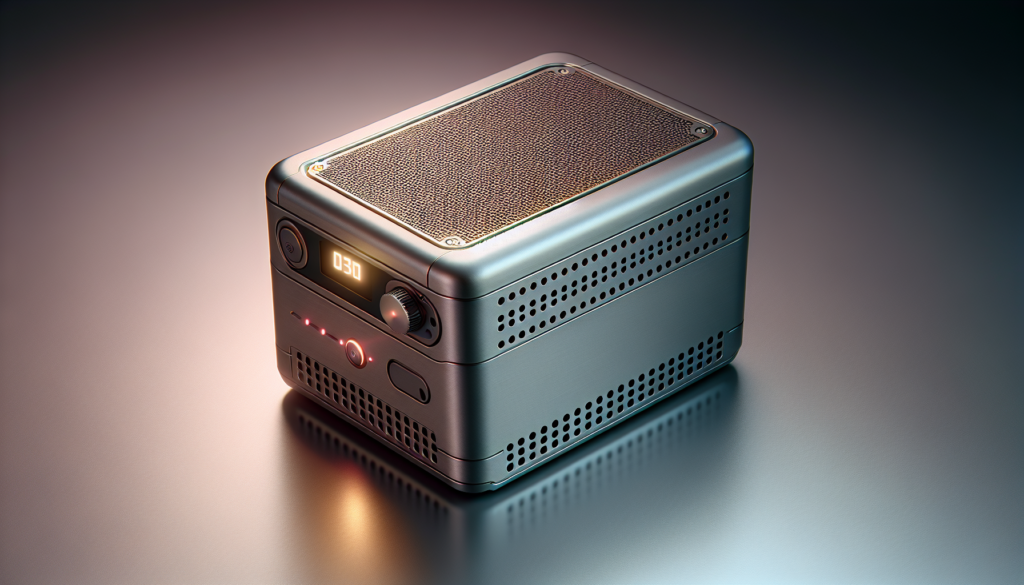
The interplay: how noise, heat, and ventilation affect each other
You’ll notice these three factors interact. A more powerful exhaust fan reduces fumes but increases noise. Water cooling lowers enclosure temperature but can be louder if the pump is cheap or poorly mounted.
Plan for trade-offs: a quieter fan at lower speed may not provide adequate ventilation; a powerful fan with proper ducting and mufflers can achieve both airflow and acceptable noise.
Practical trade-offs and optimizations
- Use larger, slower fans to get the same airflow with less noise — they’re efficient if you have the space.
- Move noisy components away from living spaces (put pump or large fans in a connected utility room).
- Insulate or box the machine for noise while providing dedicated, low-turbulence ducting for ventilation.
- Pair water cooling for lasers with external radiators placed away from the operator to minimize noise.
Best practices and routine maintenance
You’ll extend machine life and maintain a healthy workspace by regular checks and cleaning. Routine care reduces noise, manages heat, and keeps filters effective.
- Daily: wipe debris, check optical surfaces for residue, ensure fans are unobstructed.
- Weekly: clean filters, inspect belts and rails, verify coolant levels if applicable.
- Monthly: test temperature sensors, inspect ducting for leaks, replace activated carbon if saturated.
- Yearly: deep clean, professional servicing if necessary, replace worn mechanical parts.
A checklist you can use
Create a checklist you can work through before every session:
- Are filters clean and installed properly?
- Is the exhaust path clear and correctly connected?
- Are fans and pumps operating at expected speeds?
- Are belts tight and rails properly lubricated?
- Is the work area free of excess dust and flammable materials?
- Do you have PPE (glasses, respirator) and fire suppression nearby?
Safety and legal considerations
Regulations vary, but common sense and basic safety are universal. Don’t cut materials that produce highly toxic gases unless you’re in an industrial facility with appropriate extraction.
Noise ordinances can be surprisingly strict; if you’re in a residential building, check local rules and be considerate of neighbors. Venting through windows might be forbidden in some rental agreements — consult your lease.
Personal protective equipment (PPE)
- Eye protection rated for your laser wavelength is crucial for alignment and maintenance.
- Respiratory protection: a properly fitted respirator with organic vapor cartridges or P100 filters depending on materials.
- Gloves and safety clothing as appropriate, especially when handling hot or chemically treated workpieces.
Troubleshooting common problems
You’ll meet a few recurring issues; here’s how to handle them.
- Excessive noise: check fans (dirty or failing), look for loose panels, isolate vibration points, verify belt tension.
- Overheating: confirm fan and pump function, increase ventilation, reduce duty cycle, add thermal sensors and alarms.
- Strong fumes or odors: stop work, ventilate with a strong exhaust, check filters and ducting for blockage, avoid the material until you confirm safe extraction.
- Yellowed optics or poor cut quality: optics contamination from smoke — clean lenses and mirrors per manufacturer guidance, and improve extraction.
Buying guide: what to look for if you’ll be portable
If you’re shopping, prioritize features that reduce future headaches.
- Integrated exhaust port: makes ventilation simpler.
- User-adjustable fan speed and fan quality: quieter, controllable airflow is better.
- Thermal protection and coolant monitoring: avoids surprises.
- Solid mounting points and damping feet: reduce noise and vibration.
- Manufacturer support and parts availability: you’ll need replacement fans, filters, and belts eventually.
Questions to ask before purchasing
- Where will you operate it and can you vent to outdoors?
- What materials do you plan to cut or engrave?
- Does the unit provide thermal cutoffs and user-adjustable cooling?
- Are spare parts and filters easy to obtain?
Anecdotes and practical wisdom you’ll appreciate
You’ll learn faster from short stories than from manuals. Picture this: a friend of yours set up a gorgeous portable engraver in their studio, routed the exhaust to a window, and left a gap so the dryer could breathe. The fans worked, but the dryer resented the incursion and began a slow, noisy grudge against the house. You’ll laugh, and then you’ll seal the gaps.
Or consider the neighbor who mistook your engraving session for a distant construction project. A polite conversation and a promise to finish before 8 p.m. saved both the friendship and a complaint to the property manager. You’ll find timing and communication are often as important as physical mitigation.
Advanced tips and upgrades you might consider
If you want to get technical, here are upgrades that help balance the three issues:
- Install a variable frequency drive (VFD) or fan controller to tune exhaust speed.
- Use larger-diameter ducting to reduce turbulence noise and increase flow at lower RPMs.
- Mount pumps and fans on isolation pads to prevent structure-borne noise.
- Buy a combined HEPA + activated carbon fume extractor designed for laser use — these often work better than generic shop vacs.
Final thoughts and a practical philosophy
You’ll enjoy your portable laser engraver far more with some upfront planning. Think in terms of systems: noise, heat, and ventilation are not separate problems but parts of one living machine.
Accept a bit of trade-off, but never accept unsafe conditions. Invest in good extraction and monitoring, and respect your materials. A well-prepared setup will keep you cutting cleanly, sleeping soundly, and keeping friends who will still come over.
If you take one practical action today, measure noise and inspect your ventilation path before you begin your next project. You’ll save time, money, and perhaps a neighborly complaint or two. Keep things tidy, keep the air moving, and don’t be afraid to slow a fan down if it’s the difference between a tolerable hum and an industrial siren — just make sure extraction stays effective.