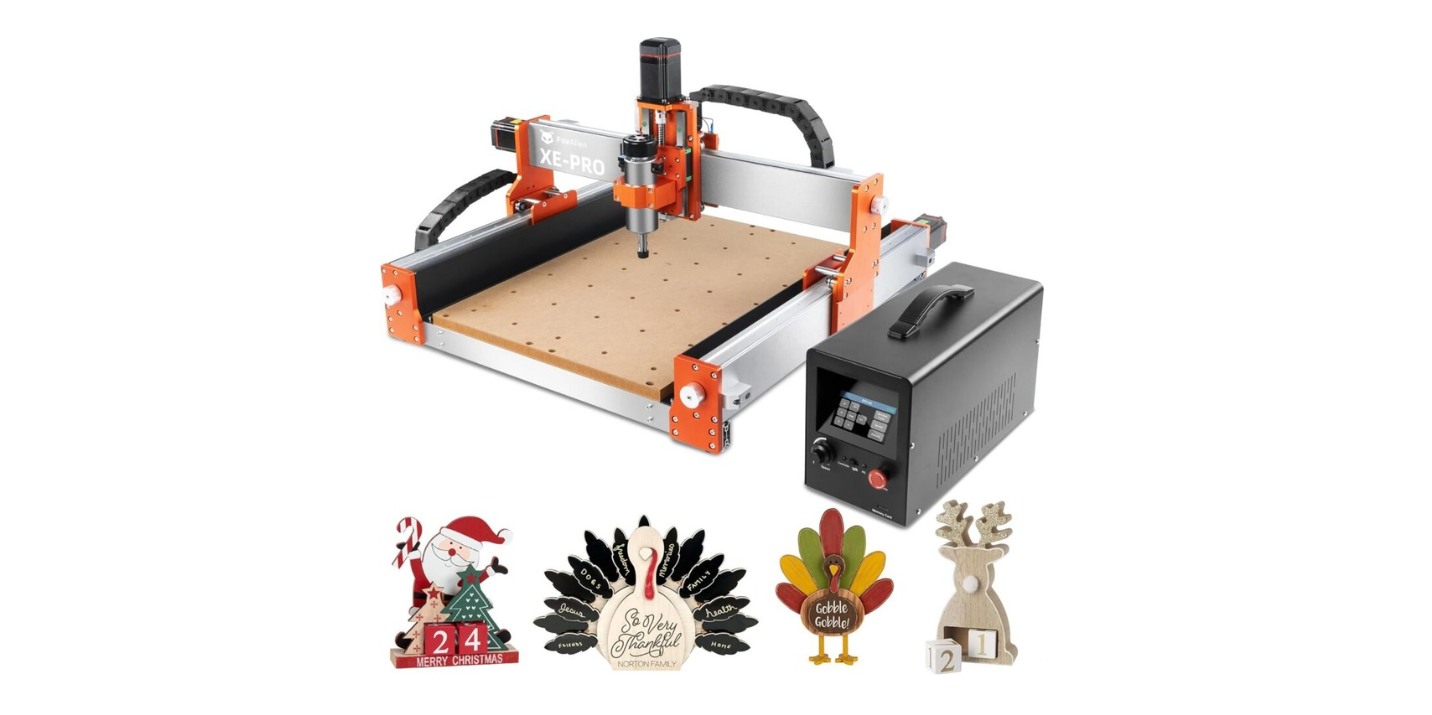
Have you ever stood in front of a multi-axis machine and felt equal parts awe and suspicion, like you were being judged for not knowing the correct sequence to tighten a clamp?
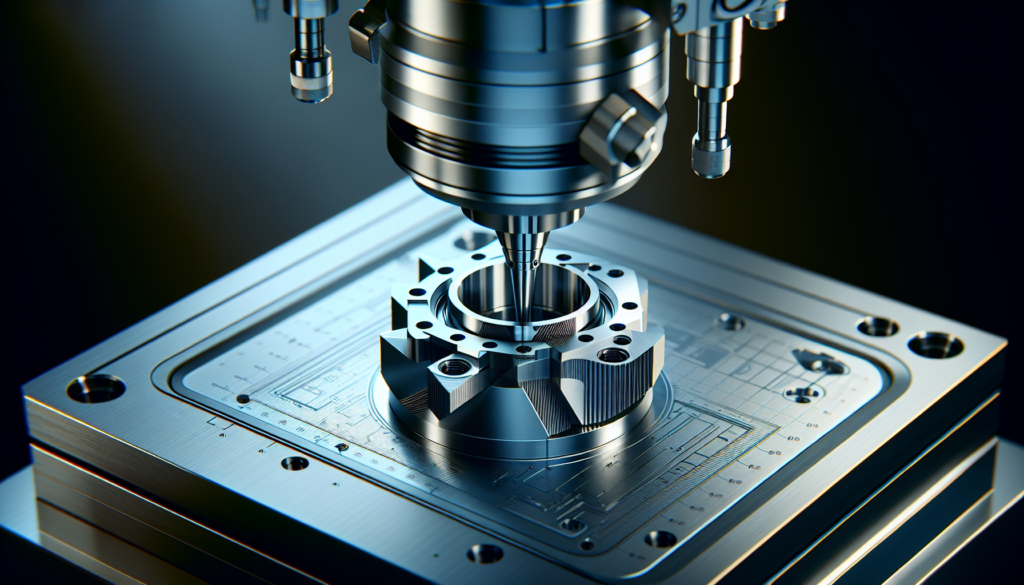
Mastering Multi-Axis Machining In 2026: Workflow, Control, And Error Prevention
You’re entering 2026 with a whole new set of expectations for multi-axis machining. The machines are faster, the controllers smarter, and the margin for human error smaller—but your ability to manage the workflow, control logic, and error prevention strategies makes all the difference between masterpieces and disaster cleanup.
Why multi-axis machining still matters in 2026
You’ve watched manufacturing trends come and go, but multi-axis machining remains central because it reduces setups, increases geometric complexity, and shortens lead times. In 2026, the technology pairs mechanical complexity with software sophistication, meaning your workflow must be equally coordinated.
A quick, slightly personal orientation to the problem
You might imagine a multi-axis machine as a dancer wearing safety goggles—graceful but capable of knocking over a vase. Your role is to choreograph that dance so the vase survives. This requires merging design intent, CAM programming, control behavior, and on-the-floor reality into one coherent routine.
What counts as “multi-axis” today
Multi-axis usually means 4, 5, or 6 axes of motion beyond the basic X, Y, Z. By 2026, you’ll also see hybrid solutions that combine rotary axes, linear motors, and robot arms. Expect more machines to blur the line between “mill” and “robot.” You need a clear sense of what capability you actually require for each part.
Evolution of the multi-axis ecosystem through 2026
The change from 2020 to 2026 is less seismic and more relentless. Controllers got smarter, CAM systems got predictive, and simulation systems turned into near-real-time digital twins. Your toolbox now includes AI-assisted toolpath generation, force and vibration monitoring, and improved collision checking.
New players and new expectations
You no longer tolerate a CAM package that produces inefficient, unverified toolpaths. Vendors now compete on integration and feedback loops: how well does the CAM talk to the CNC, the probe, and your cloud-based job scheduler? Your expectation is instant feedback and fewer surprises at the machine.
Machine types and axis configurations
You choose machines based on part geometry, production volume, and cost. Here’s a practical comparison to help you decide.
| Axis Configuration | Typical Use Cases | Strengths | Weaknesses |
|---|---|---|---|
| 3-Axis (X, Y, Z) | Simple prismatic parts | Low cost, easy fixturing | Multiple setups for complex geometry |
| 4-Axis (with A or B rotary) | Indexed features, gear teeth | Fewer setups than 3-axis | Limited continuous 4th-axis interpolation |
| 5-Axis (simultaneous) | Turbine blades, molds, aerospace | Single setups, complex contours | Programming complexity, higher cost |
| 6-Axis / Hybrid (robot + spindle) | Large, irregular parts | Flexible, reach, complex automation | Repeatability and stiffness concerns |
You’ll use this table when you’re deciding whether to upgrade an existing cell or rent cycle time on a specialist machine.
Workflow overview: from CAD to certified parts
Your workflow is the spine that holds a shop together. It’s a series of handoffs that need airtight communication to keep things from going wrong.
Stage 1 — Design & CAD
Designers set the intent and tolerances. You need clean geometry, well-defined datums, and an awareness of machining constraints at the start. If a design is “beautiful but unmachinable,” reality will make you responsible.
Stage 2 — CAM programming
This is where toolpaths are born. You’ll pick tools, define feeds and speeds, and generate strategies that balance stock removal with surface integrity. In 2026 many CAM systems will offer AI suggestions; you still must verify them, because AI lacks your sense of shop-floor pragmatism.
Stage 3 — Simulation & verification
Before any metal is touched, simulate. You must run collision checks, material-removal verification, and machine kinematics. Modern systems often provide a “virtual dry run” that imports your machine’s real axis limits, but you’ll still need to confirm fixturing and toolholders.
Stage 4 — Post-processing & transfer
Your post-processor translates CAM toolpaths into CNC-readable code. In 2026, dynamic post-processors that adapt code to machine-specific quirks are more common. You should verify the post with a “back-translate” or dry-run to prevent surprises.
Stage 5 — Setup & probing
You’ll locate the part, set work offsets, and probe datum points. Robust setup reduces runtime corrections. Automated probing routines now often link back to the CAM to update the coordinate system if the part shifts.
Stage 6 — Machining & monitoring
When metal meets cutter, real-time monitoring can detect chatter, broken tools, and overloads. You must decide which signals you trust and which you treat as optional noise.
Stage 7 — Inspection & feedback
Coordinate measuring machines (CMMs), in-process probes, and automated inspection systems provide feedback to adjust tooling, feeds, and CAM strategies for the next parts. This is where continuous improvement happens.
Designing for multi-axis: practical tips
Design choices drive machining complexity. A few design rules will save setups and money.
- Favor accessible features: make sure the spindle can reach necessary surfaces without extreme tilting.
- Use fillets instead of inside radii where possible to reduce tool engagement.
- Specify tolerances only where they matter: avoid wasting machining cycles on unimportant surfaces.
- Provide datum and orientation features that are machining-friendly.
You’ll be rewarded for designs that minimize the number of coordinate systems and axis rotations needed.
CAM programming best practices in 2026
You’ll be using CAM that supports simultaneous 5-axis toolpaths, adaptive clearing, and machine-specific kinematics. Here’s how to make programming effective.
- Start with a roughing strategy that uses adaptive clearing to keep chip load consistent.
- Use multi-axis tool axis control to reduce cutter engagement and avoid gouging.
- Validate toolholder geometry in the CAM environment to detect collisions early.
- Maintain a library of proven feeds, speeds, and strategies; treat AI suggestions as starting points.
- Keep tool assembly and holder models accurate; one wrong scale can ruin a part.
You’ll learn to trust established strategies more than novelty.
Post-processing and control compatibility
Your post-processor is the translator in a tense international summit; if it mistranslates, everyone blames you.
Post-processor standards and quirks
Most controllers accept conventional G-code, but look for controller-specific nuances: canned cycles, macro calls, axis naming, and special M-codes. By 2026, many shops will use post-processors that embed dynamic checks such as tool-change waits or probe calls.
Tips for a reliable post-process
- Keep version-controlled copies of post-processors for every machine.
- Test new posts in a machine simulator or on a low-risk program first.
- Document machine offsets, tool table formats, and macro support for the post-processor developer.
You’ll appreciate a post that behaves like an obedient but opinionated translator.
CNC control systems: what’s changed by 2026
Controller makers have focused on better path control, integrated connectivity, and safety features.
Key controller features you should expect
- High-speed lookahead for smoother multi-axis motion.
- Native networking (OPC UA, MTConnect) for real-time telemetry.
- Integrated probing cycles and tool breakage detection.
- User-programmable macros and safety interlocks.
You’ll rely on these features for both performance and error prevention.
Comparing popular control philosophies
| Vendor Type | Strengths | Typical Use |
|---|---|---|
| Fanuc-style (serial G-code focus) | Robust, proven kinematics, broad support | High-speed production mills |
| Siemens-style (integrated automation) | Tight PLC integration, surgical HMI | Complex cells, automotive |
| Heidenhain-style (conversational + high precision) | Excellent surface finish control | Toolroom, high-precision parts |
| Open controllers / robot integrators | Flexible, hybrid robot/mill setups | Large-format or non-standard parts |
You’ll notice that the best choice depends on your part mix and integration needs.
Monitoring and adaptive control: automated intervention
If machining is like driving, then adaptive control is your cruise control that compensates for hills.
What adaptive control does
It watches spindle load, vibration, and sometimes acoustic signatures, then adjusts feed rates or spindle speed to maintain steady cutting. Adaptive systems prevent tool breakage and extend tool life.
When to use adaptive control
Use it when material variability is high, for difficult-to-cut alloys, and when tool stability is marginal. Don’t forget to log when interventions occur so you can improve CAM strategies.
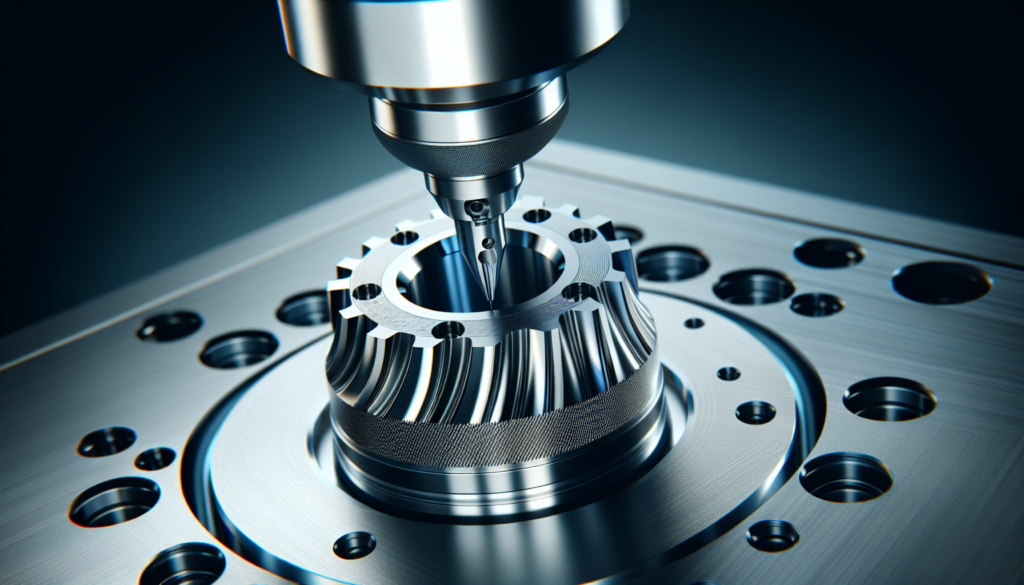
Error types and prevention strategies
Errors come in flavors: human, software, tooling, and setup. Each requires a different mindset to prevent.
Common error categories
- Toolpath collisions and gouges
- Wrong tool or wrong tool orientation
- Fixture misalignment or wrong work offset
- Machine kinematics misinterpretation
- Sensor or probe misreads
- Material anomalies and fixturing failures
You’ll want a layered defense: don’t rely on a single check.
Prevention techniques (layered defense)
- Simulation and virtual machine verification before the first cut.
- Probe-based setup and in-cycle probing to confirm positioning.
- Tool and holder verification with a standardized library and measurement.
- Real-time monitoring with alarms for overcurrent, excessive vibration, and unexpected axis loads.
- Post-process checks and dry-run on the machine with the spindle at low speed.
You’ll treat these as habits, not optional features.
Collision avoidance and kinematic singularities
You’ll sometimes see the machine hit a singularity, where small tool-axis changes amplify into big coordinate shifts. Preventing these requires smart programming.
How to avoid singularities
- Use collision and singularity maps in the CAM.
- Limit rapid axis rotation and use safe tilting angles.
- Use machine kinematic models that include axis travel limits.
- Introduce intermediate orientation moves when traversing complex paths.
You’ll be grateful for CAM programs that warn you before the machine gets confused.
Tooling, holders, and cutting strategies
Tool choice is as much an art as a science—by 2026 you’ll have more coatings, geometries, and adaptive toolpaths than ever.
Tool and holder best practices
- Keep exact models of toolholders in the CAM; many collisions are holder-related.
- Shorten overhangs; long tool extensions invite chatter and breakage.
- Use modular fixturing for repeatable setups that reduce human error.
- Match tool geometry to the operation: indexable cutters for high-volume roughing, solid-carbide for fine finishing.
You’ll learn that a small investment in tooling accuracy pays dividends in consistency.
Workholding and fixture design
Your fixture is the silent hero. It must be rigid, repeatable, and designed for access.
Principles of robust workholding
- Minimize deflection by supporting close to the cut areas.
- Use kinematic locating where repeatability is critical.
- Consider palletized systems for fast swaps on production lines.
- Integrate probing surfaces into fixtures for easier datums.
You’ll always prioritize rigidity over convenience.
In-process inspection and feedback loops
You’re not done when the spindle stops. In-process inspection lets you catch errors before an entire batch is ruined.
Probing strategies
- Use touch probes for datum setting and first-article verification.
- Use optical or laser scanning for high-speed surface checks.
- Implement closed-loop feedback where measured deviations update CAM or machine offsets automatically.
You’ll reduce scrap rates and improve process capability with integrated inspection.
Case study: a dramatic near-miss you’ll learn from
Imagine you programmed a 5-axis aircraft fitting with complex undercuts. The simulation looked clean, but the CAM library had an outdated holder model. The machine gouged the workpiece during a ramp move and snapped a carbide tool. Production stopped for eight hours.
You’ll recognize the lesson: always verify holder geometry and run a machine dry-run that includes full-axis moves. The money spent on a careful verification routine is cheap compared to an eight-hour stoppage and ruined billet.
Software integration: MES, ERP, and digital twins
You need software that plays nicely with the rest of your shop. Integration eliminates manual steps that create errors.
What to connect and why
- CAM to MES for job routing and work instructions.
- CNC telemetry to MES for tool life and utilization data.
- ERP to procurement for automated tool reordering.
- Digital twins to mirror real machine behavior for predictive maintenance.
You’ll find integration turns chaos into predictable throughput.
Cybersecurity and data integrity
As machines get more connected, they also become potential entry points for trouble. Protecting your control systems is not optional.
Basic cybersecurity practices
- Segment your network and use firewalls between shop-floor controllers and office networks.
- Use secure authentication and keep control firmware updated.
- Back up post-processors, tool libraries, and machine configurations regularly.
- Limit external USB or remote access and log any changes.
You’ll sleep better knowing your machines are not an open door.
Human factors: training and standard procedures
Technology only shines when people know how to use it. Training must be continuous and procedural.
Recommended training practices
- Use standardized checklists for setup, tool changes, and first runs.
- Run regular simulator sessions to practice emergency stops and axis recovery.
- Build a living document of “lessons learned” where any near-miss is analyzed.
- Cross-train programmers, operators, and maintenance staff so knowledge is shared.
You’ll find that simple checklists cut incidents dramatically.
Routine maintenance and calibration
A precise machine that drifts is still a problem. Calibration and maintenance prevent silent errors.
Maintenance checklist (examples)
| Interval | Task |
|---|---|
| Daily | Clean chips, check coolant level, quick visual for leaks |
| Weekly | Inspect filters, check spindle runout, verify tool presetter accuracy |
| Monthly | Calibrate probe, test backlash, check belt tensions and couplings |
| Quarterly | Full axis calibration, ball-screw inspection, drive parameters check |
You’ll keep logs of these actions and correlate them with part quality trends.
Error reporting and lessons learned
You should treat errors as forensic puzzles, not finger-pointing opportunities.
Steps for effective post-mortem
- Document the sequence leading to the error, including CAM version and post-processor used.
- Capture machine logs and any sensor data.
- Update procedures or CAM libraries to prevent recurrence.
- Share findings across the shop with visual examples.
You’ll build a culture that improves, not blames.
Checklist: pre-run readiness for multi-axis programs
Use this checklist before running a multi-axis job to reduce surprises.
- Confirm CAD geometry and tolerances.
- Verify tool and holder models in CAM.
- Run full 5-axis simulation including machine kinematics.
- Validate post-processor output for target controller.
- Dry-run program at reduced feed in the machine.
- Verify fixture and probe datums match CAM intent.
- Backup program and relevant parameters.
- Ensure monitoring alarms are active and thresholds set.
You’ll find that the checklist is worth more than any single piece of fancy software.
Common failures and quick fixes
When things go wrong, you want triage steps that are quick and effective.
- Symptom: Unexpected axis error or alarm. Quick fix: Stop, check actual axis positions against expected, and review recent command sequence.
- Symptom: Tool breakage. Quick fix: Inspect holder for debris, check tool preset offsets, and confirm tool path engagement.
- Symptom: Surface chatter. Quick fix: Shorten tool overhang, decrease feed per tooth, or change tool geometry.
- Symptom: Fixture shift. Quick fix: Re-probe and adjust offsets; investigate clamping torque and support points.
You’ll become adept at diagnosing symptoms quickly with a structured approach.
Emerging trends to watch through 2026 and beyond
You’ll notice certain trends that will shape your decisions.
- AI-assisted CAM that proposes optimal strategies based on historical data.
- Digital twins that simulate full machine behavior, not just kinematics.
- Increased robotic hybridization for large or oddly shaped parts.
- Greater automation in inspection with AI-based defect recognition.
- Cloud-based analytics for predictive maintenance and tool-life forecasting.
You’ll weigh these trends against real ROI rather than hype.
Final thoughts: mastering the craft, not just the tech
By 2026, multi-axis machining is as much about orchestration as it is about horsepower. You’ll benefit from building disciplined workflows, keeping equipment and software updated, and fostering a culture where errors are analyzed and prevented rather than repeated. The machines will always be smart enough to punish sloppiness, but not so smart that they forgive it. Your job is to be smarter in the ways that matter: preparation, verification, and thoughtful reaction.
You’ll leave this article with a plan: standardize your workflows, invest in simulation and probing, train your people, and keep a healthy skepticism about any “one-click” solution that promises perfection. Multi-axis machining will still be part wizardry and part elbow grease—and you’ll be the person who keeps both in balance.