?Have you ever stared at a block of wood and thought you could make it sing if only you had a small, precise beam of light and about $400 to $4,000?
How Portable Laser Engravers Compare Across Price Ranges
You’re reading this because you’re curious, or maybe you’ve already fallen prey to the silent siren song of laser-engraving videos on social media. Either way, you’re about to learn how portable laser engravers differ across price ranges, what you should expect at each level, and how to choose the right tool for your needs without turning your garage into a smoky art experiment. I’ll be frank: this is part technical guide, part matchmaking service, and part confessional, because you will probably end up engraving something ridiculous.
What is a portable laser engraver?
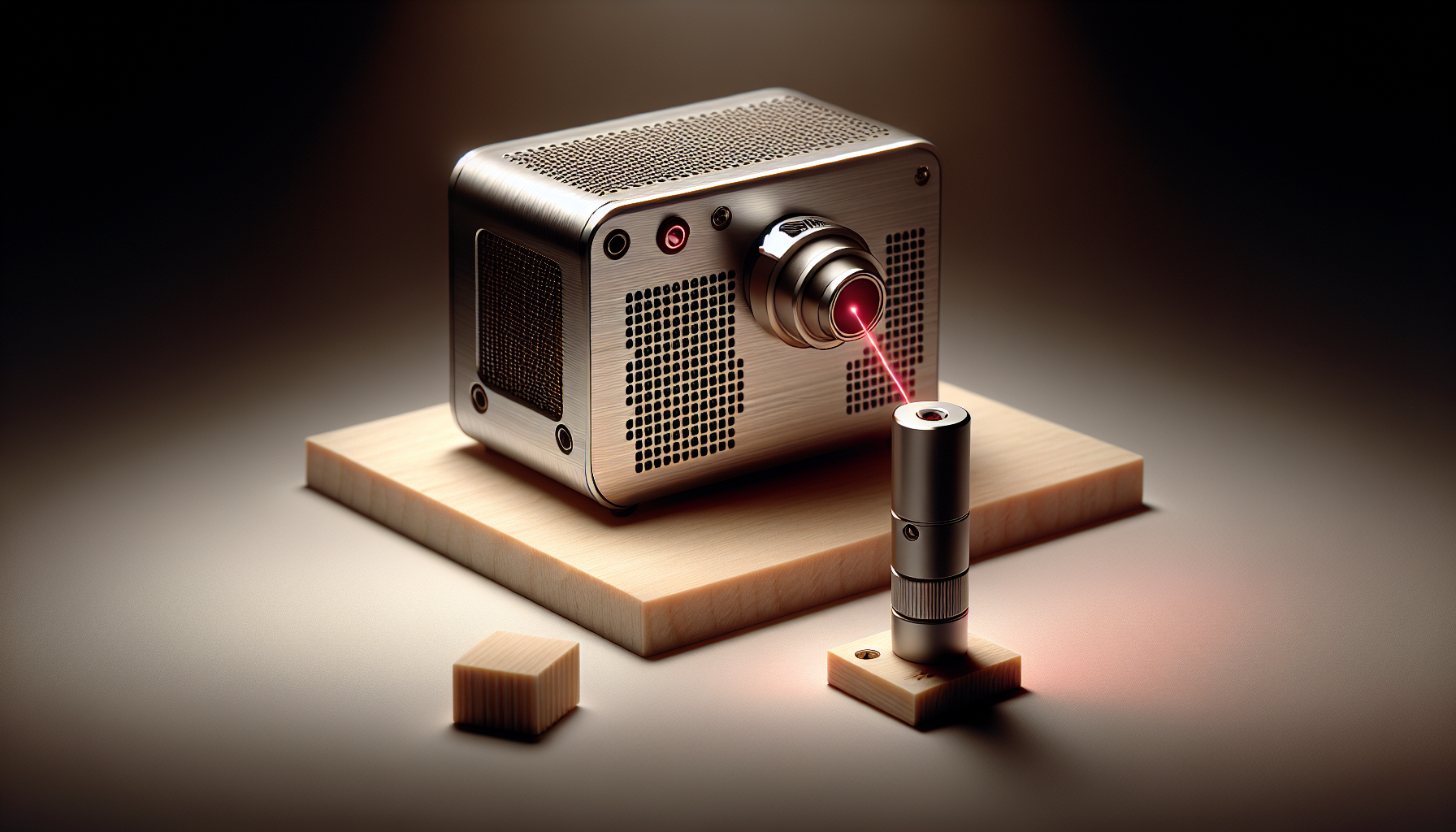
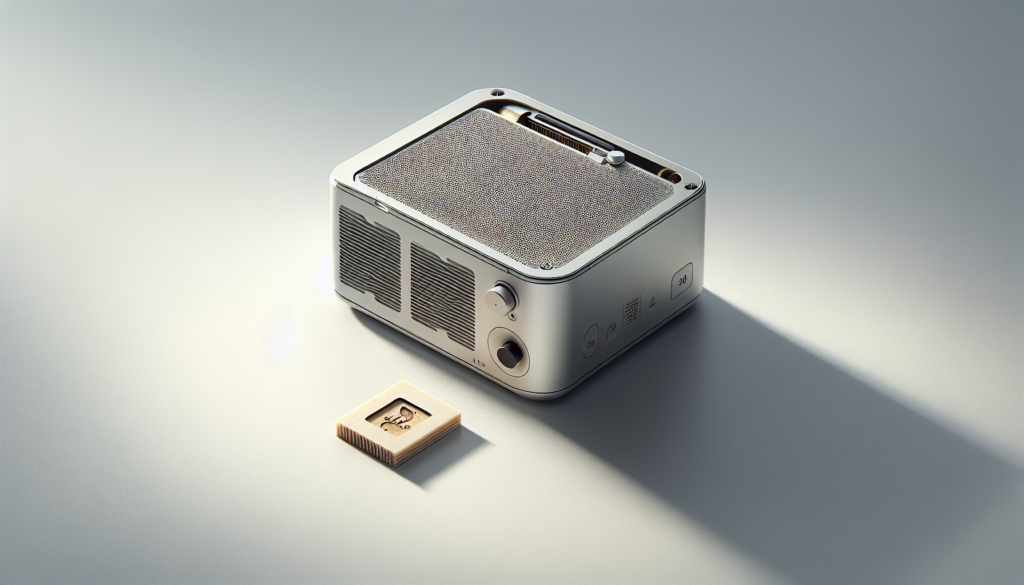
You might imagine a tiny locomotive of light, but an engraver is essentially a focused beam that vaporizes or alters the surface of material to create designs, text, or cuts. Portable laser engravers are compact units designed to be moved, stored, and used in smaller workspaces—your kitchen table, a craft room, or the corner of an office that believes it’s more artisanal than it actually is.
Why price matters
Price affects more than the number on your receipt; it changes power, precision, build quality, safety features, software, and the materials you can work with. If you want to treat your new gadget like a blunt instrument, a cheaper model might suffice; if you intend to make a modest fortune selling engraved cheese boards, you should think bigger.
Overview of Price Tiers
You will find portable engravers roughly grouped into four price tiers: budget, entry-to-mid, prosumer, and professional. Each tier attracts a different kind of user, from hobbyists to small businesses.
Budget (Under ~$500)
Budget machines are aimed at hobbyists and beginners who want to try engraving without a big commitment. They’re portable, cute, and sometimes frustratingly limited. Expect lower power, slower speeds, and simpler safety measures.
Entry-to-Mid (~$500–$1,500)
This category is where serious hobbyists live. You get better power and accuracy, more reliable software, and a broader range of supported materials. These machines can silently steal your free time.
Prosumer (~$1,500–$3,500)
Prosumer models bridge hobby and business. You gain higher wattages, sturdier builds, finer control, and better support. If you’re planning to sell goods at craft fairs, this is the sensible price region.
Professional (>$3,500)
Professional portable units—or portable-ish professional units—offer industrial features: high repeatability, advanced software, and sometimes compact enclosures. You’re buying performance, safety, and the ability to produce consistent quality at volume.
Key Specs and What They Mean to You
You’ll want to know the jargon because it decides how well the machine does what you envision.
Laser type and wavelength
Common types are diode (often 450 nm blue), CO2 (10,600 nm), and fiber (1,064 nm). Diode lasers are common in portable units and are great for wood, leather, and some painted surfaces. CO2 lasers cut and engrave non-metal materials well but are less common in truly portable models. Fiber is best for marking metals but is usually found in larger machines.
Power (Wattage)
Power determines how fast and how deeply the laser can cut or engrave. For engraving wood and leather, 2–5W diode lasers can work; for cutting thin materials, you’ll want more power. Higher wattage means faster work and the ability to handle tougher jobs, but also greater safety needs.
Resolution and accuracy
Measured in DPI (dots per inch) or micrometers, resolution affects detail. Higher resolution achieves finer engraving. For images and detailed text, aim for higher DPI or better stepper/servo control.
Work area and portability
Bigger work areas increase versatility but can sacrifice portability. Think about the biggest item you’ll want to engrave often. Portable units typically have work areas from roughly 100 x 100 mm up to around 400 x 400 mm.
Software and connectivity
Ease of use often hinges on software. Some machines use manufacturer apps, others accept standard formats (SVG, DXF, PNG). Wireless connectivity, smartphone apps, and compatibility with design software matter if you don’t like wrestling with drivers.
Safety features
Look for enclosures, safety switches, airflow/venting, or at minimum, laser-class labeling and clear operating instructions. Cheaper models may skimp on enclosures or interlocks—more advanced models have fail-safes and professional certifications.
Side-by-Side Comparison Table by Price Range
This table summarizes typical characteristics you’ll find in each price tier. Consider it the cheat sheet you’ll return to when choosing, like a grubby bookmark in the book of your life decisions.
| Price Tier | Typical Laser Type | Power | Work Area | Best For | Typical Pros | Typical Cons |
|---|---|---|---|---|---|---|
| Budget (<$500)< />d> | Diode | 1–5W | 100–200 mm | Small crafts, trial | Very affordable, portable | Slow, limited materials, safety basics only |
| Entry-to-Mid ($500–$1,500) | Diode / small CO2 | 5–20W | 150–300 mm | Serious hobbyists, small gifts | Better power, more materials | Still not industrial, moderate learning curve |
| Prosumer ($1,500–$3,500) | Diode / CO2 | 20–60W | 200–400 mm | Small business items | Fast, reliable, better support | More costly, needs ventilation/safety |
| Professional (>$3,500) | CO2 / Fiber | 60W+ | 300–500+ mm | Production, metal marking | High performance, repeatability | Expensive, less truly portable |
Materials and What to Expect by Price
You will soon learn that materials have feelings—some beg for finesse, others just want to be set on fire elegantly.
Wood and plywood
Wood is forgiving and highlights engraving well. Budget lasers can do fine work on soft woods. For thicker hardwoods or frequent cutting, aim for prosumer or professional machines.
Acrylic and plastics
Some plastics engrave well and look brilliant; others release toxic fumes. CO2 lasers handle acrylic cutting better than diodes. If you plan to cut acrylic frequently, consider a machine with appropriate exhaust and a CO2 system.
Leather
Leather responds well to diode lasers and looks lovely when engraved. For darker, deeper marks, higher power helps. Avoid punching holes in precious, expensive hides unless you’re prepared to learn.
Fabrics
Natural fabrics like cotton engrave and cut nicely. Synthetic fabrics can melt and create nasty fumes. Always test and use proper ventilation.
Metals
Marking metals often requires fiber lasers or marking pastes for diode lasers. True cutting or engraving of metals usually sits outside small portable diode machines’ abilities.
Glass and stone
Etching glass and some stones works well with diode lasers for engraving; CO2 also does this well. Cutting crystal or thick glass remains challenging and requires special setups.
Paper and card
These are easy: fast results, but watch for fire. Low-power settings can engrave beautifully.
Safety, Ventilation, and Legal Considerations
You might be eager to make your first coaster, but the first thing you should be eager about is safety. You do not want to discover the unique scent of burned safety ignorance.
Laser class and eye safety
Lasers are classified from 1 (safe) to 4 (dangerous). Portable engravers are commonly class 1 (when enclosed) or class 4 (open-beam diodes). Wear appropriate eyewear if the unit isn’t fully enclosed.
Ventilation and fumes
You will produce smoke and often toxic fumes, depending on the material. Always engrave in a well-ventilated area or use an exhaust and filtration system. Don’t assume “it smells like a campfire” means it’s harmless.
Fire risk
This is not a romantic risk. Keep a fire extinguisher nearby and never leave the laser unattended during operation.
Local regulations
Check local laws and insurance requirements if you’re going to sell items. Some areas have restrictions on certain chemicals or require proper disposal of some waste.
Ease of Use and Workflow
If you’re starting out, you’ll appreciate machines that don’t require ritual sacrifice to get a simple text engraved.
Learning curve
Budget machines often demand patience and tinkering; entry-to-mid and prosumer models usually have friendlier software. Professional units can be complex but efficient.
Software friendliness
Machines that accept standard file formats and integrate with common design tools save you time. Closed ecosystems might be simpler but limit options.
Repeatability
If you’ll produce many identical items, repeatability matters. Higher-tier machines offer better firmware, encoders, and mechanical rigidity for consistent results.
Maintenance and Longevity
You will clean it, align it, maybe curse at it, but proper maintenance extends the machine’s life.
Common maintenance tasks
- Cleaning lenses and mirrors (for CO2 systems) or lens surfaces for diode systems
- Checking and tightening belts/rails
- Recalibrating alignment
- Replacing consumable parts (focusing lenses, belts)
Expected lifespan
Budget units may last a few years under heavy use; prosumer and professional machines are built to last with proper maintenance.
Cost of Ownership Beyond the Purchase Price
Buying the machine is just the appetizer; accessories, consumables, and safety gear are the main course.
Consumables and accessories
You’ll likely buy:
- Replacement lenses and mirrors (CO2)
- Exhaust fan or air assist
- Replacement diode modules or tubes
- Gloves, goggles, and filters
Electricity and ventilation
High-watt machines use more power and may need dedicated circuits and dedicated exhaust to not ruin your living arrangement.
Software and support subscriptions
Some manufacturers charge for premium software or cloud features. Consider long-term costs.
Typical Projects by Price Range
You will judge your worth by the first coaster you engrave. Here’s what each price tier lets you realistically attempt.
Budget projects
- Simple wood coasters and ornaments
- Paper and card engraving
- Leather tags and keychains
- Light photo-style engraving on thin wood
Entry-to-mid projects
- Cutting thin acrylic for signs
- Deeper wood engraving and some cutting
- Custom phone cases and jewelry blanks
- More detailed image engraving on wood and leather
Prosumer projects
- Reliable batch production of coasters, signage, and small gifts
- Deeper cuts in wood and acrylic
- Leather goods with consistent results
- Light metal marking (with appropriate attachments)
Professional projects
- Production runs with repeatability
- Metal marking and industrial applications
- Large-format engraving and heavy-duty cutting
- Integration into business workflows with automation
Buying Checklist — What You Should Ask Before Buying
You will be tempted by aesthetics, but ask the following to avoid buyer’s remorse.
- What materials will I mainly work with?
- How big are the pieces I plan to engrave?
- Do I need cutting capability, or just engraving?
- How much power do I realistically need?
- Is proper ventilation and an enclosed space available?
- What safety features does the unit include?
- How reliable is the manufacturer’s support?
- Are replacement parts affordable and available?
Recommended Models by Use Case (Representative Examples)
You’ll find models change fast, but here are the kinds of machines you might consider per tier. These aren’t endorsements, but practical examples to orient you.
Budget examples
- Small diode engravers with 1–5W modules
- Great for beginners and low-cost experimentation
Entry-to-mid examples
- Mid-power diode or small CO2 machines with 10–20W
- Better for more demanding hobby projects
Prosumer examples
- 20–60W units with larger work areas and better firmware
- Designed for small businesses
Professional examples
- High-power CO2 or fiber marking units with robust enclosures
- Meant for production and industrial settings
Tips to Get the Most Value from Your Purchase
You will get more joy from doing than just owning. Follow these tips to make your machine worth every penny.
- Start with scrap and test materials before committing to the good stuff.
- Keep a notebook of settings that worked for specific materials.
- Use proper ventilation from day one.
- Learn design basics; cleaner designs often look better than ornate ones on low-res engravers.
- Invest in a basic digital caliper and a focus gauge.
- Join user communities for model-specific tips and pre-set libraries.
- Consider warranty and local support; they’re worth their weight in gold when things go wrong.
Troubleshooting Common Problems
Human error, software quirks, and mechanical temper tantrums are all part of the ownership experience. You’ll encounter a few common issues.
Poor engraving quality
Possible causes include incorrect focus, dirty lens, low power, or wrong speed settings. Test variables one at a time and log results.
Skipping or banding in images
Check belt tension, gantry alignment, and stepper motor performance. Mechanical rigidity matters.
Software not connecting
Confirm drivers, check USB or network settings, and try exporting to a standard file format. Sometimes a reboot of your entire life is what’s needed; software is stubborn.
Excessive smoke or burning
Lower power, increase speed, use air assist, and ensure proper ventilation. Sometimes material reacts in ways you didn’t expect—test first.
Financing and Where to Buy
You’re allowed to be strategic. Some stores offer financing, extended warranties, or bundle deals. Buying directly from manufacturers often gives better support, while marketplaces might have better prices. Always check return policies and shipping fees.
When to Consider Leasing or Renting
If you need a machine for a single project or want to test higher-tier performance before buying, renting or leasing can be smart. It spares you from a long-term commitment and gives real-world experience.
Environmental and Ethical Considerations
You probably don’t want to leave a trail of toxic waste. Some materials release dangerous fumes when lasered—PVC, vinyl, and certain dyed plastics are notorious offenders. Always know what you’re engraving and dispose of waste responsibly.
Final Comparison: What You Get for Your Money
If you picture price tiers on a shelf, the cheapest machines are like charmingly flawed thrift store finds; you love them for what they are. Entry-to-mid models are reliable friends that have figured out their lives. Prosumer machines are competent business partners. Professional models are the serious, slightly intimidating specialists who never miss a deadline.
Conclusion
You’ll make the best choice by balancing your budget, intended materials, workspace, and future goals. If you’re just testing waters, a budget or entry-level unit will likely satisfy your curiosity. If you plan to build a small business, spend accordingly on a prosumer or professional machine and invest in ventilation and safety. Whatever you pick, practice and patience will be your best tools—along with an extinguisher and a labeled notebook of settings.
If you find yourself engraving something absurd—like portraits of your cat on cutting boards—know that you are not alone. You’ll also probably learn more about materials science and your own creative limits than you expected. Take good notes, stay safe, and remember: the machine is only as good as the person feeding it design files, snacks, and occasional compliments.