Have you ever watched a laser trace a perfect cut and thought, with a little too much affection, that it’s the Mozart to a CNC machine’s Beethoven?
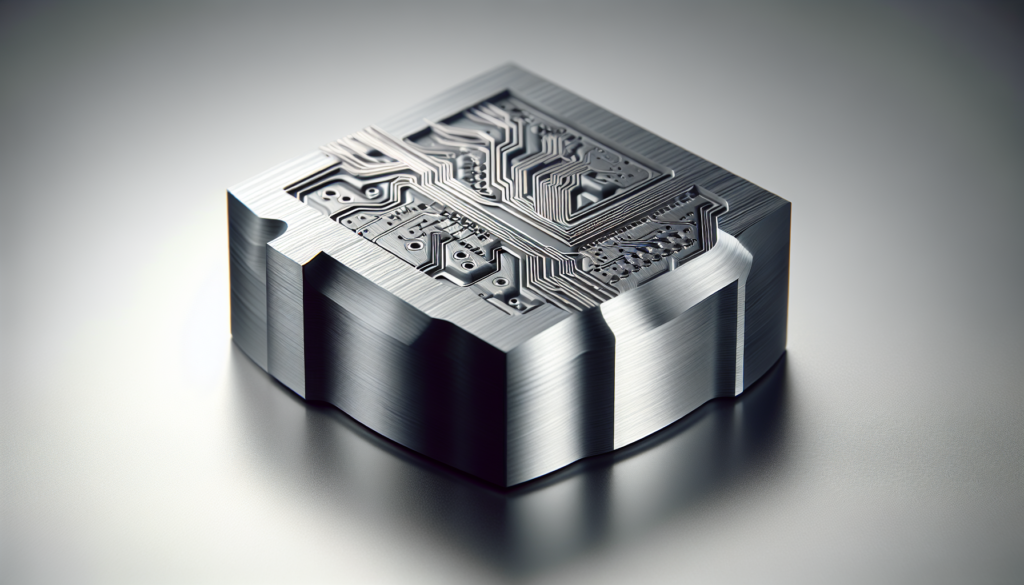
How CNC And Laser Systems Complement Each Other In Intelligent Workflows
You’re about to read a guide that treats machinery like characters in a reluctant buddy comedy, where logic and sparks meet routine and precision. The point isn’t sentimentality; it’s practical: when you pair CNC and laser systems thoughtfully, your shop’s throughput, quality, and flexibility can improve in ways that surprise you — and sometimes make you laugh at the little human errors those machines now refuse to repeat.
The Characters: CNC Machines and Laser Systems
You need to know what each tool brings to the table before you start imagining them holding hands. One is the loved, dependable artisan that carves away material; the other is the fast, elegant streak of light that can cut, mark, or weld with minimal fixturing.
What CNC Does Best
CNC (Computer Numerical Control) machines excel at removing material with cutting tools to create complex 3D geometry, tight tolerances, and repeatable surfaces. You use CNC for milling, turning, drilling, and routing operations where mechanical contact and rigidity produce highly accurate features and finishes.
What Lasers Do Best
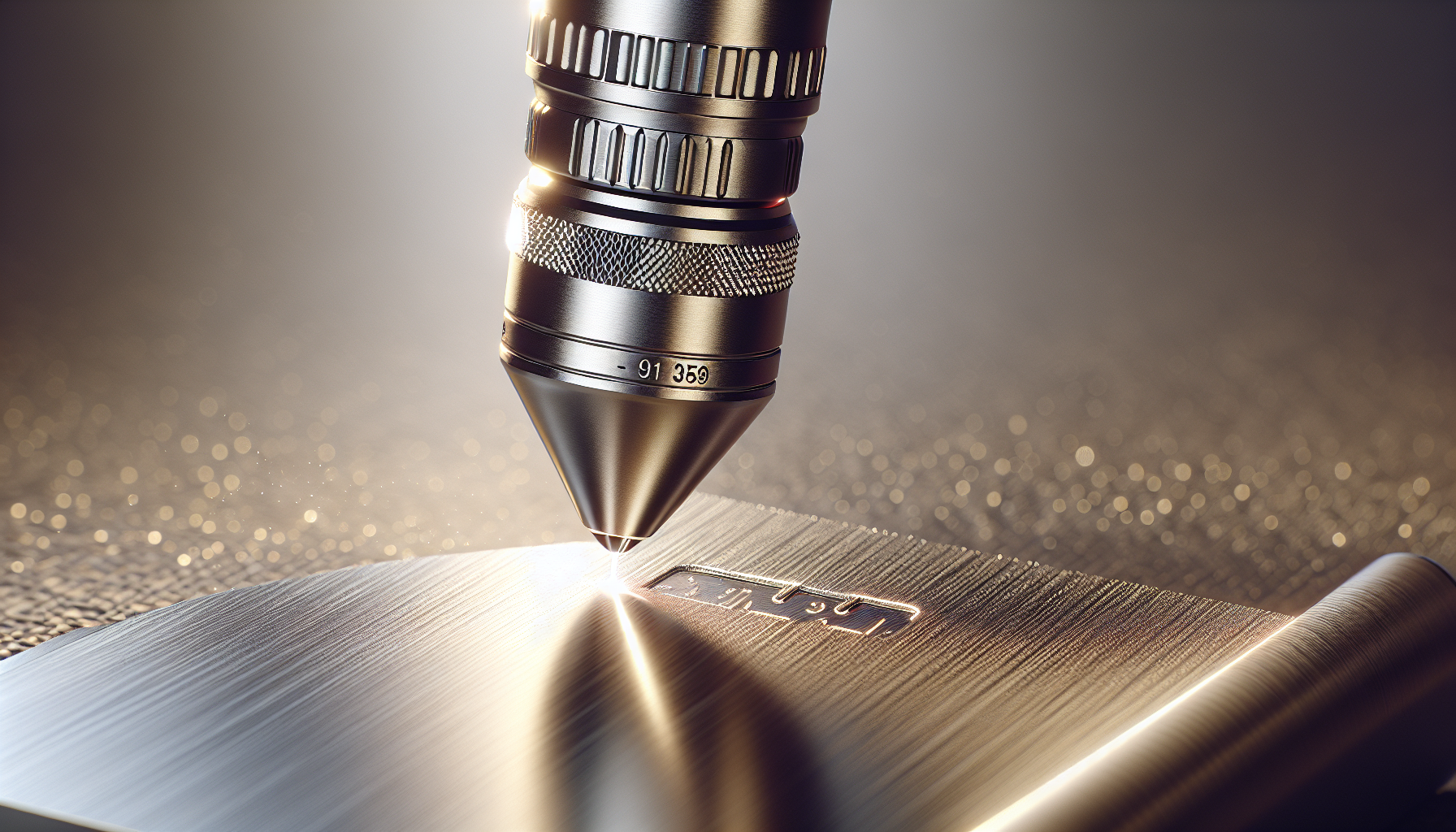
Lasers excel at non-contact cutting, marking, and joining with very localized heating and extremely fine kerf widths for two-dimensional and thin three-dimensional work. You use lasers where speed, minimal mechanical stress, and fine resolution are priorities — for sheet metal cutting, engraving, micro-machining, and heat-assisted welding.
Technical Differences and Complementarity
You don’t need to pick one over the other; you just need to match each tool to the part of the job it performs better. The interplay comes from understanding strengths and overlaps, then orchestrating them so that each machine handles the features that fit it best.
Process Types: Subtractive vs Thermal/Photonics
CNC is predominantly subtractive: mills and lathes physically remove material using fixed or rotating cutters under precise positional control. Lasers are thermal or photonic processes that add or remove material through melting, vaporization, or localized chemical change, all without direct mechanical contact.
| Aspect | CNC | Laser |
|---|---|---|
| Fundamental process | Mechanical cutting (subtractive) | Thermal/photonic ablation, melting, or chemical change |
| Best for | 3D geometries, tight tolerances, hard materials | Thin to medium sheets, fine cuts, marking, welding |
| Typical precision | ±0.005–0.05 mm (depends on machine) | ±0.01–0.1 mm (cuts vary with kerf & material) |
| Surface finish | Excellent (with toolpath & tooling choices) | Good for clean cuts; may require post-processing for edges |
| Heat-affected zone | Low to moderate | Present (depends on power, speed) |
| Common materials | Metals, composites, plastics, wood | Metals, plastics, wood, composites, ceramics (varies by laser type) |
| Speed for 2D cuts | Moderate | High |
| Typical applications | Complex forms, pockets, threads | Sheet cutting, marking, sealing, welding |
Material Considerations
You’ll pick processes based on how materials respond to mechanical cutting versus focused energy. Different alloys, laminates, and composites behave in unique ways when you machine or laser them.
| Material | CNC Suitability | Laser Suitability | Notes |
|---|---|---|---|
| Aluminum | Excellent | Excellent (requires parameter tuning) | CNC gives precise finishes; laser is fast for thin sheets. |
| Stainless steel | Excellent | Good (fiber lasers preferred) | Laser cutting of thick SS needs high power and assist gases. |
| Carbon steel | Excellent | Excellent | Laser is fast; watch for dross and HAZ. |
| Titanium | Excellent | Limited (thick work challenging) | CNC favored for critical aerospace parts. |
| Brass/Bronze | Excellent | Good | Reflective metals require fiber lasers or special handling. |
| Plastics (ABS, PMMA) | Excellent (depends on brittleness) | Excellent (CO2 lasers for many) | Watch fumes and melting; some plastics produce toxic gases. |
| Wood | Excellent | Excellent (CO2 lasers great for engraving) | Lasers excel at fine engraving and pattern cutting. |
| Composites (CFRP/GFRP) | Good | Increasingly used (special setups) | Lasers can delaminate; CNC may cause fiber pull-out. |
| Glass/Ceramics | Limited | Often better for marking or micro-cutting | Lasers can etch or micro-drill with the right wavelengths. |
Integration Points in Intelligent Workflows
Intelligent workflows connect machines, software, humans, and sensors so tasks flow smoothly. You want the parts that require the laser to be routed differently from those needing CNC; your workflow should make that routing automatic and logical.
CAM and Toolpath Optimization
You use CAM (Computer-Aided Manufacturing) to generate CNC toolpaths and laser cutting/gcode programs, and the software determines which features go to which machine. Good CAM systems let you assign operations — e.g., drilling pockets to CNC and external profile to laser — and then simulate the result so you avoid collisions and wasted time.
Fixtures, Fixturing and Nesting
Fixturing solves repeatability problems for both processes, but your needs differ: CNC often requires rigid, multi-axis fixturing; lasers benefit from flat, consistent material placement and stable support to prevent warping. Nesting optimizes sheet usage for lasers, while CNC nesting minimizes tool changes and repositioning.
Sensors, Feedback, and Closed-Loop Control
You get reliability and adaptive control when machines sense what’s happening and react. Sensors monitor temperature, power, focus, contact force, and vibrations; closed-loop systems can adjust feed rates, laser power, or tool paths in real time to maintain quality.
| Sensor Type | Role in CNC | Role in Laser | Benefit |
|---|---|---|---|
| Vision systems | Tool position verification, edge detection | Material alignment, mark reading, seam tracking | Ensures alignment and reduces scrap |
| Acoustic/AE | Tool breakage detection | Process anomalies, plasma detection | Prevents catastrophic errors |
| Thermal/IR | Spindle overheating, part temp | Monitor HAZ, detect burning | Protects part quality |
| Power monitoring | Spindle load, motor currents | Laser power stability, beam quality | Ensures consistent cutting/marking |
| Force/torque | Tool engagement, milling forces | N/A or for hybrid head force sensing | Protects fixtures and tooling |
Hybrid Systems and Co-located Cells
You can buy hybrid machines that combine laser heads with milling spindles, or you can create cells where lasers and CNCs sit side-by-side and hand off parts. Both approaches have merit depending on part complexity, required throughput, and shop layout.
Hybrid Machines: Benefits and Challenges
Hybrid machines let you do laser and mechanical operations in one setup, saving fixturing time and improving positional alignment between processes. The downside? Complexity in maintenance, higher capital cost, and operator skill requirements increase.
Cell-level Integration: When to Keep Separate Machines
You might prefer separate machines when you need specialized environments (e.g., inert gas for laser welding) or when throughput demands parallel processing. Separate machines also let you upgrade one technology without full system replacement and reduce risk of single-point failures.
Software Stack for Coordination
You’re juggling CAD files, CAM toolpaths, machine controllers, shop-floor MES, and sometimes ERP systems. Integration layers handle job routing, status tracking, and quality data flow so you don’t have to chase work orders.
| Layer | Typical Components | Function |
|---|---|---|
| CAD/CAM | SolidWorks, Fusion 360, Mastercam | Part design and operation planning |
| Machine Controllers | Fanuc, Siemens, GRBL (CNC); proprietary laser controllers | Execute toolpaths and laser pulses |
| Communication Protocols | OPC UA, MTConnect, EtherCAT | Standardize data exchange between devices |
| MES/ERP | Shop-floor scheduling, inventory | Job sequencing, historical traceability |
| Edge/Cloud | Edge compute nodes, cloud analytics | Real-time adjustments, long-term analytics |
| Visualization | Dashboards, digital twin | Performance monitoring and KPI tracking |
Edge Computing and On-Device Intelligence
You’ll see more intelligence at the device level: edge nodes process sensor data locally, reducing latency and allowing immediate corrections — for instance, adjusting laser focus or the milling feed based on live measurements.
Digital Twins and Simulation
A digital twin is your machine’s less flammable twin in software: you simulate operations to validate sequences, reduce setup errors, and predict maintenance, which saves time and money before you ever touch an actual part.
Practical Applications and Case Studies
You might imagine aerospace parts, but these integrations show up in furniture shops, medical device lines, and high-end jewelry ateliers. Wherever complexity, precision, and volume intersect, pairing CNC and laser systems yields benefits.
Sheet Metal Fabrication
In a sheet metal shop, lasers cut parts rapidly while CNC punches and bends add features and final dimensions. The workflow commonly routes raw sheet to a laser cutter for external profiles and to CNC for holes, threads, or complex 3D features, reducing secondary operations.
Example: You cut aluminum panels with a fiber laser, then machine threaded standoffs on a CNC mill in a single cell to keep tolerances aligned.
Aerospace Components
You need both precision contours and fine holes in aerospace parts. CNC controls critical aerodynamic surfaces while laser techniques produce light-weighting holes and precision markers without introducing tool chatter or mechanical stress.
Example: A hybrid path where laser pre-cuts thin pockets and CNC finishes critical sealing surfaces to maintain surface integrity.
Medical Devices
You want burr-free, sterile components. Lasers offer micro-cutting and marking for traceability, while CNC provides controlled surface roughness and tight fits for implants and instruments.
Example: Laser marking serial numbers on a part, followed by CNC finishing for fit-critical interfaces.
Signage, Woodworking, and Furniture
Lasers handle detailed engraving and 2D cutting patterns quickly, while CNC routers create joinery and 3D contours. You get ornate designs with structural strength when you combine them.
Example: Use a laser for decorative inlay patterns and a CNC for the dovetail joints that hold the piece together.
Electronics and PCB Processing
Lasers sing at cutting and singulating PCBs, while CNC drills precise hole patterns and forms connector features. Combining them reduces thermal stress on sensitive components when you sequence operations correctly.
Example Workflows: Mapping Tasks to Tools
You’ll want straightforward recipes rather than recipes that read like a Tolstoy novel.
| Task | Preferred Tool | Why |
|---|---|---|
| External profile of thin sheet | Laser | Speed, minimal clamping |
| Deep pocket with tight tolerance | CNC | Precise 3D control |
| Engraving serial numbers | Laser | High resolution, no contact |
| Threading | CNC (tap or thread mill) | Controlled mechanical threading |
| Weld seams on dissimilar metals | Laser (with filler or hybrid methods) | Localized heat, control of HAZ |
| Deburring corners | CNC (endmills) or brushing | Mechanical removal of burrs |
| Micro features (<0.1 mm)< />d> | Laser | Unmatched resolution in some cases |
Design for Manufacturing: How to Specify Parts to Use Both
You can design parts so that neither machine has to improvise. This is where your drawings become friends with the machines, not adversaries.
Design Rules and Tolerancing
Specify tolerances where they matter. Use CNC for critical fits and concentricity, and laser for features where thickness and edge quality are more important than concentric tolerances. Call out surface finish requirements explicitly to avoid surprises.
Part Marking, Serialization, and Traceability
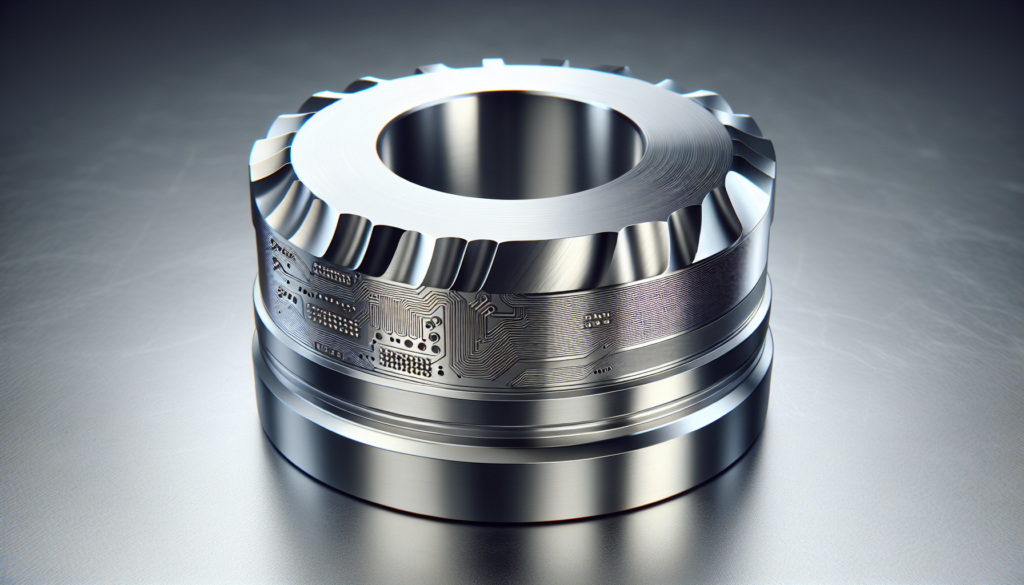
Use laser marking for permanent identifiers; it’s fast, precise, and leaves minimal stress on the part. Integrate unique identifiers into the workflow so laser marking occurs at a step when the part is stable and final surface conditions are met.
Quality Assurance and Post-Processing
Your quality program should understand both thermal and mechanical effects on parts. You’ll schedule inspection at points where either process could introduce variability.
Finish, Deburring, Annealing
Laser cuts can leave dross and a heat-affected zone; sometimes a light mechanical finishing or an anneal cycle resolves stresses and improves surface quality. CNC operations may need deburring to remove scallops and tool marks; pick the right abrasives and processes to meet finish spec.
Inspection Strategies
Inline inspection (vision checks, laser triangulation) catches alignment and mark quality; offline CMM inspections verify complex geometries. Statistical Process Control (SPC) feeds back into CAM settings to reduce variation over time.
Safety, Maintenance, and Sustainability
You handle safety and maintenance not as burdens but as the small, boring things that keep the fireworks looking good.
Safety Considerations
Lasers require class-specific enclosures, beam containment, and fume extraction. CNC machines need guarding, tool-change interlocks, and chip/coolant management. Training and lockout/tagout procedures protect you and your team from simple mistakes that escalate to expensive problems.
Maintenance and Consumables
Lasers have optics, nozzle wear, and gas supplies; CNC machines have tooling, spindle bearings, and coolant systems. Track consumable lifecycles (nozzles, lenses, cutting inserts) and schedule preventative maintenance using the data your machines produce.
Energy Use and Environmental Impact
You’ll save energy by using the right tool for the job — lasers on thin parts, CNC on heavy 3D work — and minimize material waste with nesting software. Don’t forget fume capture and filtration for certain materials; environmental controls keep regulations and your conscience satisfied.
Economic Considerations and ROI
You don’t buy machinery because it’s pretty (even though some of them are); you buy it to reduce costs, increase throughput, or enable products you couldn’t make otherwise. ROI models should include capital cost, lifecycle maintenance, floor footprint, and labor skill premiums.
Cost-Benefit Analysis
Calculate cycle times for combined workflows versus sequential processing on separate machines, including setup times and fixturing. Account for scrap rates and quality improvements when lasers reduce fixturing needs or when CNC reduces finishing steps. Sometimes a faster laser will pay for itself just by knocking minutes off a part and eliminating a separate operation.
Scaling Production and Workforce Skills
Scaling isn’t just buying another machine; you’ll need process engineers, maintenance staff, and operators trained to manage both thermal and mechanical processes. Cross-training reduces scheduling friction and keeps your floor flexible.
Implementation Roadmap: How to Add Laser to Your CNC Workflow
You don’t have to reinvent everything at once. Here’s a practical step-by-step you can follow.
- Audit your parts: Identify features best suited to laser or CNC. Document recurring jobs that could move to a combined workflow.
- Pilot a cell: Start with one part and integrate a laser and CNC in a small, controlled environment to test fixturing, sequence, and quality.
- Extend CAM: Invest in CAM modules that support both laser and CNC toolpaths and allow operation assignment and simulation.
- Add sensors: Equip machines with basic vision and power monitoring to create immediate feedback loops.
- Standardize fixtures: Design modular fixturing so parts can move between laser and CNC without realignment.
- Implement MES tracking: Tag parts with identifiers and use MES to route and track status automatically.
- Train staff: Cross-train operators and maintenance staff; focus on safety, optics maintenance, and spindle care.
- Measure KPIs: Monitor throughput, scrap, and downtime. Use data to iterate the process.
- Scale thoughtfully: Replicate successful cells rather than copying failures. Add redundancy for critical operations.
Final Thoughts
You’re building a system, not a shrine to one machine alone. Treat CNC machines and lasers as colleagues with different specialties: the mill that answers the complicated customer questions and the laser that gets straight to the point. When you coordinate their strengths with smart fixtures, software, and a little humility about what you don’t know, your shop stops being a chaotic stage and starts operating like a well-rehearsed ensemble — one that occasionally sparks, but in a good way.