Have you ever watched a carefully planned engraving turn into a lopsided, tragic little ghost of your design and wondered whether the machine had secretly enrolled in an arts-and-crafts rebellion?
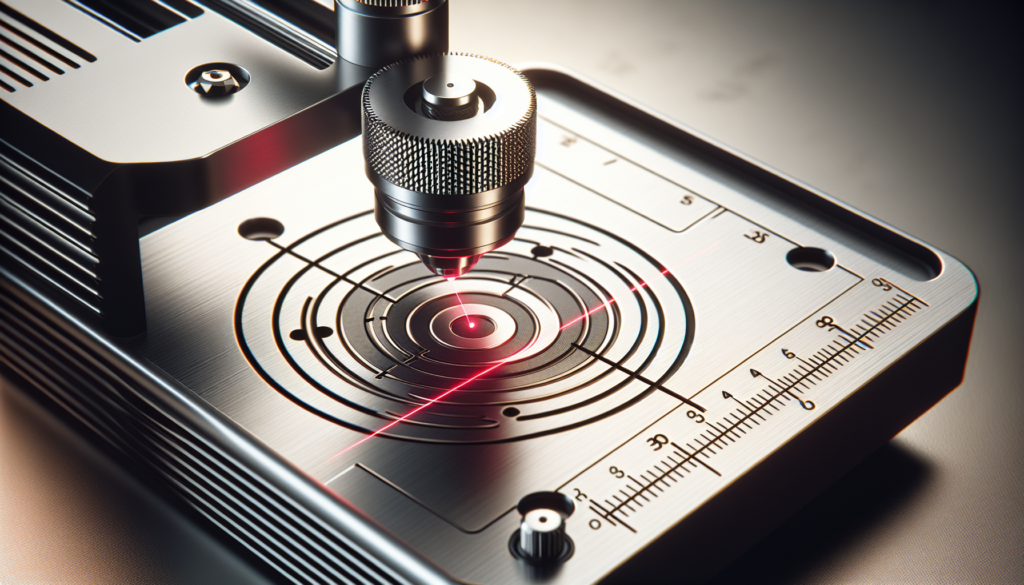
Calibration And Alignment In Portable Laser Engravers
This article walks you through everything you need to know to get your portable laser engraver singing in tune instead of performing interpretive dance. You’ll learn the practical steps for aligning optics, setting focus, creating test patterns, and maintaining reliable results every time you power up.
Why Calibration and Alignment Matter
You might think a laser is a laser and everything else is theatrics, but calibration and alignment are the difference between a crisp monogram and a burnt, wobbly approximation. When the beam path, focus, and motion systems are all correct, your cuts are cleaner, your engravings are consistent, and your materials survive in a way that makes you proud instead of apologetic.
The Basics of Your Portable Laser Engraver
Before you tinker, you should recognize the parts that determine quality. Portable engravers pack a lot of capability into a small frame, and each component affects alignment and calibration in its own quirky way.
Core Components and How They Affect Alignment
You’ll usually see the laser module, mirrors (if present), a focusing lens, the gantry or motion rails, belts or lead screws, a workbed, and the controller. Each of these can shift slightly over time — causing eccentric cuts, uneven power, or strange focal inconsistencies — so you’ll check them in the calibration routine.
Types of Portable Engravers
Most portable units are diode-based, though some small CO2 units exist. Diode lasers are compact and robust for travel, CO2 lasers are better for non-metal materials and larger cuts, and fiber lasers are uncommon in portable setups but excel on metals. Your calibration steps will be similar, but power management and optics differ by type.
Tools and Materials You’ll Need
You don’t need a laboratory, but a modest tool kit makes calibration painless. Gather these items before you start to keep frustration at bay.
- Laser safety goggles rated for your wavelength
- Allen keys and screwdrivers for mechanical adjustments
- A small mirror or beam target card
- A focus gauge or feeler gauge
- A digital caliper
- Masking tape and a permanent marker
- A set of test materials (scrap wood, acrylic, cardboard)
- A fire extinguisher or fire blanket (safety first)
| Tool | Why you need it |
|---|---|
| Laser safety goggles | Protect your eyes from scattered or reflected beams |
| Allen keys / screwdrivers | Tighten mounts, adjust belts and hardware |
| Beam target card / mirror | Visualize beam alignment without risky reflections |
| Focus gauge | Set consistent focal distances |
| Digital caliper | Verify distances and material thickness accurately |
| Masking tape / marker | Mark reference points and test lines |
| Test materials | Run calibration patterns without ruining good stock |
Safety First: Before You Start
You’ll want to treat your laser like a polite but unpredictable houseguest: keep it fenced in, fed (with electricity), and under supervision. Always use goggles, keep a fire extinguisher handy, ensure adequate ventilation, and never leave the machine running unattended, especially during calibration when you might be adjusting things mid-cycle.
Basic Safety Checks
Make sure the work area is clean, flammable scraps are removed, and your ventilation is active. Verify that any emergency stop or shutter functionality works. If your unit has an enclosure, use it; if not, use protective barriers and reduce reflections.
Understanding Beam Path and Optics
It helps to imagine the beam as a tiny, very impatient train. It starts at the diode, rides mirrors or lenses, and disembarks at the focal point; any misaligned track or slightly bent rail can send it happily into a wall instead of your material.
Mirrors, Lenses, and Focus
Mirrors redirect the beam, lenses focus its energy. A misaligned mirror gives you an offset beam; a dirty lens scatters energy and blurs detail. Small angular errors multiply across the path, so precision is key at each junction.
Beam Divergence and Focal Spot
Your beam widens or narrows depending on optics and lens quality; narrower is better for cutting and fine engraving, wider for diffuse marking. You’ll calibrate focal distance to achieve the smallest spot size for the best detail.
Preparing the Machine and Workspace
You’ll clean the lens, remove dust, and ensure belts and screws are snug without being overtight. A clean, level workbed and a machine at stable room temperature make calibration far less mysterious.
Mechanical Checks Before Alignment
Check belt tension so the gantry moves smoothly, not jumping like a startled rabbit. Verify that rails are clean and free of debris. Confirm the frame is square using a quick visual or a more formal squaring method with a ruler and calipers.
Rough Alignment: Mechanical and Optical
Start with coarse mechanical alignment; this is the foundation. If the rails are loose or the frame warped, no amount of optical fine-tuning will save you.
Belt and Rail Tension
Belts should be taut but not drum-tight. If you press a belt lightly it should deflect a little — about the distance you’d expect when you accidentally apply pressure to a piano string. Rails that are too loose cause backlash; too tight increases wear.
Checking Gantry Squareness
Use a right-angle reference or measure diagonally across the bed in both directions to make sure your rectangle is actually rectangular. If the diagonals differ, adjust the frame until they match.
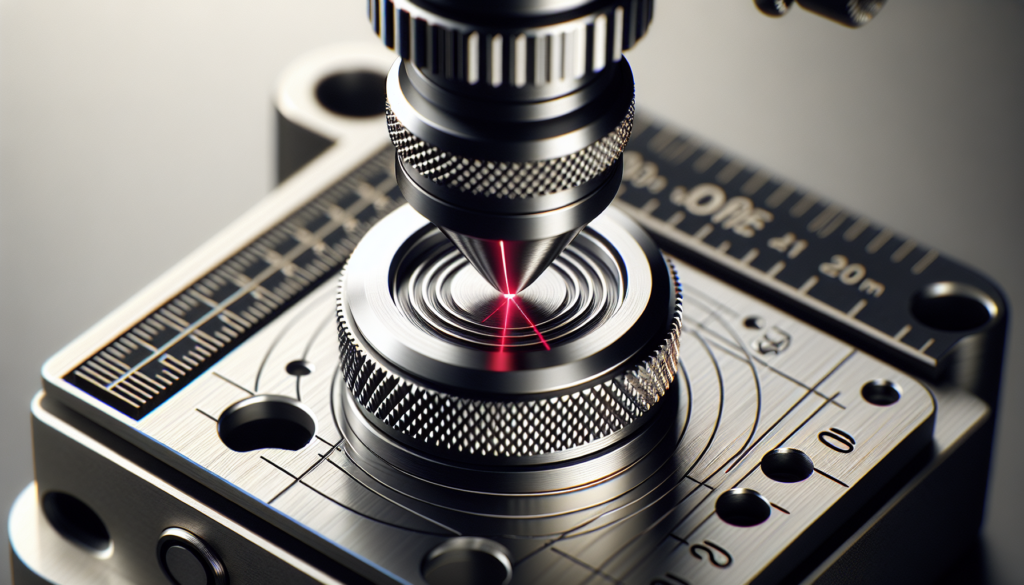
Mirror Alignment Procedure (for systems with mirrors)
If your unit uses mirrors to route the beam, you’ll spend meaningful time here. Mirror mounts should be tightened just enough to hold position but adjustable for tiny tweaks.
Step-by-Step Mirror Alignment
- Put on your goggles. This is not optional.
- Turn the laser to a very low test power; remove anything flammable from the bed.
- Use masking tape to mark the nominal center of the lens and the mirror targets.
- Fire single short pulses to show the beam spot on the first mirror target. Adjust the first mirror so the spot hits the center mark.
- Repeat for subsequent mirrors and finally the lens: each mirror affects downstream mirrors, so work upstream to downstream.
- Iterate until the beam passes straight along the path and hits the desired workbed center consistently.
Tips for Mirror Alignment
Work slowly; small screw turns go a long way. If the beam jumps arbitrarily, inspect mounts and screws — something’s loose. If you’re aligning through a window, be conscious of reflections and keep the room lights manageable so you can see the faint spot.
Focusing the Laser
You’ll want a predictable, repeatable focal point because consistency is the backbone of professional-looking engravings. Focus is about distance, but also about knowing your lens’s sweet spot.
Common Focusing Methods
- Parfocal method: adjust so that the surface where you need focus is exactly at the lens’s focal length. Use a focus gauge or measure the distance precisely with a caliper.
- Test-shot method: run small single pulses at slightly different heights to see which gives the smallest, sharpest dot.
Focus Gauge and Practical Tips
A focus gauge gives you a fixed spacer to set the lens-to-material distance quickly. Establish a standard process: measure the gauge to the top of your lens housing and always use the same one for similar jobs.
Electrical and Software Calibration
You’ll calibrate power delivery and ensure your controller interprets your commands properly. Software settings like PWM frequency, laser enable timing, and maximum current shape how the laser behaves.
Power Tests and Current Settings
Run power tests at incremental settings on sacrificial material and measure results. Some diodes scale linearly with duty cycle; some don’t. Record a table of ideal power/speed combos for common materials you use.
Firmware and Controller Checks
Confirm firmware is up to date and that motor steps per mm, acceleration, and feed rates are tuned. If the controller misinterprets steps per mm, your engravings will be stretched or squashed — an effect that no one finds flattering.
Test Patterns and Material-Specific Calibration
You’ll create test patterns to determine the best speed, power, and frequency settings for each material. Test patterns are a sanity check and a confidence builder.
Creating Useful Test Patterns
Include:
- A grid of lines at varying power and speed
- A stair-step cut for different thicknesses
- An engraving grayscale gradient
- A circle or square to check dimensional accuracy
Run patterns on scrap to map settings for each material.
| Material | Typical Power Range | Typical Speed Range | Notes |
|---|---|---|---|
| Baltic birch plywood | 20–70% | 100–400 mm/min | Grain affects detail; test small areas |
| Acrylic (cast) | 30–80% | 50–250 mm/min | For polish cuts use slower speeds |
| Anodized aluminum (marking) | 70–100% | 1000–3000 mm/min (with marking compound) | Diode lasers often need add-on paste |
| Leather | 10–40% | 200–600 mm/min | Watch for darkening and edge char |
| Cardboard | 10–50% | 200–1200 mm/min | Inexpensive for iterative testing |
Interpreting Test Results
You’ll interpret tests like a modern human reading tea leaves, but with more concrete metrics. Look for clean edges, uniform depth, and repeatable contrast. Note the power/speed pair that produces consistent quality without excessive charring or incomplete cuts.
Recording and Reusing Settings
Keep a calibration log. A simple spreadsheet with material, thickness, laser power, speed, frequency, and notes saves you from repeating experiments you’ve already conquered.
Common Problems and Fixes
If your engravings look sad, the problem is usually mechanical, optical, or software-based. You’ll diagnose by elimination, running simple checks and tests.
| Symptom | Likely Cause | Fix |
|---|---|---|
| Offset engraving on Y or X | Mechanical/backlash, loose belt, wrong steps/mm | Tighten belts, check motor mounts, recalibrate steps/mm |
| Blurry engraving | Out of focus, dirty lens | Clean lens, re-focus |
| Uneven power across bed | Misaligned mirrors or beam height variance | Re-align mirrors, check spoilboard flatness |
| Burned edges on cuts | Too slow or too powerful | Increase speed or reduce power |
| Inconsistent power | Poor electrical connection or diode overheating | Check wiring, cooling, and power supply |
Routine Maintenance and Recalibration Frequency
You’ll find that a predictable maintenance schedule prevents most grief. Monthly light checks and calibration after any transport keep your portable unit behaving.
Suggested Maintenance Schedule
- Daily: Quick clean of bed, visual check for debris, confirm air assist and ventilation
- Weekly: Clean lens, check belt tension, run a short test pattern
- Monthly: Check and tighten mirrors, verify squareness and belt wear, test power output
- After transport: Full mirror alignment and test patterns
Portable-Specific Considerations
Portability is convenient but introduces variables. Your machine gets bumped, jostled, and lives in different environments. Expect to recalibrate more often than with a fixed, heavy-duty machine.
Quick-Check Routine for Travel
Before working on a new job-site, do a five-minute checklist: clean optics, check belts and mounts, run a small alignment pulse, and cut a tiny test. This ritual keeps surprises to a minimum.
Advanced Tips and Tricks
Once you’ve mastered the basics, you can make your results more consistent and polished with a few advanced approaches.
Use a Camera or Laser Module with Sensors
A small camera or sensor module above the bed can help with alignment verification and previewing positions. Some setups use a down-facing camera to show the beam’s aim and real object placement.
Honeycomb Bed vs Solid Spoilboard
A honeycomb bed supports airflow and reduces back reflections; a solid spoilboard is easier for clamping. Choose based on the materials you cut and the finish you want.
Temperature and Power Stability
Laser diodes can vary with temperature. If your work requires repeatability, allow the laser to warm up slightly to a stable temperature and note the ambient room conditions in your log.
Troubleshooting Checklist
When something goes wrong, work stepwise and methodically. This checklist helps prevent panic-induced over-adjustment.
- Have you donned safety goggles and cleared the area?
- Are belts tight but not overtight?
- Are mirrors and lens visibly clean and securely mounted?
- Is the machine frame square with accurate diagonals?
- Have you run a single-line pulse to check beam centering?
- Did you run a test pattern on scrap material?
- Are controller settings (steps/mm, feed, acceleration) correct?
- Is the power supply stable, with no flickering or overheating?
- Are cooling fans unobstructed and functioning?
- If you changed anything, run another test pattern — resist the temptation to tweak mid-run.
Frequently Asked Questions
You’ll probably have repetitive questions because alignment is part art, part ritual, and part stubborn negotiation with metal and optics.
How often should I realign mirrors?
If your engraver travels or gets bumped, check mirrors every time you set up. Otherwise, a monthly check is reasonable for hobby use.
Can I calibrate without special tools?
You can do a lot with tape, a marker, and test material, but a focus gauge and target card make the job faster and more repeatable.
Why does my engraving shift after a few passes?
This often indicates mechanical backlash, overheating of motors, loose mounts, or a slipping belt. Inspect and tighten components and verify motor currents and cooling.
Is it normal for settings to vary between material batches?
Yes. Even boards from the same plywood sheet can vary by grain, density, and glue. Always test a new batch.
Final Thoughts
You’ll find that calibration and alignment are neither mystical nor purely mechanical chores; they’re rituals you perform to negotiate reliable behavior from an otherwise temperamental machine. Treat each step as a conversation with your engraver: polite, methodical, and with a readiness to adjust when it tells you what it needs.
If you keep a log, tidy workspace, and a habit of small checks, your portable laser engraver will reward you with consistent cuts and engravings — which is, in the end, a kind of small, domestic triumph.