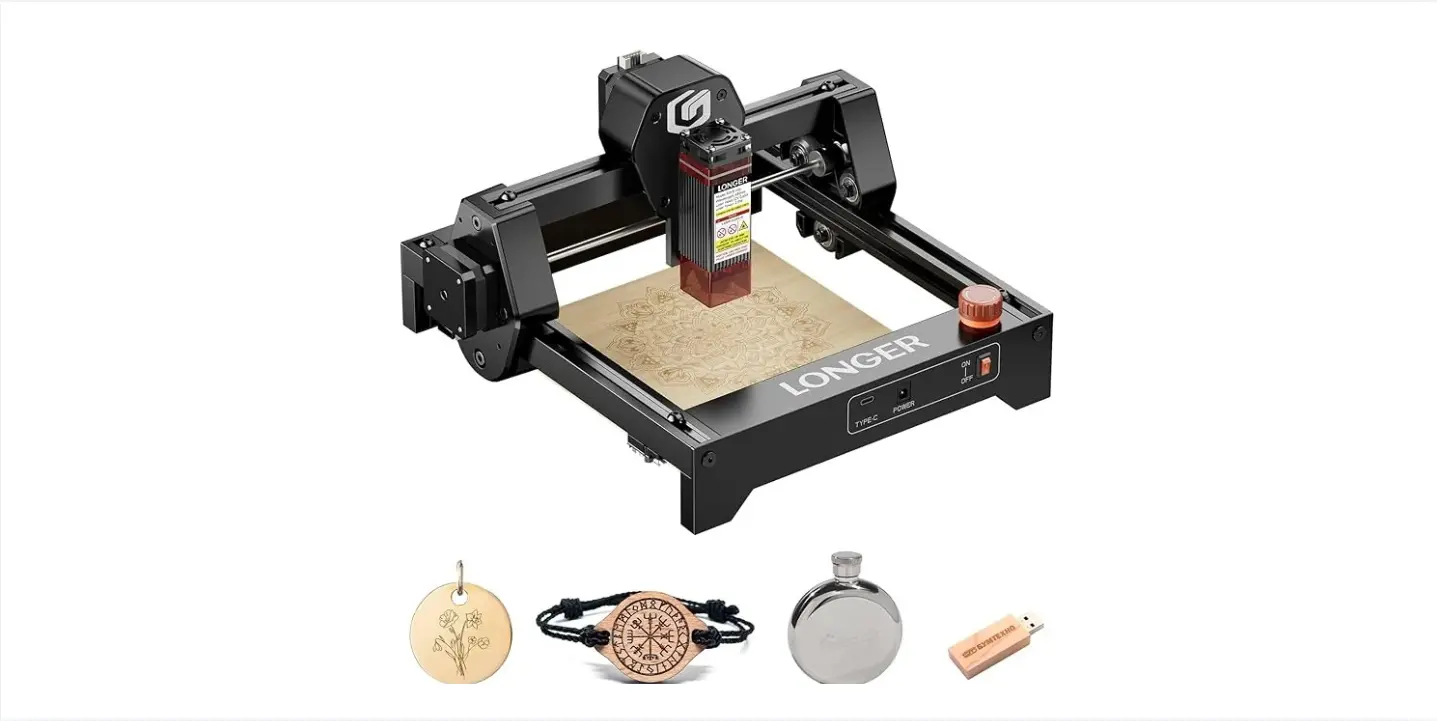
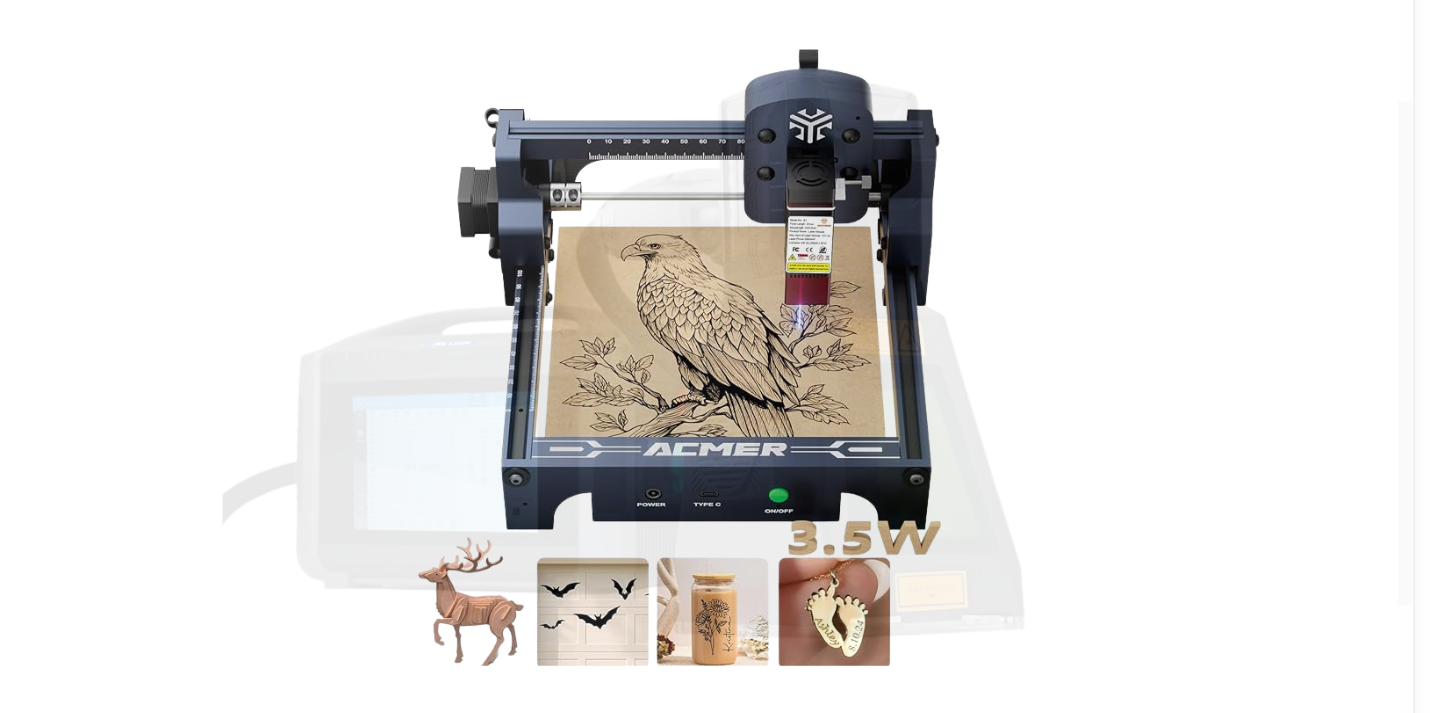
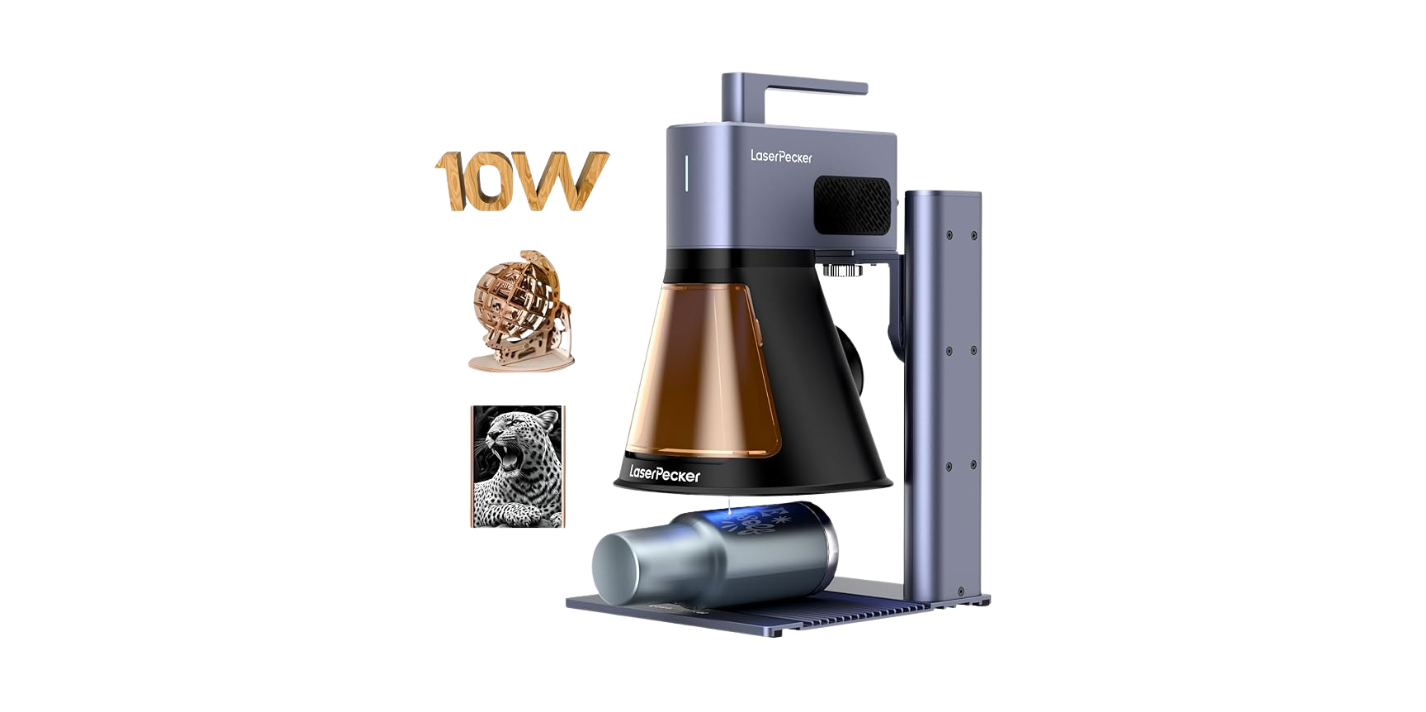
?Have you ever imagined yourself as the person who unpacks a neat little box at a coffee shop, pulls out a shiny portable laser engraver, and casually personalizes every wooden spoon within a three-mile radius while sipping a latte?
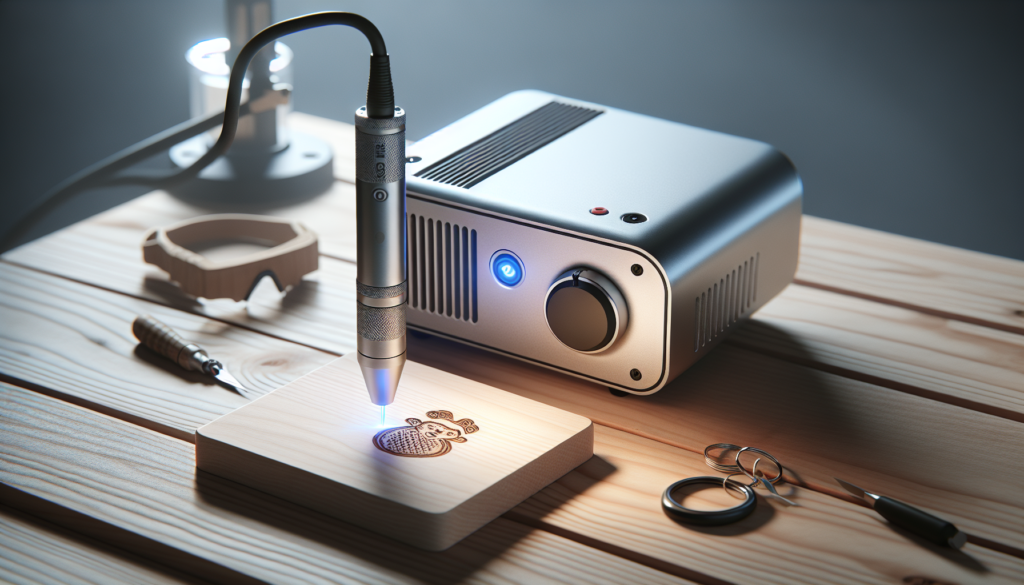
Are Portable Laser Engravers Worth It In 2026? A Practical Perspective
You can almost picture the scene: you, a reputation for craftsmanship, and a machine that fits under your arm. But the reality is rarely that cinematic. This article walks you through what portable laser engravers can actually do for you in 2026, when they make sense, and when they’re more likely to live in a closet next to the holiday wreaths. You’ll get practical comparisons, safety considerations, buying guidance, and a frank money-and-time breakdown so you can decide whether one should join your toolset.
Why the question matters in 2026
You’re asking this because these devices have changed a lot lately. In 2026, diode lasers have become more powerful, firmware smarter, and the market crowded. That’s great, until you’re trying to choose between three models all promising “pro results.” This section explains why the timing is important—new tech, new risks, and new opportunities.
What a portable laser engraver actually is
You might think it’s a tiny version of whatever giant machine exists at a factory. That’s partly true, but there are meaningful differences. Portable engravers are compact, often lightweight, and designed for mobility. They sacrifice workspace and sometimes power for convenience and lower cost.
- Portable: Light enough to carry or fit in a backpack; often includes a detachable power adapter or optional battery.
- Laser type: Most portable units use diode lasers; some more expensive ones use fiber for metal marking.
- Intended uses: Small signs, leather goods, marking, personalization, small repairs, and proofs of concept.
How they work (in plain English)
If you’re not into jargon: the engraver uses a focused beam of light to remove or change the surface of a material. The device moves either the laser head or the material along X/Y axes. Software converts an image or text into instructions for that motion and power control.
- Motion systems: Belt-driven, screw-driven, or gantry-based. Belt systems are common and cheaper; screw systems give more precision.
- Output: Marking (surface change), engraving (material removal), cutting (through thinner stock).
- Controls: Basic units use USB/SD cards and a small onboard screen. Advanced units offer apps, Wi‑Fi, and cloud workflows.
Types of portable laser engravers you’ll find in 2026
You’ll see several categories. Each comes with trade-offs between power, precision, and portability.
Entry-level compact diode engravers
These are cheap and cute. You’ll carry them easily on a day trip to a craft fair, but they’ll struggle with metals and thick cuts.
- Typical power: 1–5 W
- Best for: wood, leather, paper, coated metals (with marking spray)
- Cost: low to mid-range
Prosumer portable units
You want portability and capability. These units are heavier but can handle thicker material and finer detail.
- Typical power: 5–15 W (often from improved diode stacks)
- Best for: deeper engraving in wood, acrylic cutting at small thicknesses, leather, some anodized aluminum marking
- Cost: mid-range to higher
Portable fiber or hybrid systems
Rare, pricier, and aimed at professionals who need metal marking on the go.
- Typical power: 10–30 W (fiber)
- Best for: metals, industrial marking, higher speed
- Cost: high
Battery-operated units
If you want true portability without cords, some units now include battery packs. They’re great for pop-up shops, but battery life is an important constraint.
- Typical battery life: 1–4 hours of intermittent use
- Considerations: decreased power or duty cycles to protect batteries
Key specifications you must understand
If you buy something because it looks cool, you’ll be disappointed. Focus on these specs.
| Spec | Why it matters |
|---|---|
| Laser power (W) | Determines cutting and engraving depth; more power = faster and/or deeper results |
| Spot size / beam quality | Affects resolution and fine detail; smaller spot = sharper text and lines |
| Working area (mm/in) | Limits the size of what you can engrave without repositioning |
| Motion accuracy (mm) | Controls precision for logos and small features |
| Duty cycle | How long the laser can run before it needs rest; shorter duty = slower throughput |
| Connectivity & software | Determines workflow ease; poor software ruins good hardware |
| Weight & dimensions | How portable it truly is—if it doesn’t fit in your case, it’s not portable |
| Safety class | Indicates required PPE and ventilation for safe use |
Laser types and implications
- Diode: Affordable, compact, great for wood/leather. Limited for bare metal.
- Fiber: Expensive, superior for metals and faster marking.
- CO2: Rare in truly portable form; great for non-metal materials and cutting but larger.
Materials you can (and can’t) work with
You’ll be tempted to stick the engraver against everything you own. Don’t. Some materials produce toxic fumes; others are impossible without the right laser type.
Common materials and suitability
| Material | Likely behavior with portable diode laser |
|---|---|
| Wood | Engraves and cuts thin pieces; excellent |
| Leather | Marks and engraves well; watch soot |
| Acrylic | Can cut thin sheets; edge finish may melt |
| Glass | Can etch with proper settings; often requires masking |
| Paper & cardboard | Easy to engrave/cut; fire risk for long cuts |
| Anodized aluminum | Marks with laser; aluminum bare requires fiber for good results |
| Stainless steel | Requires fiber laser or marking paste for diode |
| PVC & vinyl | Produces highly toxic chlorine gas when cut—avoid |
Be particularly cautious with PVC and vinyl—those will emit chlorinated compounds that can corrode equipment and harm you.
Safety: what you must know and do
You aren’t in a sci-fi movie; this is light that can damage eyes and start fires. The good news is you can manage risks with common-sense measures.
Laser classes and what they mean for you
| Class | Typical devices | Safety implications |
|---|---|---|
| Class 1 | Enclosed systems | Safe under normal use |
| Class 2–3R | Low-power diode | Eye-safe for short exposure, but avoid direct beam |
| Class 3B | Many engravers | Can cause eye and skin injury; requires protective eyewear |
| Class 4 | High power | Fire hazard and dangerous reflections; professional controls needed |
Most portable engravers in 2026 fall into Class 3B. That means you must wear proper laser safety goggles rated for your wavelength, control reflections, and never operate without a protective enclosure or appropriate shielding if possible.
Ventilation and fumes
Material choice dictates ventilation. Use a local exhaust (fume extractor) and mask rated for organic vapors when working with plastics. In tight spaces like cafés or living rooms, fumes can concentrate quickly.
Fire safety
Always watch the cut. Keep a fire extinguisher nearby and have a system to clamp small pieces down so they don’t move and ignite. Never leave a running laser unattended.
Practical scenarios where a portable laser engraver is worth it
You can picture uses where the device pays for itself in convenience and income. Here are realistic scenarios.
- You run a mobile personalization business at markets and events. You can engrave keychains, cuffs, and wooden coasters on-site and charge a premium for immediate personalization.
- You’re a craft professional who prototypes at clients’ locations—customization while they wait improves conversion.
- You use it for product labeling and traceability in small, off-site jobs (field repairs, maintenance tags).
- You need quick proofs before committing to larger production runs at a production facility.
When it makes less sense
- If your main target is heavy-metal engraving (stainless steel), a portable diode likely won’t satisfy you.
- If you need large-format work, the limited bed size and power mean lots of repositioning and hassle.
- If you’re treating engraving as a hobby with infrequent use, the maintenance, consumables, and learning curve might not justify the cost.
Pros and cons summary
You’re practical; you want a quick list.
Pros:
- Portability: take it to clients, events, or the field.
- Lower upfront cost than industrial systems.
- Rapid personalization at point-of-sale.
- Increasingly capable due to diode tech improvements.
Cons:
- Limited power compared to benchtop or industrial machines.
- Size constraints on workpieces.
- Safety and ventilation requirements are non-trivial.
- Software and support vary widely across brands.
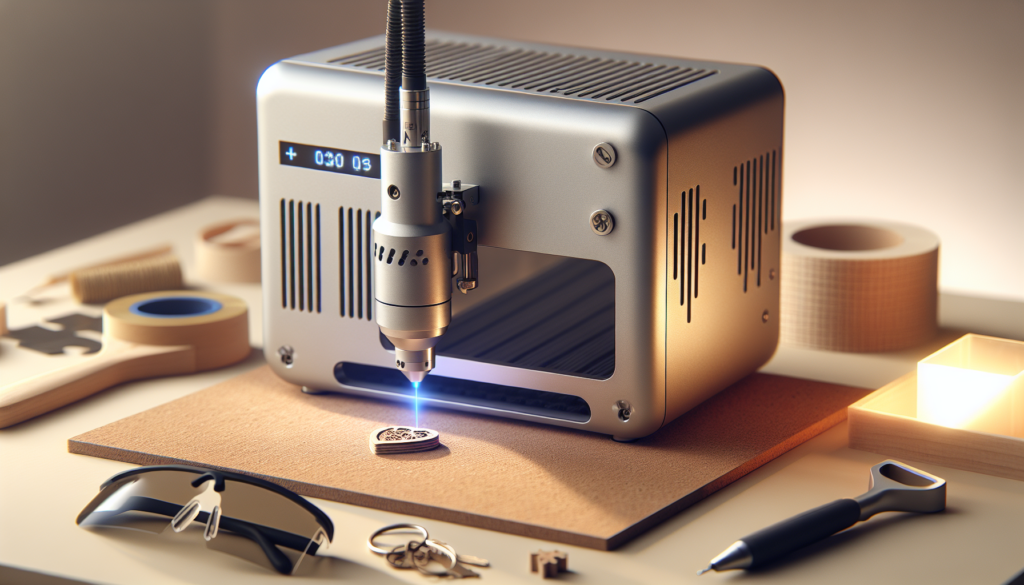
Cost breakdown and ROI — be realistic
You’re thinking about dollars and cents. Let’s unpack typical costs in 2026 and a sample ROI for a small business.
Typical cost categories
- Device price: $300–$5,000 (entry diode to portable fiber/hybrid)
- Safety gear: $50–$300 (goggles, clamps, fire extinguisher)
- Ventilation/extractor: $150–$800
- Consumables: masking tape, marking sprays, replacement lenses, belts (annually $50–$300)
- Maintenance & spare parts: $100–$500/year depending on use
- Software (optional pro upgrades): $0–$300/year
Example ROI calculation (realistic scenario)
Assume you buy a mid-range portable diode unit for $1,200. You run a small pop-up personalization service.
- Setup costs: $1,200 (machine) + $300 (fume extractor + goggles) = $1,500
- Consumables and maintenance year 1: $200
- Total first-year cost: $1,700
Pricing and revenue:
- You charge $10 per engraved item at events.
- You sell 200 items over a year (about 4 events per month, 10 items per event).
- Revenue = 200 * $10 = $2,000
- Net after first-year costs = $2,000 – $1,700 = $300 (break-even nearly reached)
- Year 2 (no machine purchase): recurring costs $200, revenue $2,000 => profit $1,800
This is a simplified example; you’ll need to account for labor, travel, and market demand. If you can increase price, items, or efficiency (e.g., $15/item or 300 items/year), returns look much better.
Software and workflow in 2026
You’ll find software improving, but not always smooth. The biggest friction points are file formats, pre-flight checks, and material libraries.
What to look for
- Native support for SVG, PNG, and common vector formats.
- Material profiles: good presets reduce trial-and-error.
- Offline control: you don’t want to be dependent on a cloud service that sells your data.
- Firmware updates from reliable manufacturers — you don’t want a bricked device.
Workflow example
- Create design in Illustrator or Inkscape.
- Export as SVG.
- Open in the laser control software, choose material and power/speed.
- Do a small test on scrap.
- Clamp and mask the workpiece, then run with supervision.
Maintenance and common troubleshooting
You’ll mess up something. That’s normal. Here’s what typically needs attention.
- Lens and mirror cleaning: soot builds up; clean with appropriate solvents and swabs.
- Belt tension: belts loosen and reduce precision; check monthly for heavy use.
- Firmware updates: keep them current, but read changelogs to avoid unwanted GUI changes.
- Alignment and focus: realignment is part of normal use; invest in a small focus tool.
Portable vs benchtop vs industrial: quick comparison
Here’s a table to help you choose the category that matches your needs.
| Feature | Portable Laser | Benchtop Laser | Industrial Laser |
|---|---|---|---|
| Portability | High | Low | None |
| Power | Low–Mid | Mid–High | Very High |
| Work area | Small | Medium | Large |
| Cost | Low–Mid | Mid–High | Very High |
| Material range | Limited | Wide | Very wide |
| Ease of use | Moderate | Moderate–High | Needs trained operator |
| Best for | Mobile personalization, prototypes | Small businesses, hobbyists | Production & heavy-duty marking |
Common use-case workflows and tips
You’ll be more successful if you accept that thoughtful preparation beats improvisation.
- Jigs and fixtures: create reusable clamps to speed up setup and keep pieces aligned.
- Masking: use transfer tape or heat-resistant masking to keep soot off the areas you want clean.
- Test strips: always run a test strip for a new material or design to dial in speed/power.
- Batch processing: arrange multiple small items on a single bed pass to improve throughput.
Legal and regulatory considerations
You might not want to think about permits, but if you’re selling items or operating in public spaces, some rules apply.
- Local fire codes: some jurisdictions require ventilation or limits on open flames/fumes in vendor spaces.
- Product safety: items intended for children must meet safety standards—avoid small parts or hazardous finishes.
- Trademark and copyright: you can engrave logos only with permission.
- Venue rules: event organizers may restrict operation of lasers on site.
Anecdotes you’ll relate to (Sedaris-style, second person tone)
You’re at a weekend market, and your tent looks like a trade show for hip grandmas. Someone asks if you can engrave their dog’s name on a wooden spoon. You say yes because you’re in a mood to be useful. The engraver hiccups on the second spoon because you forgot to clean the lens, and soot gives the third spoon an unintended modern-art vibe. You laugh and offer a discount. The customer loves it. Later, you realize that three people in line are students who want internships. You are, for a moment, a small business guru.
You take the machine to a friend’s wedding to engrave initials on napkin rings. Halfway through, the venue manager asks you to stop because of the fumes. You’re embarrassed but offer to finish them elsewhere. You learn that having a small battery-powered fan and a portable extractor is not extravagance; it’s diplomacy.
These stories aren’t just charming; they teach that the machine alone isn’t enough. You need planning, spare parts, and a soft hand when dealing with human expectations.
Alternatives and complementary tools
You won’t always need a laser. Consider these alternatives:
- CNC routers: better for deep carving and larger materials.
- Rotary engravers: excellent for cylindrical items like glassware.
- UV printers: print full-color images directly onto substrates with different limitations.
- Vinyl cutters: great for decals and heat transfers, cheaper and safer in many contexts.
Complementary tools that make your laser work better:
- Small fume extractor
- Dust blower & clamps
- Focus gauge and calibration squares
- Rotary attachment (for cylindrical items)
Buying checklist: what to ask before you click buy
Use this shortlist at the point of purchase.
- What materials do I plan to work with regularly?
- Does the laser type match those materials (diode vs fiber vs CO2)?
- What is the true working area and machine footprint?
- What is the duty cycle and how does it impact my throughput?
- Is the software intuitive and does it accept my usual file formats?
- What safety features are included (enclosures, interlocks)?
- What’s the real total cost of ownership (maintenance, consumables, spare parts)?
- What’s the warranty, and how responsive is customer support?
- Are there community resources, third-party parts, or replacement modules?
Future trends to watch in 2026 and beyond
This is the part where you might allow yourself a little optimism. In 2026, a few clear trends are reshaping the landscape:
- Smarter material profiles using machine learning to auto-tune power/speed.
- Better battery tech enabling longer operation times for truly cordless units.
- Hybrid devices that combine laser marking with mechanical engraving tools.
- Greater regulatory clarity and safer default configurations to reduce risk in casual settings.
- More robust ecosystems where third-party accessories are standardized (rotaries, small enclosures).
Final verdict: are portable laser engravers worth it in 2026?
You want a straight answer. Here it is: it depends.
-
Yes, they’re worth it if:
- You need true mobility (events, field work, on-site personalization).
- Your material and production needs fit the device’s power and bed size.
- You’re willing to invest in safety, ventilation, and learning.
- You plan to monetize personalization or improve your prototyping speed.
-
No, they’re likely not worth it if:
- You need heavy-metal engraving, large-format cutting, or high-volume production.
- You prefer minimal setup and near-zero safety management.
- Your use is purely occasional and hobbies can be satisfied with cheaper alternatives.
If you treat the engraver as a tool in a broader workflow and not as a magic wand, it will reward you. If you imagine it will instantly make you an artisan celebrity and fail to consider fumes, power limits, or software quirks, you’ll be back to the hobby-store glue trap within months.
Final practical advice
If you decide to buy:
- Start with a mid-range unit that balances power and portability.
- Budget for safety, ventilation, and spare parts.
- Practice on scrap—lots of scrap—before offering live personalization.
- Keep an emergency kit: goggles, clamps, cleaning swabs, replacement belts, and a small fire extinguisher.
If you decide not to buy:
- Use local maker spaces or rental services to test ideas and keep costs down.
- Consider a benchtop setup for a fixed workshop that provides more capability for less risk.
You’ll probably discover that the best investment isn’t always the shiniest piece of gear but the time you spend practicing and setting up a reliable workflow. In the end, the question isn’t only whether the machine is worth it—it’s whether you are. If you’re meticulous, curious, and a little bit stubborn, a portable laser engraver could be the perfect companion for your projects. If you’re impulsive and easily distracted by shiny boxes, it might just be an expensive conversation starter.
Now, when someone asks you whether they should buy one, you’ll have answers—practical, slightly wry, and probably true.