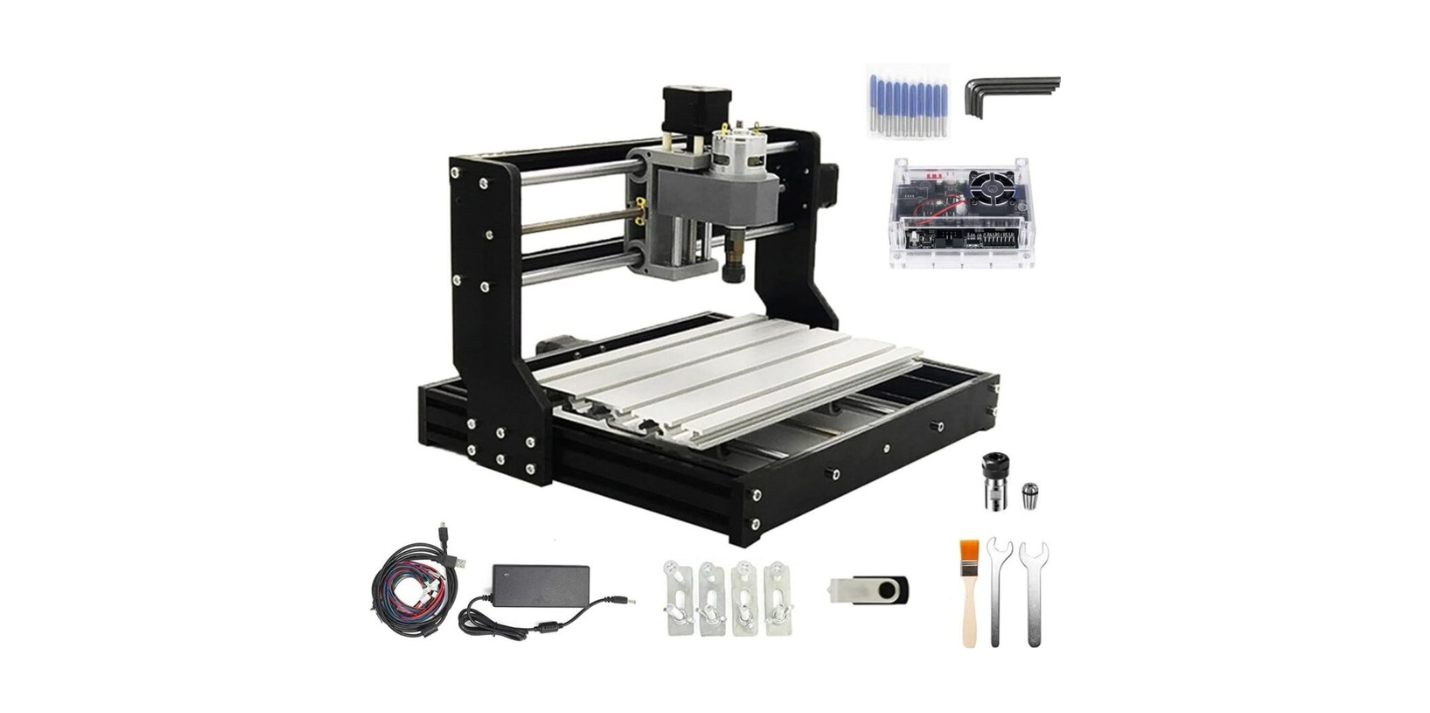
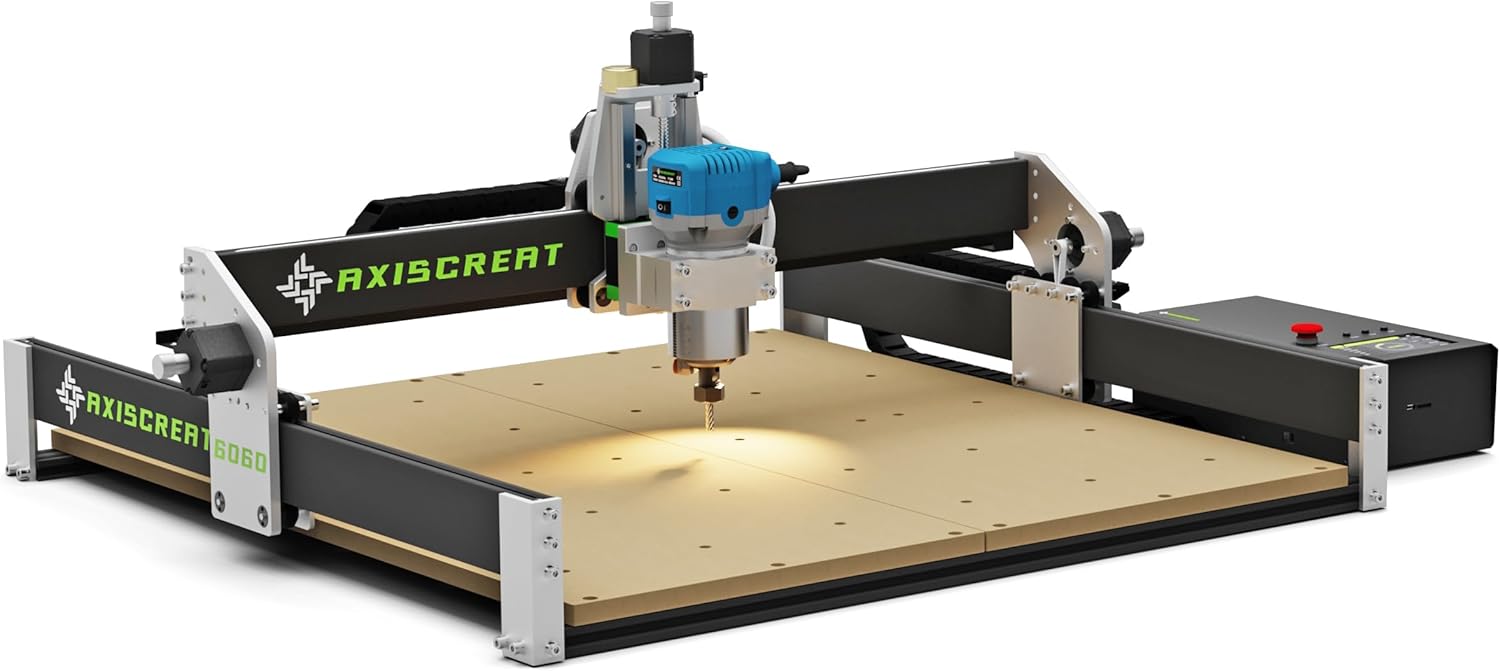
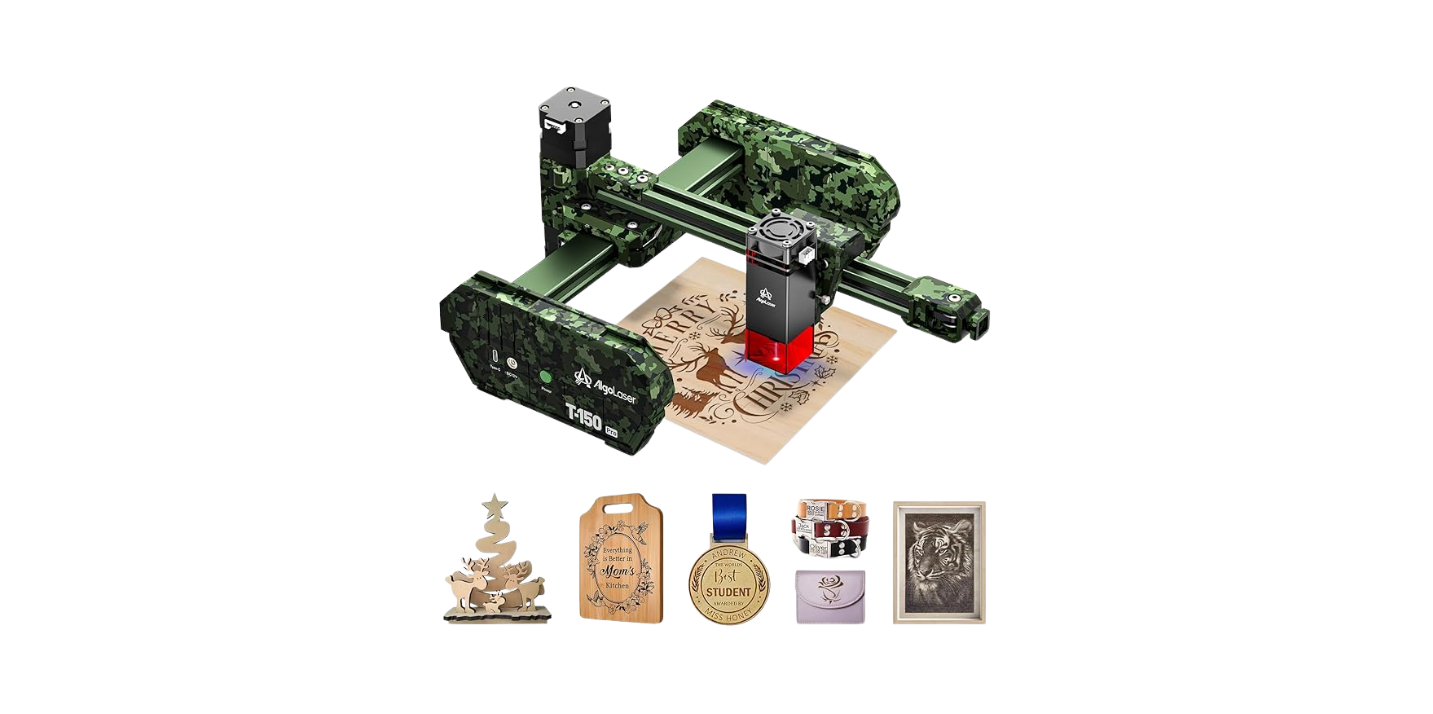
Have you ever picked up a portable laser engraver review and felt like the author was describing a foreign language while standing on a ladder?
What To Look For Before Reading Any Portable Laser Engraver Review
You probably want to spend your money wisely and avoid the three-legged stool of buyer’s remorse, clustered forums, and the neighbor who swears his machine will “fix everything.” This guide helps you read reviews like a detective who also likes crafts and has a dry sense of humor.
Why You Should Care Before Reading Reviews
Reviews can save you from a poor purchase or push you toward a tool that will become your favorite partner in crime. If you read reviews with a checklist, you’ll stop being seduced by shiny photos and marketing adjectives and start seeing whether the machine fits your needs.
How Reviews Can Mislead You
Reviewers often mix real tests with manufacturer-supplied promises, and it’s easy to be tricked by staged demonstrations or cherry-picked projects. You’ll see perfect edges and wonder why your attempts look like modern art with a temper.
- Sponsored content can amplify benefits and bury limitations.
- Sample projects might be selected to make a machine look stronger than it is.
- Lack of repeatability — one perfect cut doesn’t guarantee consistent performance.
Real-World Conditions vs. Lab Conditions
The bench where the reviewer tested the machine can be far gentler than your garage, workshop, or kitchen table. Temperature, ventilation, and the specific material you use can alter results dramatically.
- Lab tests often use fresh, uniform materials.
- Everyday materials might have coatings or impurities that change how they engrave.
- Your ambient lighting and camera skill can make a photo look like an ad campaign.
Key Specs You Must Understand
You’ll see lots of numbers in a review. Understanding which matter and why makes you a less gullible consumer. Below are the specs that actually influence what the machine will do for you.
Laser Power
Laser power determines what materials you can cut or engrave and how quickly you can do it. More power helps with thicker materials but increases risk and the need for better ventilation.
- 1–5 W (diode lasers): Good for engraving, light cutting of thin materials like paper, cardboard, thin leather.
- 20–40 W (CO2 or fiber for portable hybrids): Can cut thin wood and acrylic and engrave a wide range of materials.
- Higher wattages generally increase cutting depth and speed but also cost and safety requirements.
Table: Typical Laser Wattage vs Material Capability
| Laser Power (approx.) | Typical Materials for Engraving | Typical Cutting Capability |
|---|---|---|
| 1–5 W (diode) | Paper, cardboard, anodized aluminum (surface mark), leather, wood (shallow) | Not suitable for thick cutting; thin materials only |
| 10–15 W (diode/solid-state) | Wood, leather, some acrylic (thin), anodized metals (mark) | Light cutting up to ~3–5 mm depending on material |
| 20–40 W (CO2/fiber hybrid) | Wood, acrylic, leather, some metals (mark), coated materials | Clean cuts on wood and acrylic up to ~6–10 mm; varies by material |
| 40+ W (CO2/fiber) | Industrial and heavy hobby use; thicker metal marking with fiber lasers | Cuts thicker plastics, woods; fiber lasers mark metals well |
Wavelength and Material Compatibility
Different lasers operate at different wavelengths and that affects what they can mark or cut. You’ll see numbers like 450 nm (blue diode) or 10,600 nm (CO2); these aren’t decorative.
- Diode lasers (~445–450 nm) are great for organic materials and some plastics, and they’re common in portable units.
- CO2 lasers (~10,600 nm) are excellent for non-metal materials and certain plastics and produce clean cuts.
- Fiber lasers (around 1,064 nm) are best for marking metals.
Engraving Area / Work Area Size
If you plan to engrave wallets, phone backplates, or oddly shaped cutting boards, the working area matters. A tiny bed can feel suffocating.
- Small (≤ 100 x 100 mm): Suitable for keychains, small jewelry, phone cases.
- Medium (150–300 x 300 mm): Good for a wider range of projects like plaques and larger phone cases.
- Large (≥ 400 x 400 mm): Useful for cutting larger panels or multiple small items at once.
Resolution and Precision
You’ll see DPI, microns, or millimeters per step. Higher resolution means finer detail but also longer run times. If you’re engraving text smaller than 6 pt, resolution is critical.
- DPI (dots per inch) indicates how detailed raster engraving can be.
- Step size and repeatability tell you how accurately the machine places each point.
Speed and Duty Cycle
Speed settings are often quoted in mm/s or mm/min, but what reviewers sometimes omit is sustained operation. A machine that can do a single fast job might overheat if used for long projects.
- Speed affects finish: too fast might undercut, too slow might burn.
- Duty cycle indicates how long the device can run before requiring a cooldown period.
Cooling System and Ventilation
Portable usually doesn’t mean “set it and forget it.” Heat management is often the difference between a reliable tool and a fire hazard.
- Air cooling is common and adequate for small diode lasers.
- Water cooling provides better thermal stability for higher power units but adds complexity.
- Active ventilation or exhaust is vital for cutting plastics and coatings.
Portability Features
Since you’re reading about portable machines, weight, footprint, and setup time matter. Portability isn’t just about size; it’s about how the machine travels and how fast it’s ready to use.
- Weight and dimensions influence where you can use it and how often you’ll move it.
- Battery operation or built-in power packs can offer true portability; most are AC-dependent.
- Foldable frames or modular beds make storage easier.
Software and File Support
The software stack can make or break your creative process. If the machine refuses to read the file format you love, your workflow will get ugly fast.
- Common formats: SVG, DXF, PNG, JPG, BMP.
- Check compatibility with vector programs like Inkscape or Adobe Illustrator.
- Ease of use: some proprietary software is simple but limited; open-source tools may be more powerful but have a steeper learning curve.
Connectivity Options
You’ll see USB, Wi-Fi, Bluetooth, SD card slots. Connectivity affects ease of use and reliability.
- Wired USB often provides stable connections for long jobs.
- Wireless options offer convenience, but can be flaky during large data transfers.
- SD card slots let you run jobs standalone, which can be handy for workshops without a dedicated computer.
Safety Features
Laser safety matters more than vanity. Look for enclosures, interlocks, emergency stop buttons, and included safety goggles. If a reviewer flirts with “it comes with goggles,” be skeptical — are they appropriate for the wavelength?
- Enclosed systems reduce the risk of stray beam exposure.
- Interlock switches that stop the laser when a lid opens are crucial.
- Proper rated goggles for the given wavelength should come with the unit.
Build Quality and Materials
A machine that creaks should not cost as much as something solid. Metal frames and proper rails provide accuracy and longevity. Cheap plastics show up in reviews as rattles, misalignments, and squeaks.
- Look for anodized aluminum frames, steel rails, and quality fasteners.
- Cheap belts and plastic gears are common failure points.
Maintenance and Consumables
Ask whether replacement parts are readily available and how often you’ll need them. Belts stretch, mirrors require cleaning, and laser diodes dim over time.
- Mirrors and lenses might need cleaning frequently when cutting coated materials.
- Laser diodes degrade; check expected life hours.
- Availability of spare parts and user-replaceable components is important.
How to Evaluate the Reviewer’s Credibility
Not all reviewers are equal. You’ll want someone who actually used the machine, not someone who transcribed the spec sheet into a love letter.
Hands-On Testing vs. Affiliate Content
If the review includes hands-on tests — multiple materials, different settings — it’s more trustworthy. Affiliate links don’t automatically disqualify a review, but transparency about sponsorship is a must.
- True hands-on reviews show frustration, failed attempts, and process photos.
- Generic press-release-style reviews often copy marketing lines verbatim.
Repeatability and Sample Images
One-off photos aren’t proof that the machine is consistent. Good reviewers repeat tests and show multiple examples.
- Look for before-and-after shots across multiple runs.
- Consistency in results suggests the machine is reliable, not lucky.
Measuring Tools and Test Methods
A credible review lists the test files, settings (speed, power, passes), and measurement methods. If they used a micrometer or calipers and explained their lighting for photos, you can trust them more.
- Objective measurements are better than subjective “it looks good.”
- Calibration details help you reproduce results.
Table: Credibility Checklist for Reviews
| Element | Why It Matters |
|---|---|
| Hands-on testing | Shows real-world performance beyond specs |
| Settings disclosed | Lets you reproduce or compare tests |
| Multiple materials tested | Reveals versatility and weaknesses |
| Disclosure of sponsorship | Indicates potential biases |
| Repeatability shown | Suggests reliability vs. lucky demo |
| Objective measurements | Provides measurable performance indicators |
Questions You Should Have Before Reading Any Review
Before you read, decide what questions you need answered. Reviews that don’t address these are frustratingly incomplete.
- What materials did they test, and were they new or recycled?
- What settings produced the best results?
- How long did the tests run, and were cooldowns needed?
- What safety gear did they use, and did they test the safety features?
- Were any parts replaced or adjusted during testing?
Red Flags in Reviews
You’ll develop a sixth sense for certain red flags once you know what to watch for. These are the phrases and omissions that should make you suspicious.
- “Perfect on first try” — almost always a sign of staged content.
- No discussion of failed tests, maintenance, or long-term use.
- Over-focus on features you never use (like RGB lighting).
- Photos that don’t show scale (is that a tiny keychain or a giant plaque?).
How to Interpret Testimonials, Images, and Videos
Photos can lie; videos can mislead with clever editing. You’ll want to triangulate multiple sources and verify consistency.
What to Look for in Photos and Videos
Look for scale references, consistent lighting, and multiple angles. If the reviewer shows a close-up of tiny text, see that they also show how the entire piece looks.
- Request RAW or unedited images if possible.
- Watch videos at full speed to check for pauses or edits during the cut.
- Note any “PD” or “prototype” disclaimers that imply special units.
Test Files You Should Use
Use standard test files to compare machines: raster images with gradients, vector shapes, thin text, and common cuts like a 10 mm square ring. If a reviewer uses custom files and doesn’t share them, replication is impossible.
- Standard raster: grayscale gradient for engraving consistency.
- Vector test: small text at multiple sizes, slots for fitting parts.
- Cutting test: stack of material cut with varying passes to find cleanest settings.
Buying Considerations Based on Use Case
You should match the machine to what you actually plan to make. A machine that’s perfect for hobbyist jewelry might be painfully slow for small-batch production.
Hobbyist / Crafts
If you’re engraving gifts, occasional signage, or leather projects, prioritize ease of use, safety, and decent engraving resolution. Portability and storage matter more than industrial features.
- Choose lower wattage for safer operation and less ventilation hassle.
- Look for user-friendly software and community support.
- Warranty and spare parts for consumables are useful but not mission-critical.
Small Business / Custom Products
For a small business creating custom products, reliability, repeatability, and throughput become critical. You’ll want a machine that can run repeatedly without cooling breaks and has support options.
- Medium-power lasers (20–40 W) often offer best flexibility.
- Check duty cycle and warranty; downtime is costly.
- Consider larger work areas to batch jobs.
Industrial / Prototypes
If you’re doing prototypes or heavier work, look for high power, robust build, and advanced controls. Safety protocols and regulatory compliance are important here.
- Look for fiber or high-power CO2 options for metal marking and deep cuts.
- You’ll want a machine with documented industrial safety features.
- Consider service contracts or local repair options.
Table: Use Case vs Recommended Features
| Use Case | Recommended Power | Work Area | Key Priorities |
|---|---|---|---|
| Hobbyist / Crafts | 1–15 W | Small–Medium | Ease of use, safety, portability |
| Small Business / Custom Products | 20–40 W | Medium | Throughput, repeatability, support |
| Industrial / Prototyping | 40+ W | Medium–Large | Power, durability, compliance |
Budget, Warranty, Support, and Return Policies
Price isn’t the whole story. Cheap can mean short-lived, but expensive doesn’t always buy better service. Consider the total cost of ownership.
Warranty & Support Expectations
A clear warranty and accessible customer support mean you’re less likely to sit in the cold while your machine congeals into a paperweight.
- Look for at least 1-year warranty on critical parts.
- Check whether the warranty covers user-caused issues or only manufacturing defects.
- Verify local service availability if you value quick repairs.
Return Policy and Shipping
Some sellers offer trials or return windows; others require you to pay return shipping and restocking fees. If a review omits shipping damage rates, be wary.
- A generous return policy reduces risk for new buyers.
- Inspect packaging images in reviews; aggressive packaging protects delicate optics.
Spare Parts and Local Repair
Availability of lenses, diodes, belts, and electronics matters. If the only replacement part is a six-week, international-order away, a broken machine could be unusable for a long time.
- Check the vendor’s spare parts store and lead times.
- Community-based repair guides and third-party parts help if manufacturer support is slow.
Safety and Legal Considerations
You’re handling a concentrated light source that can burn, blind, or create toxic fumes. Safety isn’t optional.
Laser Classification and Regulations
Lasers are classified from Class 1 (safe under all conditions) to Class 4 (high risk). Portable engravers are often Class 4 or near it, meaning you need strict controls.
- Know the class and what that means for required PPE and operation environments.
- Local laws might restrict unsupervised operation, especially in public spaces or schools.
Workplace Safety
If you’re using the machine commercially, you’ll need fume extraction, appropriate PPE, and possibly training documentation. If a review skips these topics, it’s incomplete.
- Consider an external fume extractor for acrylic and coated materials.
- Use certified goggles for the specific wavelength.
- Keep a fire extinguisher rated for electrical fires nearby.
How to Compare Multiple Reviews
If you’ve found several reviews, compare them methodically. Use a scoring system or checklist to decide which insights are consistent and which sound like wishful thinking.
- Create a table to compare key metrics: power, bed size, safety features, software, and price.
- Weight the metrics by your priorities (e.g., safety 25%, power 20%, price 20%, support 20%, portability 15%).
Example Comparison Table Template
| Review/Model | Power | Work Area | Safety | Software | Price | Notes |
|---|---|---|---|---|---|---|
| Model A | 10 W | 200 x 200 mm | Enclosure, goggles | Proprietary, limited | $$ | Good for hobbyists |
| Model B | 30 W | 300 x 300 mm | Interlocks, exhaust | Open formats | $$$ | Better for small business |
| Model C | 5 W | 100 x 100 mm | No enclosure | SD card only | $ | Very portable, limited use |
Practical Testing You Can Do At Home Before Buying
If you can, visit a maker space or a friend who owns a machine and test it with your materials. Nothing beats real experience.
- Bring your typical workpiece to test real-world results.
- Try common file types and software workflows you plan to use.
- Ask to see long runs to test heat management and repeatability.
Final Checklist Before Reading Any Portable Laser Engraver Review
This is the list you should carry like a secret shopping talisman. Every review you read should answer these items, or you should be skeptical.
- Materials tested and their condition (new, varnished, recycled).
- Exact settings used for each test (power, speed, passes).
- Cooling and ventilation approach during tests.
- Photos from multiple angles and full-resolution images.
- Disclosure of sponsorship, affiliate links, or sample units.
- Repeatability shown across multiple runs.
- Clear description of included accessories (goggles, exhaust, lenses).
- Warranty length and support channels.
- Spare parts availability and expected lead times.
- Return policy and shipping conditions.
Closing Thoughts (and a small confession)
You’re about to make something that could be delightful, useful, or embarrassingly lopsided. If you take one thing from this guide, let it be this: reviews are maps, not territory. They can help you navigate the landscape, but you should carry your own compass — a list of must-have features, an understanding of common pitfalls, and a healthy skepticism for pictures that look too perfect. If you start out with clear goals and a little patience, you’ll find a portable laser engraver that feels less like a mysterious box and more like a collaborator.
If you ever feel overwhelmed, remember: everyone who looks like an expert once burned a teabag or engraved a grocery-store receipt by mistake. You will, too — and then you’ll learn something useful.