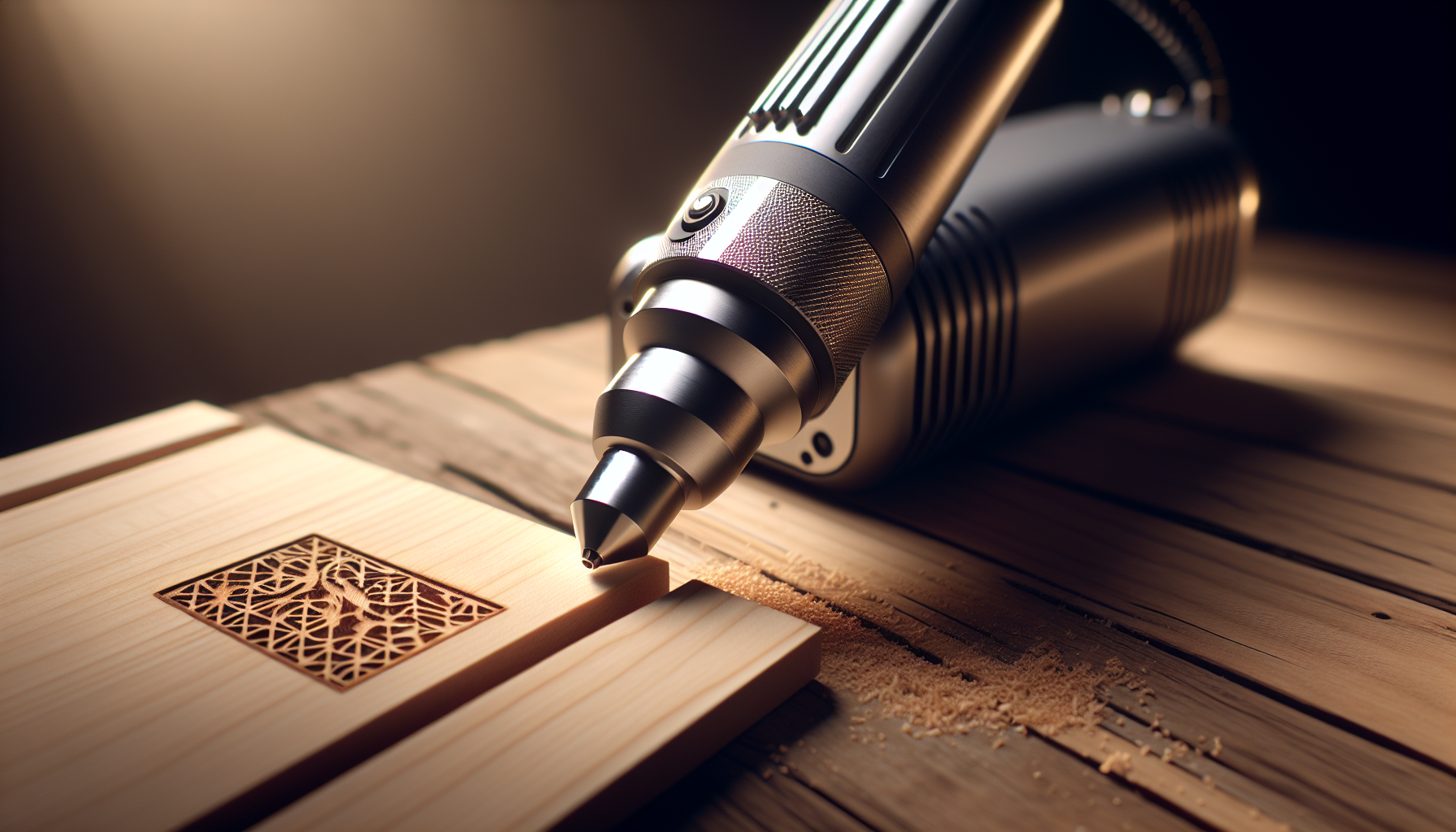
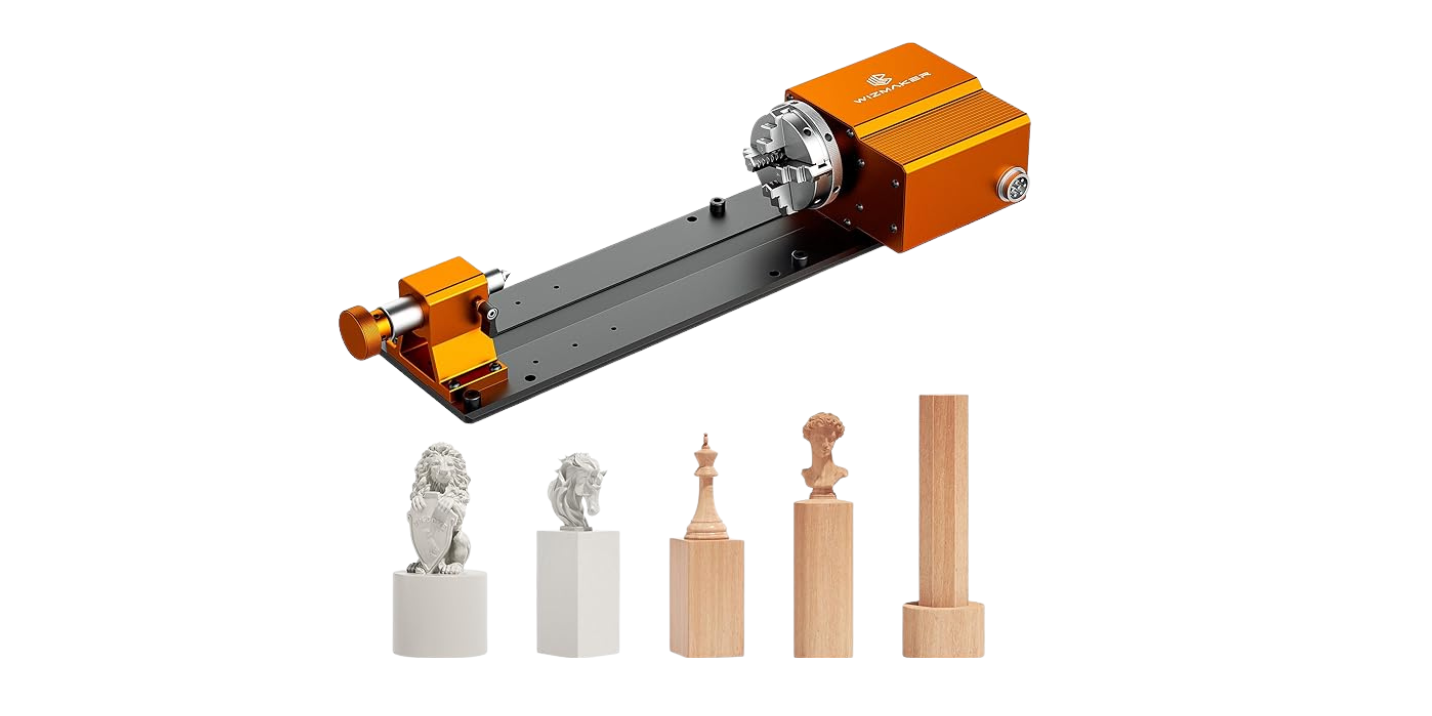
Have you ever imagined what happens when a compact, polished little laser engraver meets your chaotic, unpredictable to-do list?
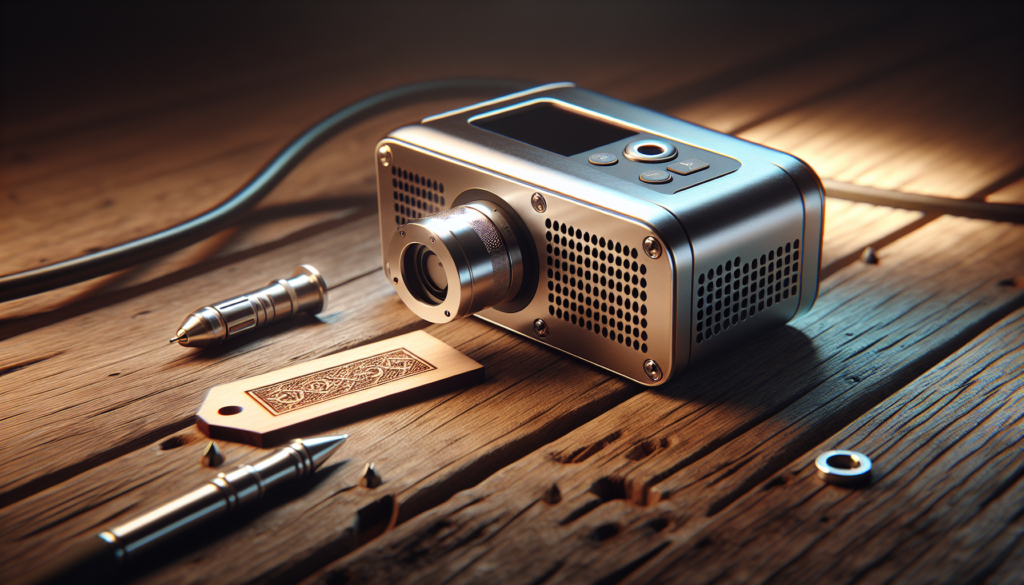
Portable Laser Engravers Under Real-World Workloads: What To Expect
You probably bought a portable laser engraver because it promised speed, convenience, and the faint possibility of turning your basement into a craft empire. This article will walk you through what to expect when that gadget leaves the neatly staged demo videos and confronts real life: crowded schedules, varied materials, and the occasional spilled coffee.
Why portable laser engravers are appealing — and misleading
Portable engravers sell on portability, price, and promises of ease. A cute video shows a perfectly uniform walnut coaster appearing in thirty seconds, while you imagine a life of boutique revenue streams. In reality, portability often means trade-offs: lower power, smaller work areas, and sensitivity to ambient conditions. You’ll still get excellent results, but you’ll also learn patience, improvisation, and the art of scraping melted acrylic off your shoe.
Types of portable laser engravers
You need to know the type of laser before you plan workloads. Each type behaves differently under continuous use and with specific materials.
- Diode lasers: Compact, affordable, good for wood, leather, and coated metals with marking paste. Limited cutting power on thicker materials.
- Fiber lasers: Great for marking metals and some plastics, fast with high contrast, but generally pricier.
- CO2 lasers (smaller, portable variants): Versatile for organic materials and acrylic, but bulkier and typically less “portable” than diodes.
- Hybrid / handheld lasers: Designed for marking difficult surfaces and spot work, often battery-powered.
Quick comparison table: laser types and typical performance
| Laser Type | Best Materials | Typical Power Range | Strengths | Limitations |
|---|---|---|---|---|
| Diode | Wood, leather, paper, coated metals | 0.5–10 W | Cheap, small, easy to use | Limited cutting, slower on metal |
| Fiber | Metals, some plastics | 20–50 W (portable ~10–20 W) | Fast metal marking, durable | Expensive, limited organic material performance |
| CO2 (portable) | Acrylic, wood, leather, glass engraving | 5–40 W | Versatile, good cut depth on organics | Bulkier, needs extraction, optics sensitive |
| Handheld/Battery | Spot marking on various surfaces | 1–10 W | Extremely portable, works on-site | Limited precision, ergonomics vary |
What “real-world workload” actually means
In lab demos, conditions are ideal: room temperature, clean optics, single material, and a rested operator. In real life, your workload is a mix of materials, shifting environmental conditions, and rushed deadlines. You might be engraving a dozen wooden ornaments, switching to anodized aluminum tags, then cutting acrylic for a client who insists on “the pinkest possible hue.” This unpredictability changes the rules: heat buildup, smoke residue, and alignment drift become recurring characters in your production story.
Key performance metrics to track under real-world use
When you test or run a portable engraver, focus on measurable outcomes. You want to know how often the machine succeeds without intervention, and how quality degrades as workload increases.
- Throughput (pieces per hour)
- Uptime / duty cycle (continuous run time before cooldown or failure)
- Yield (percentage of parts meeting quality specs)
- Consistency (dimensional repeatability, engraving depth and contrast)
- Energy consumption (Watt-hours per part)
- Maintenance frequency (lens cleaning, mirror alignment, consumable replacement)
Suggested real-world test suite
Run a standardized set of jobs that reflect your common tasks. For example:
- Wooden coaster engraving: 90 mm circle, raster at 300 DPI.
- Acrylic keychain cutting: 3 mm acrylic, vector cut, 2 passes.
- Anodized aluminum tag marking: 40 x 20 mm, text + logo.
- Leather label engraving: 50 x 15 mm, raster 300 DPI.
- Long run: Repeat job 1 continuously for 4 hours, monitoring temperature and lens fogging.
Record times, failures, and any adjustments you make. This will show how your unit performs over time.
Thermal behavior and duty cycles
Portable engravers often have ratings that assume intermittent use. In a cramped session of ten orders for a craft fair, you’ll notice the machine getting warmer. Components that care about heat include the diode, power drivers, fans, and control electronics. Overheating leads to power sag (weaker beam), inconsistent marking, or automatic throttling.
- Duty cycle: manufacturer spec, usually given as percentage or suggested run time before cooldown.
- Thermal throttling: device reduces output to prevent damage.
- Cooling methods: air-cooled fans, heat sinks, sometimes water cooling in higher-end portable CO2 units.
Practical tips:
- Give the machine regular short breaks during long runs.
- Keep ambient temperature moderate; don’t operate next to a space heater.
- Consider a small external fan or an extra heat sink if your workload is heavy.
Optical contamination and its effects
Smoke and particulate matter are the sneaky saboteurs of engraving. When you engrave wood or acrylic, combustion products deposit on lenses and mirrors, reducing beam power and distorting the spot. You’ll see slower cuts, lighter marks, and sometimes a burned halo around the engraved area.
- Symptoms of contamination: reduced contrast, slower cut rate, flaring spots.
- Prevention: air assist and effective fume extraction.
- Maintenance: frequent lens and mirror cleaning, replacement as needed.
Table: lens maintenance frequency by workload
| Workload Intensity | Recommended Lens Cleaning Interval |
|---|---|
| Occasional (few jobs/week) | Every 50–100 hours or monthly |
| Moderate (daily hobby/side business) | Every 25–50 hours or biweekly |
| Heavy (production) | After every shift or daily |
Air assist and fume extraction: not optional
Air assist directs a small jet of air across the cut to clear smoke and cool the material. Fume extraction removes hazardous gases and particulates. Both extend optics life and improve cut quality.
- Air assist benefits: cleaner cuts on acrylic, reduced flare on wood, prevents molten material spreading.
- Fume extraction: protects your lungs and prevents residue buildup inside the machine.
- Portable units: often lack built-in extraction. You can use a shop vac, inline fan, or a compact fume extractor.
Power supply and on-site use
If you plan to run engravings off-grid, battery-powered or inverter-capable units are attractive. But be realistic: lasers draw significant current, especially higher-wattage ones. Voltage drops and unstable power can damage electronics.
- Use surge protection and stable power sources.
- If using an inverter, ensure it can handle startup current and continuous load.
- Battery-powered handhelds are for short tasks, not marathon production runs.
Materials and their quirks under workload
Every material behaves differently when pushed for quantity.
- Wood: forgiving, but smoke and char build-up on optics. Grain and resin content change results.
- Acrylic (PMMA): cuts clean but creates sticky residue if overheated; ventilation critical.
- Leather: variable tanning chemicals influence marking; thickness matters for depth controls.
- Glass: requires coating or reverse-side engraving for best contrast.
- Metals: marking vs cutting differs. Diode/CO2 usually need surface preparation or marking paste; fiber lasers mark directly.
- Painted/coated surfaces: heat can blister paint; masking might be required.
Table: material expectations and tricks
| Material | Typical Outcome | Common Issues | Pro Tips |
|---|---|---|---|
| Wood | Deep, warm-toned engraves | Char/soot on optics | Use air assist, test power/speed |
| Acrylic | Clear cuts, glossy edges | Melting, tacky residue | Use multiple passes, lower power per pass |
| Leather | Crisp marks, shallow cuts | Variation by tanning | Test small area first |
| Anodized Aluminum | High-contrast marks (with fiber) | Diodes need paste | Use fiber or marking paste |
| Glass | Frosted look | Requires careful focus | Engrave from back for clarity |
| Painted Metal | Good contrast, depends on coating | Blistering paint | Mask or lower power |
Speed vs power vs quality: the balancing act
You will constantly juggle speed, laser power, DPI (for raster), number of passes, and focus to get the desired result. Higher speed means less energy per unit area, so you typically need more power or more passes. Higher DPI increases detail but takes longer.
- For cutting thick acrylic, prefer slower speed and multiple passes to avoid melting.
- For engraving wood, moderate speed with higher power produces deeper, darker results.
- For marking metal with a diode, use marking paste to achieve contrast without excessive power.
Accuracy, repeatability, and alignment drift
Portable machines may be slightly less rigid than their desktop or industrial cousins. Expect small shifts in alignment or focus after transporting the unit or after long runs.
- Repeatability: measure by engraving a grid and checking dimensions.
- Focus drift: thermal expansion of the gantry or frame can change focal distance.
- Mechanical wear: belts stretch over time; pulleys and rails require inspection.
Troubleshooting for accuracy issues
- Check belt tension and pulley alignment.
- Inspect rails and bearings for grit and wear.
- Recalibrate focal height and home position.
- If drift persists, add small shims or use a camera-based alignment system for critical work.
Software and workflow under pressure
In reality, your laser will be used with different file types and software tools. Ease of integration and reliability of firmware matter.
- Common file formats: SVG, DXF, PNG, JPG, BMP; some units accept G-code.
- Controller ecosystems vary: some use proprietary software, others open-source like LightBurn.
- Under production loads, automated nesting and batching reduce idle time.
- Version control of templates helps avoid accidental wrong-cut disasters.
Recommended workflow for production
- Standardize file naming and templates.
- Nest parts to minimize waste.
- Create a job log: material, settings, timestamp, operator initials.
- Batch similar jobs to reduce material/configuration changeovers.
Consumables and operating costs
Consider consumables: lenses, mirrors, belts, air filters, spare bits, marking paste. These add to operating costs and affect scheduling when parts need replacement.
- Lenses/mirrors: replacement frequency depends on workload and extraction effectiveness.
- Air filters: HEPA or activated carbon filters for fume extractors need periodic replacement.
- Marking paste: necessary for some metals; consider cost per tag.
Example cost breakdown per 1,000 parts (approximate)
| Item | Cost per 1,000 |
|---|---|
| Electricity | $10–50 (depends on power and region) |
| Consumables (lenses, tapes) | $30–150 |
| Maintenance (labor, cleaning) | $50–200 |
| Materials (wood, acrylic) | Variable |
| Total per part is small, but hidden overhead like downtime increases real cost. |
Safety: what you must never ignore
Lasers are dangerous. Portable machines can lull you into complacency with their small footprints and friendly marketing.
- Use proper laser safety goggles rated for your laser wavelength.
- Enclose the machine or use safety interlocks to prevent stray beams.
- Ensure adequate ventilation for fumes and particulates.
- Know the laser class of your device and local regulations for operation.
Setup and jigging for consistent results
Consistency often comes from a little organization. Jigs, fixtures, and alignment tools save time and reduce errors.
- Magnetic or vacuum jigs for flat parts.
- Reusable masks for painted/coated surfaces.
- Registration pins for repeated alignment.
Quick jig checklist
- Secure part to prevent movement.
- Use sacrificial backing to prevent scorch on bottom layers.
- Document jig position relative to home coordinates.
Maintenance schedule for reliable uptime
A routine maintenance plan prevents sudden failures in the middle of a rush.
- Daily: wipe bed, clear debris, check extraction, verify focal distance on a dummy cut.
- Weekly: clean optics, check belts and pulleys, inspect fans and vents.
- Monthly: perform a more thorough inspection, re-lubricate rails if applicable.
- Quarterly: replace filters, check power supply capacitors for bulging or smell.
Maintenance table
| Frequency | Tasks |
|---|---|
| Daily | Visual inspection, bed cleaning, smoke extraction check |
| Weekly | Lens cleaning, belt tension check, optics alignment |
| Monthly | Deep cleaning, lubrication, fan filter change |
| Quarterly | Replace consumable filters, full calibration |
Common failure modes and fixes
Machines fail in predictable ways. Knowing them accelerates recovery.
- Symptom: dim or weak beam — fix: clean/replace lens, check power supply voltage.
- Symptom: uneven engraving — fix: check focus, clean optics, check belt tension.
- Symptom: software disconnects — fix: replace cable, update drivers, ensure stable USB/ethernet.
- Symptom: smoke smell or burning electronics — fix: power off, inspect for internal damage, consult service.
Case studies: what can go wrong (and funny human moments)
You are likely to have a story — perhaps more than one — about the time your engraver met a seven-layer acrylic cake topper and decided to produce nothing like the rendering. In my case, I thought I could engrave a set of wedding invitations at midnight. The engraver produced charming, smoky designs and a small cloud of soot that decorated the dog’s whiskers. The guests appreciated the rustic look; the dog did not.
Another time, I attempted to batch-cut 3 mm acrylic coasters in a single session. Halfway through the third set, a slight warping caused the edge to catch, and a strip of acrylic flung itself like a comet across my workbench, narrowly missing a mug stamped “Craft-Lawyer.” Always secure material and wear protective gear.
These misadventures teach you to respect the unpredictable character of materials and machines.
Choosing a model based on workload
Before buying, match the unit to the expected workload. If you think you’ll be engraving occasionally, a diode unit is economical. For production-grade metal marking, get a fiber laser. If you must cut thicker acrylic or run long sessions, prioritize cooling and extraction rather than portability.
Quick buyer guide
- Hobbyist (occasional projects): low-power diode, compact, low cost.
- Side business (daily small batches): mid-power diode or small CO2, good extraction, spare optics.
- Production (hundreds–thousands parts/month): fiber or high-power CO2, robust cooling, enterprise support.
Accessories that make life easier
A few accessories greatly improve real-world reliability and speed.
- Fume extractor with HEPA + carbon filters
- Air compressor or air pump for air assist
- Spare lens/mirror kits and cleaning tools
- Material clamps and jigs
- External cooling fans and temperature sensors
- Uninterruptible power supply (UPS)
Testing protocol you can adopt today
If you want realistic expectations, run the following protocol for a week and record data.
- Define 3 representative jobs (engrave, cut, mark).
- Run each job 100 times or for a total of 8 hours, whichever comes first.
- Record time per job, failures, lens cleaning events, and downtime.
- Analyze yield, average time, and maintenance cost.
- Repeat monthly to detect wear or degradation.
This gives you a baseline you can use to forecast capacity and scheduling.
Sustainability and environmental considerations
Fumes from certain materials (PVC, vinyl) are hazardous and should be avoided. Use recyclable materials when possible and dispose of contaminated filters properly. Energy-efficient practices include batching similar jobs, using lower power when feasible, and turning off equipment between shifts.
Final checklist before a production run
- Material test done with same batch.
- Lens and mirror cleaned.
- Air assist connected and tested.
- Fume extraction running and filters clean.
- Power supply stable and surge protected.
- Spare consumables on hand.
- Job files named and backed up.
- PPE for operators available.
When to call the manufacturer or a technician
If you encounter electrical burning smells, sudden loss of laser output with no clear optics contamination, or persistent software/firmware failures, contact support. For mechanical wear beyond minor belt adjustments, a technician may be necessary.
The human factor: training, SOPs, and expectations
Your workflow will be only as reliable as your people. Create standard operating procedures, train assistants on lens cleaning and fume handling, and log jobs meticulously. Cultivate patience; a hurried engraving is often a ruined engraving.
Conclusion: realistic expectations and running a portable engraver like a pro
You’ll get impressive results from portable laser engravers, but they demand respect, maintenance, and realistic workload matching. Track metrics, prepare for contingencies, and build simple SOPs. If you treat the machine as a living thing that needs cooling, cleaning, and occasional comforting, it’ll reward you with consistent parts and fewer smoky surprises.
In short: you can build a small production line from a portable unit, but it will require more planning than the marketing videos suggest. Your engraver will be loyal, efficient, and occasionally temperamental — much like any co-worker who aligns with your work ethic and ignores your weekend curfew.