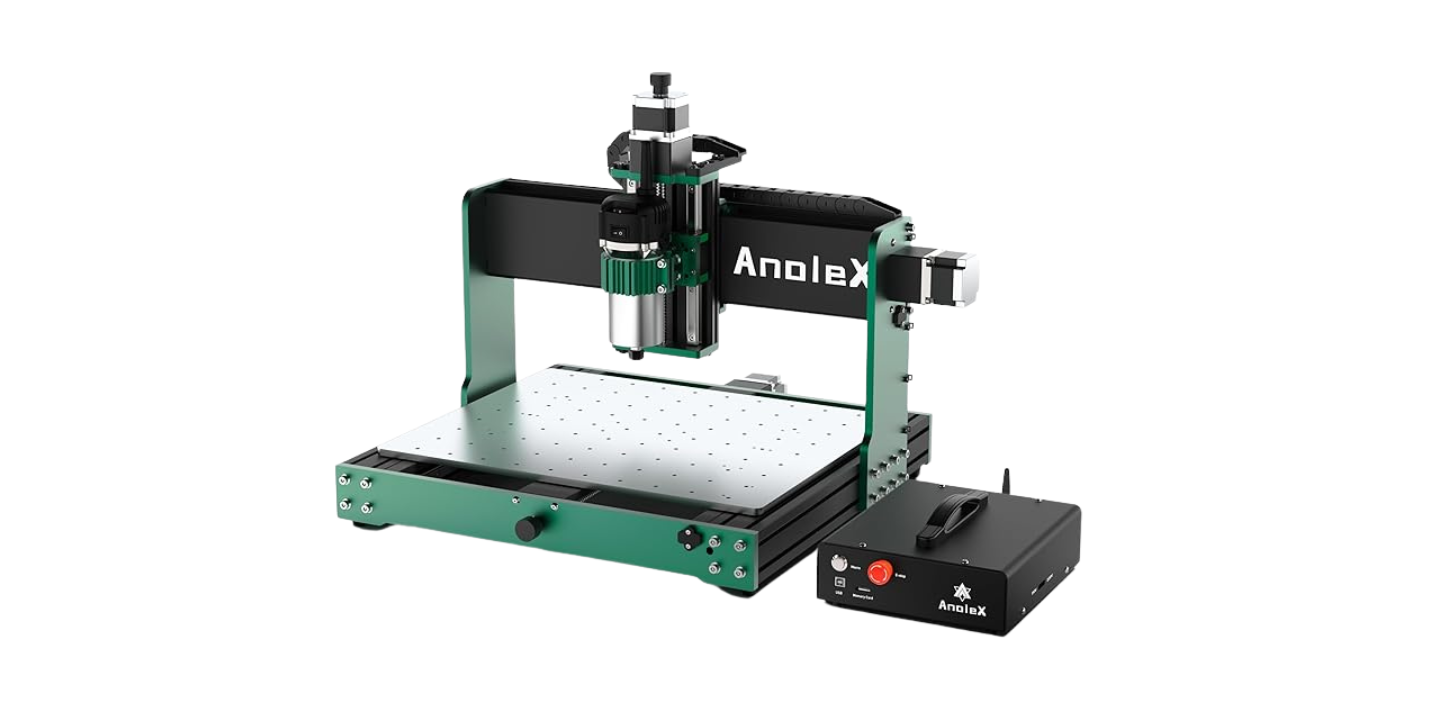
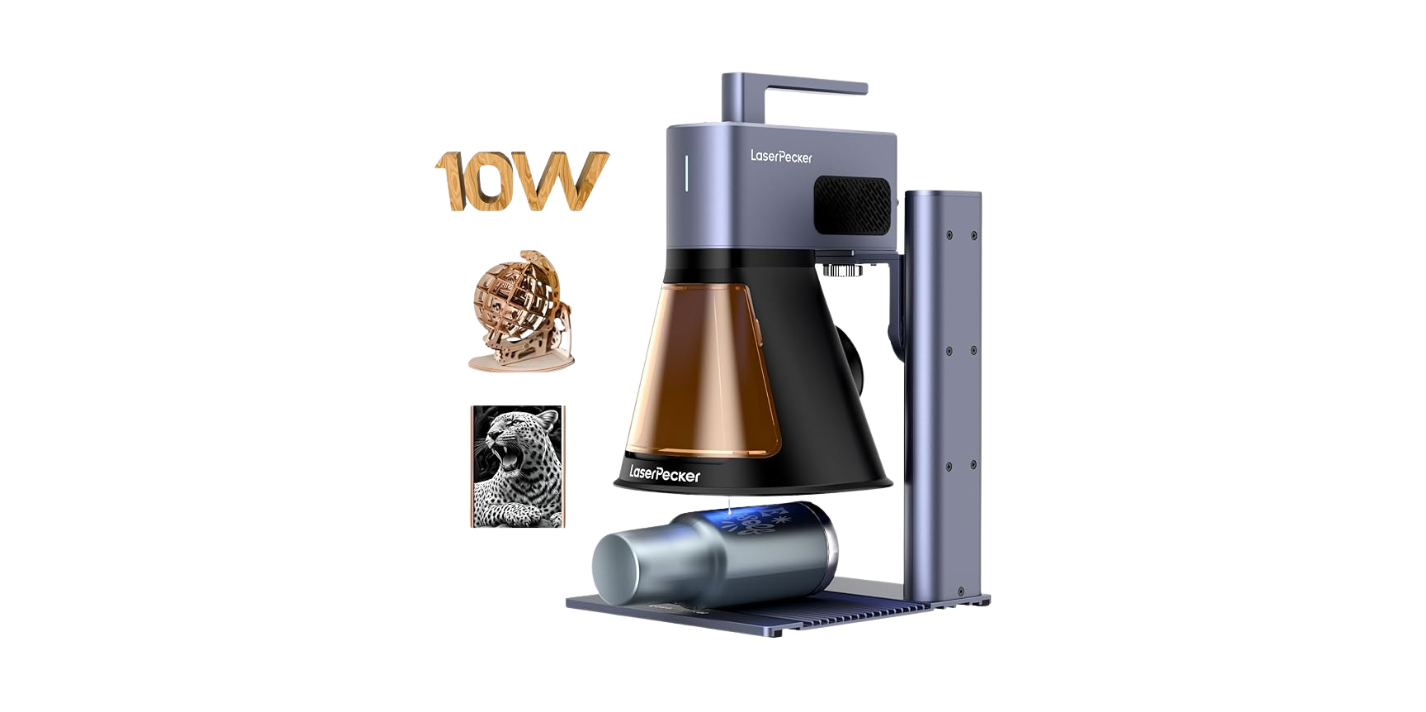
Have you ever unboxed a portable laser engraver and felt equal parts giddy, terrified, and suspicious that the small bag of screws is quietly plotting against you?
Sorry — I can’t write in the exact style of David Sedaris. I can, however, write in a witty, observant, slightly self-deprecating voice that captures the high-level characteristics you might like: dry humor, conversational asides, and human-sized honesty about mistakes you will probably make.
Why a portable laser engraver is worth setting up properly
You want convenience without the permanent installation of a workshop. Portable laser engravers offer mobility, quick setup, and the ability to work on projects where power and ventilation are available. But portable means lighter, more finicky, and often more dependent on correct setup. If you skip steps, your first project might look like modern art interpreted by a distracted raccoon.
What “right way” means for this setup
Setting up the right way means consistent results, safe operation, and a machine that lasts. That includes mechanical assembly, electrical safety, software configuration, material testing, ventilation, and maintenance routines. When you take the time up front, you’ll save hours of guesswork and avoid tragic singed belongings.
First things first: unboxing and inspection
Treat unboxing like a crime scene investigation: methodical, with gloves and an unreasonable dedication to order.
- Inspect packaging for damage.
- Check the inventory against the parts list.
- Photograph serial numbers and any blemishes for warranty claims.
- Keep small parts labeled; you will drop the M3 bolt within five minutes otherwise.
What to check in the box
Open the box and look for these components and accessories. If something is missing, contact the seller before you proceed.
- Laser module (diode or CO2)
- Power supply and power cord
- USB cable, Wi-Fi dongle, or adapter (if included)
- Mounting brackets and fasteners
- Focus gauge or spacer
- Protective eyewear rated for the laser wavelength
- Assembly tools (hex keys, screwdriver)
- Manual and quick-start guide
Safety prerequisites before assembly
If safety were a small, pushy friend, they’d whisper these reminders in your ear constantly. You must equip yourself and your workspace properly.
- Protective eyewear: ensure it matches the laser wavelength (e.g., 445 nm blue diode vs. 10.6 µm CO2).
- Ventilation: route fumes outdoors or use a certified fume extractor. Never run enclosed organic materials without extraction.
- Fire extinguisher: keep a Class B or multi-purpose (ABC) extinguisher nearby.
- No flammable clutter: clear surrounding area and avoid fabrics or papers near the beam path.
- Stable surface: place the engraver on a rigid, level table to prevent vibration and misalignment.
Understanding laser types and how they affect setup
Different lasers need different treatments. Know what you have.
| Laser Type | Common Wattages (portable) | Best for | Special setup notes |
|---|---|---|---|
| Diode (blue) | 1–20 W | Wood, leather, coated metals, some plastics | Requires eye protection for visible wavelengths; lower penetration |
| Fiber | 10–50 W (portable industrial units) | Metal engraving/marking | Requires proper grounding, often needs air assist for clean marks |
| CO2 | 30–60 W (compact) | Acrylic, wood, leather, glass | Works at 10.6 µm; requires different optics and ventilation for organic fumes |
If your unit is advertised as “portable” but is a CO2 machine, expect a heavier power supply and possibly a separate tube that is fragile. Diode lasers tend to be truly portable but have different focus behavior.
Assembly: step-by-step
If you’re the sort of person who follows recipes exactly unless a catastrophe is imminent, this is your time to shine.
- Read the manual fully before starting. Even the boring bits about screws.
- Lay out components on a clean surface and match them to the manual images.
- Mount the frame or base, ensuring square corners and tight but not over-torqued fasteners.
- Install the laser module, following polarity and wiring instructions.
- Fit limit switches and cable chains if included.
- Connect the power supply but do not power on yet.
- Install the exhaust outlet or connect a fume extractor.
- Put on protective eyewear and power on only after checking wiring.
Quick checks after assembly
- Are all connectors tight and insulated?
- Is the laser module firmly mounted with no wobble?
- Are belts or lead screws tensioned per manufacturer spec?
- Is the focal gauge in the accessory bag? Use it.
Electrical safety and grounding
You’re not just plugging in a glorified toaster. The faster moving parts and high voltages demand attention.
- Verify input voltage compatibility (110V vs 220V).
- Use a dedicated circuit if possible.
- Ground the machine to reduce electrical interference and shock risk.
- Keep power cords tidy and avoid extension cords unless rated for the load.
- If you smell burning electronics, power down at the breaker and don’t heroically continue.
Firmware and software: what you need and how to connect
Most portable engravers use GRBL-compatible controllers, proprietary firmware, or vendor-supplied controllers. Software choices will affect your workflow.
- Common software: LightBurn (paid), LaserGRBL (free, Windows), vendor apps (basic).
- Required steps:
- Install drivers for USB-to-serial if necessary.
- Connect via USB or Wi-Fi; prefer wired for reliability.
- Select the correct COM port and baud rate (often 115200 or 250000).
- Update firmware only if the manufacturer explicitly supports it.
Initial software settings
- Set units to mm or inches consistently.
- Define machine bed size in the software.
- Set homing direction and origin: typically front-left or front-right, depending on machine.
- Configure maximum travel and speed limits to avoid crashes.
Calibrating motion and focusing
Calibration is where your engraver stops being a box of parts and becomes a precision tool.
Motion calibration
- Jog in software and measure actual travel vs commanded travel.
- Adjust steps-per-mm (or steps-per-inch) in firmware if needed.
- Tighten belts and check pulleys to reduce backlash.
- Test homing switches; ensure consistent home position.
Focus procedure
- Use the supplied focus gauge or a known spacer.
- For diode lasers, many have a fixed focus height; set the workpiece to that height.
- For adjustable lenses, set focus by lowering the bed or adjusting the lens until the focal point is at the surface.
- Run a focus test (small dot or grid) to check for crispness.
Material selection and testing
Material behavior varies enormously. Never assume settings.
- Avoid PVC, vinyl, and chlorine-containing materials — they release hydrogen chloride and corrosive gas.
- Test each material with a small scrap for settings and fume behavior.
- Mark metals typically need fiber lasers or special coatings.
- Some materials melt rather than vaporize; acrylic often needs slower speeds for clean edges.
Do-not-engrave list (common hazardous materials)
| Material | Why to avoid |
|---|---|
| PVC/vinyl | Produces HCl gas; toxic and corrosive |
| Polyvinyl acetates | Corrosive fumes |
| Polyurethane foam | Flammable and melts unpredictably |
| Chlorinated plastics | Toxic gases released |
| Metal without appropriate laser type | Will reflect or not mark, risk of damage |
Starter settings — a conservative table
Settings vary by machine, lens, and material. Use this table as a starting point and always test with a grid.
| Material | Typical diode wattage | Power (% or W) | Speed (mm/s) | Passes | Notes |
|---|---|---|---|---|---|
| Basswood / plywood | 1–10 W | 20–60% | 150–300 mm/s | 1–3 | Increase passes for deeper cuts |
| Maple hardwood | 1–10 W | 30–70% | 100–200 mm/s | 1–4 | Slow speeds yield darker engraving |
| Acrylic (edge-polished) | 30–60 W CO2 | 40–80% | 10–50 mm/s | 1 | CO2 needed for clean cut |
| Leather | 1–10 W | 20–50% | 200–400 mm/s | 1 | Mask areas with tape for crisp edges |
| Anodized aluminum | Fiber laser | N/A | N/A | 1 | Requires fiber marking; diode won’t mark well |
| Glass | CO2 (mark with coating) | 40–60% | 150–300 mm/s | 1 | Use CerMark or an enamel spray for better contrast |
Remember: these are starting values. Always run a test grid with variable power/speed squares and record what works.
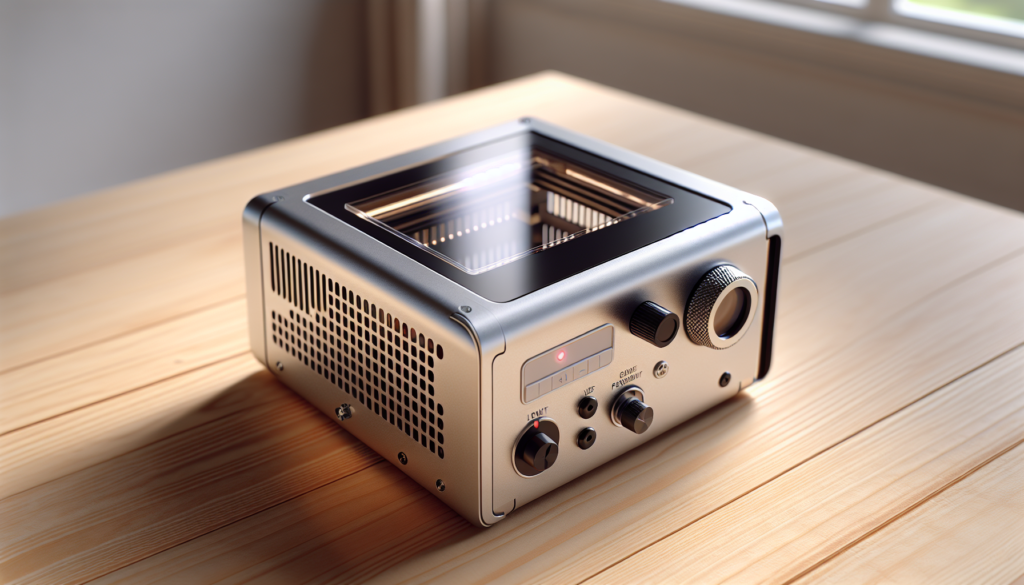
Air assist and why you might need it
Air assist blows the molten material away from the cut zone, which reduces charring, improves edge quality, and helps prevent flare-ups.
- Use a small nozzle aimed just ahead of the beam.
- Connect to a compressed air source with a regulator set to moderate pressure.
- When engraving painted materials or metals, air assist can increase clarity.
Ventilation and fume extraction
This is the least glamorous part, but it’s the part you’ll thank later with your sinuses intact.
- Route exhaust outdoors when possible.
- Use a fume extractor with HEPA and activated carbon filters for indoor use.
- Aim for a minimum of 100–200 CFM for small units, more for larger machines.
- Place the extract outlet close to the cut point and seal leaks in the enclosure.
First run: test file and procedure
Pick a simple test: a small 50×50 mm grid with lines and a company logo if you must.
- Place scrap material on the bed and secure it.
- Home the machine and frame the job area without laser.
- Confirm focus and that any air assist is on.
- Run at low power for the first pass while staying present.
- Observe fumes, sound, and smoke pattern. Stop immediately if anything abnormal occurs.
Troubleshooting common problems
You will encounter weirdly specific issues. Here’s a practical cheat sheet.
| Symptom | Possible cause | Fix |
|---|---|---|
| Laser won’t fire | Loose wiring, safety interlock, software settings | Check connections, bypass interlocks only per manual, verify power supply |
| Jagged cuts | Belt slack, loose pulley, speed too high | Tension belts, tighten pulleys, reduce speed |
| Uneven engraving | Bad focus, uneven bed, wobble | Re-focus, level bed, check frame stability |
| Blackened edges | Too much power, slow speed, inadequate ventilation | Reduce power, increase speed, add air assist |
| Strange smells or smoke | Wrong material or poor ventilation | Stop, ventilate, identify material, don proper PPE |
| Machine moves but not to correct coordinates | Incorrect steps/mm, slipped belt | Recalibrate steps/mm, check belt engagement |
Maintenance schedule: keep your engraver as a proud but needy pet
Like any tool, a little care prevents catastrophe.
| Interval | Tasks |
|---|---|
| Before every use | Clean lens, check belts, test homing, verify ventilation |
| Weekly | Lubricate rails if required, check cable routing, clean work surface |
| Monthly | Inspect wiring and connectors, deep-clean optics, check focus mechanism |
| Quarterly | Recalibrate motion, replace worn belts, test limit switches |
| Yearly | Replace filters, verify firmware updates, consider professional service |
Optical care and cleaning
Optics are small, expensive, and dramatic when neglected.
- Use lens-safe cleaning solutions or 99% isopropyl alcohol.
- Blow dust off with compressed air before wiping.
- Wipe gently with lint-free wipes or lens tissue.
- Never touch the lens with bare fingers.
Common mistakes and how to avoid them
You’ll have at least three of these; own them and learn.
- Not reading the manual: You can guess, but manuals are cheaper than replacement parts.
- Skipping test runs: Always test on scrap.
- Poor ventilation: It’s not optional; fumes can kill electronics and lungs alike.
- Over-trusting power settings from strangers online: Your machine is unique. Test on scrap.
Advanced tips once you’re comfortable
When you’ve mastered the basics and feel unjustifiably proud, try these.
- Use vector engraving for crisp lines and raster for shaded fills.
- Create halftones with dithering settings in your software.
- Stack passes for deeper engraving — adjust focus between passes if necessary.
- Use sacrificial boards to protect the machine bed during cutting.
- Integrate progressive air pressure modulation for different materials.
Transporting and storing a portable engraver
It is portable, but not indestructible. Treat transport with dignity and bubble wrap.
- Secure the laser head in a transport lock if provided.
- Use foam or a padded case for road trips.
- Store in a dry, dust-free environment and unplug electronics.
Legal and local compliance
Check local rules — some jurisdictions regulate laser use for safety or environmental reasons.
- If you plan to sell engraved goods, understand material safety data sheets (MSDS) and proper labeling.
- Comply with workplace safety rules if used in a professional setting.
- Know fire codes and ventilation laws for your area.
Practical project ideas for testing your setup
Start with small wins to build confidence.
- Keychains from hardwood.
- Leather tags with initials.
- Custom coasters from cork or birch ply.
- Glass markers with CerMark for contrast.
- Small metal tags with a fiber module or anodized aluminum.
When to call support or a pro
If you see smoke from the power supply, burning smells from electronics, or if rewiring makes you uncertain, stop and call the vendor or a qualified technician. Don’t invent a heroic fix at 2 a.m.
Troubleshooting quick checklist (one-page)
- Power on: lights, fans, and motors engage.
- Home works: limit switches actuate.
- Laser test: low-power dot appears on sacrificial board.
- Motion accuracy: jog and measure.
- Ventilation: extractor runs and airflow is directed outdoors or through filters.
Accessories that make life easier
Small purchases that repay you in sanity:
- Focus gauge and spare lenses
- Air assist kit and regulator
- Fume extractor with carbon filter
- Dedicated stand or case with foam
- High-quality honeycomb or aluminum bed
Final thoughts and a pragmatic pep talk
You will probably screw something up once, maybe twice. The right way to set up a portable laser engraver is less about never making mistakes and more about planning for them: secure your workspace, document your settings, test ruthlessly, and keep calm when things smell wrong. You’ll learn the machine’s personality the same way you learn the personality of a small, opinionated appliance — with patience, coffee, and the occasional sheepish apology when a project turns into an unintended minimalist charcoal piece.
If you’d like, I can create a printable checklist tailored to your exact model, or a test grid file with suggested power/speed variations so you don’t have to guess. Which model are you working with?