Can a portable laser engraver really mark metal well enough that you won’t regret the purchase?
Introduction
You probably like the idea of walking up to a piece of metal — a pipe, a wrench, a stainless-steel plate — and leaving a crisp, permanent mark without lugging the part back to a machine shop. Portable laser engravers promise exactly that convenience, and you want to know whether the promise is real or mostly clever marketing. This article gives you the real answer, with practical guidance, comparisons, and the little quirks you should expect.
Quick answer
Yes — portable laser engravers can be used for metal marking, and in many cases they do an excellent job. The caveat is that the outcome depends on the type of laser, the metal, surface prep, laser parameters, and the portability trade-offs (power, cooling, stability).
What is a portable laser engraver?
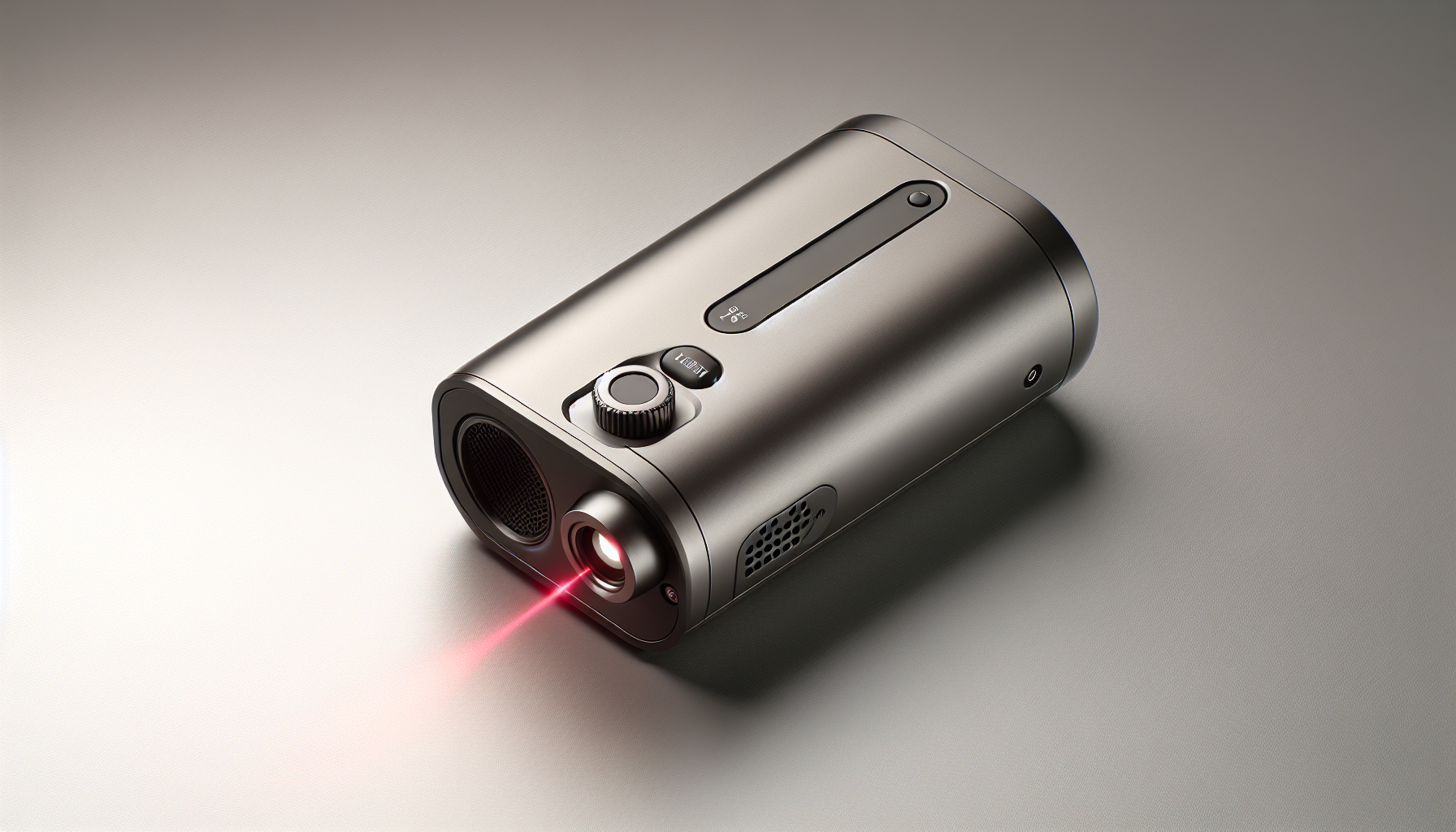
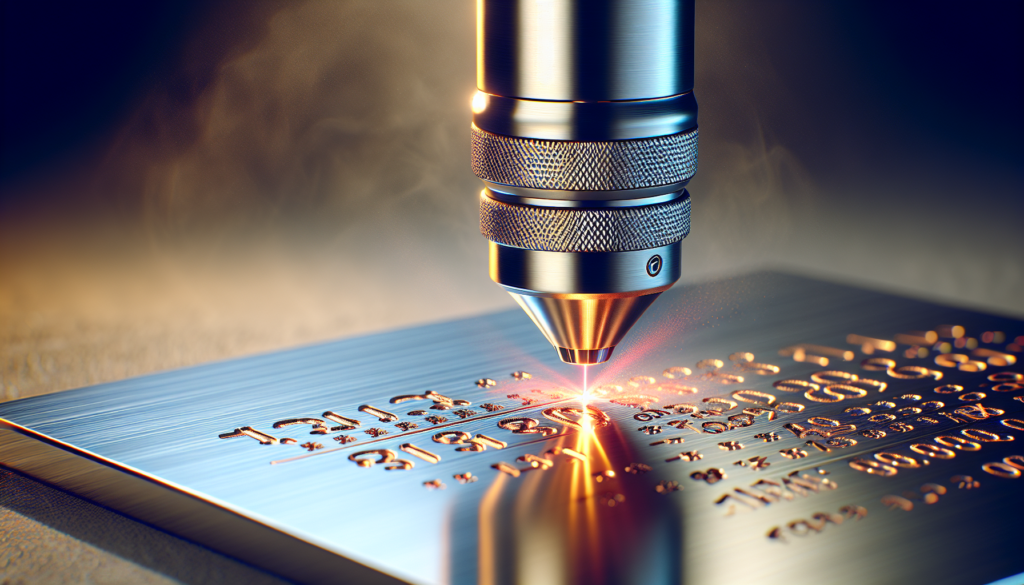
You should think of a portable laser engraver as a compact, often handheld or small benchtop device that concentrates a laser beam to remove, oxidize, or alter the surface of a material. It’s designed so you can bring marking capability to the part, not the part to the shop, which is useful for field repairs, large components, and on-site identification.
Portable form factors
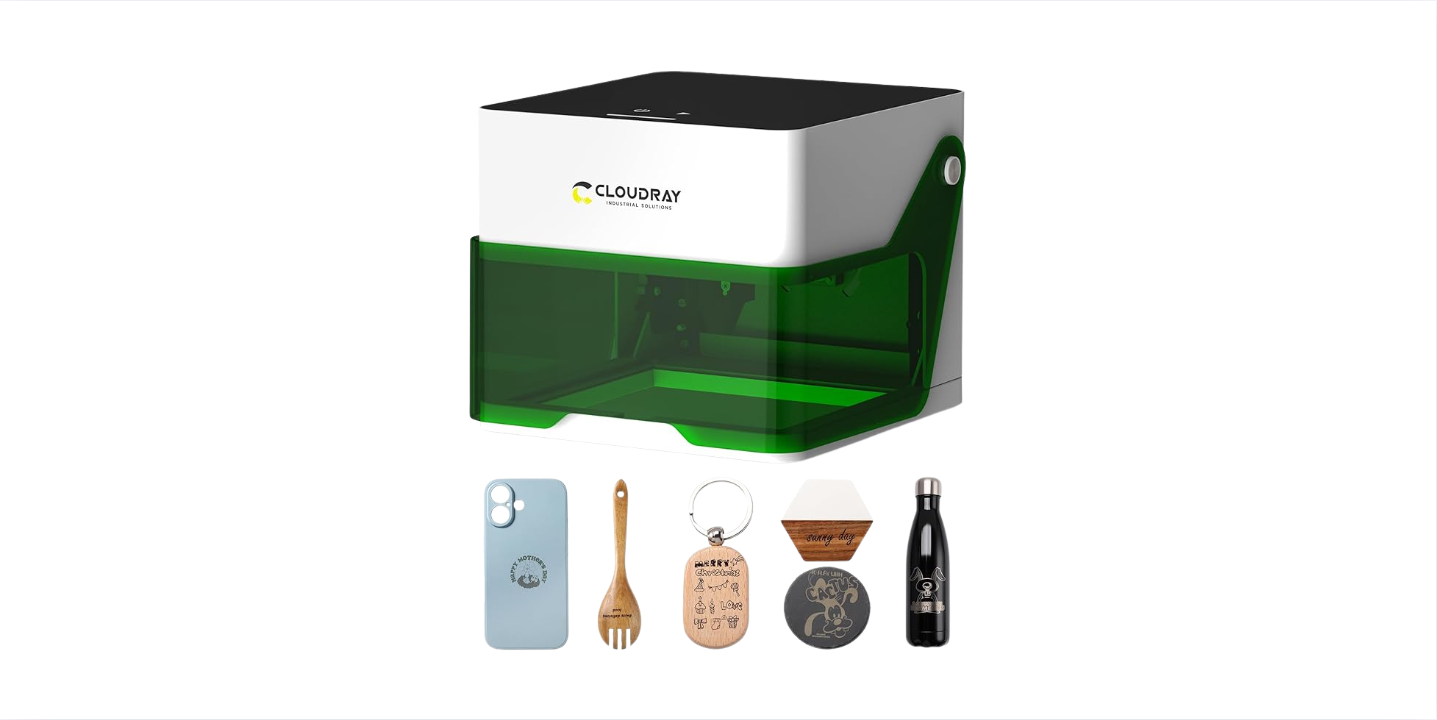
You’ll find several configurations: truly handheld wands, pistol-grip units, lightweight benchtop modules you can carry, and small vehicle-mountable systems. Each gives up some power or stability in exchange for mobility.
Types of lasers commonly used for metal marking
Different laser types behave differently with metals. You need to match the laser to the metal and the appearance you want.
| Laser type | Wavelength | Best for metals? | Typical uses | Pros | Cons |
|---|---|---|---|---|---|
| Fiber (including MOPA) | ~1060–1080 nm | Excellent for most bare metals | Engraving, annealing, high-contrast marks | High efficiency, good for deep marks, good for stainless steel; MOPA offers color/annealing | Generally pricier; handheld models can be bulky at higher power |
| Nd:YAG / DPSS (pulsed) | ~1064 nm | Good for metals | Fine engraving, jewelry | Very short pulses, good energy density | Usually heavier, less common in portable units |
| Diode (808–980 nm) | ~800–980 nm | Limited on bare metals; good with coatings | Marking painted/coated metals, anodized aluminum (indirect) | Cheap, small, battery-capable | Often cannot mark bare copper or reflective metals well |
| CO2 | ~10,600 nm | Poor for bare metals unless coated | Plastics, wood, anodized surfaces | Cheap for non-metal marking | Cannot mark bare metals reliably without assistance |
You should favor fiber or MOPA fiber when you want reliable, durable marks on bare metals.
How laser marking works on metal
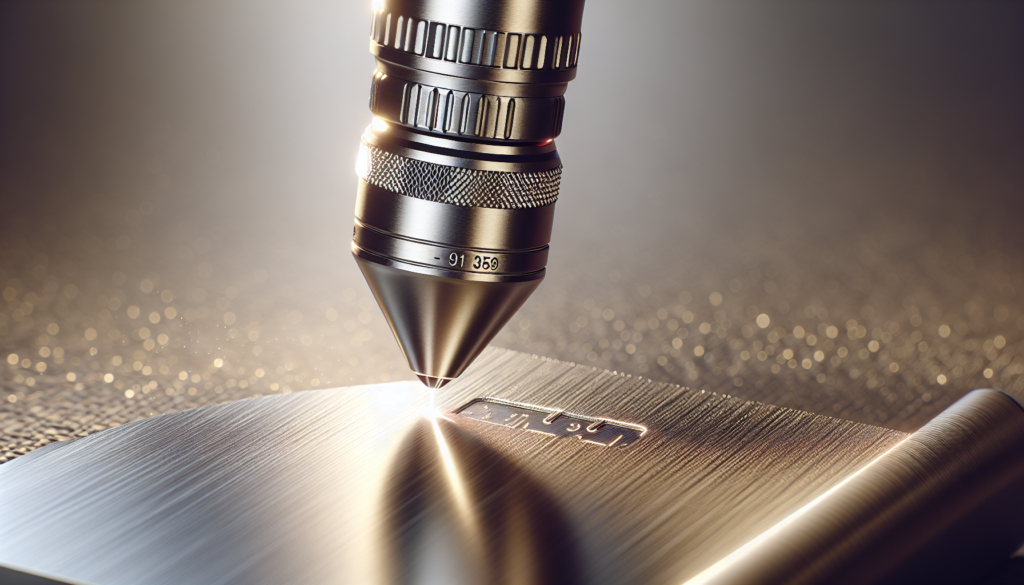
Laser marking on metals occurs through several mechanisms: material removal (engraving), color change via heat (annealing), alloying or melting/oxidation, and ablation of coatings. Each mechanism creates a different look, permanence, and depth. Understanding the mechanism helps you choose parameters and prepare the surface.
Common marking mechanisms
- Ablation/engraving: The laser vaporizes or removes material, producing a physically recessed mark. It’s durable and tactile.
- Annealing: The laser heats the metal surface without removing significant material, causing an oxide layer change that creates contrast (often dark) while maintaining a smooth surface.
- Color marking (MOPA/controlled pulse): Fine control over pulse width causes color changes on stainless steel and titanium via micro-oxidation, creating rainbow-like hues.
- Coating removal: The laser removes paint/anodizing/ceramic coatings to reveal underlying metal; the mark depends on the substrate and coating.
Which metals can be marked? (and how well)
Some metals are markings’ best friends, others… not so much. Here’s a practical overview.
| Metal | Marking quality with fiber/MOPA | Typical marking types | Notes |
|---|---|---|---|
| Stainless steel | Excellent | Annealing, engraving, color (MOPA) | You’ll get high contrast and long-lasting marks. |
| Aluminum | Very good | Engraving, coating removal | Bare aluminum can be marked well; anodized aluminum yields high contrast when removing the oxide. |
| Titanium | Excellent | Engraving, color marking | Responds well to color/anneal techniques on MOPA. |
| Brass | Very good | Engraving, color (limited) | Shiny surface may reflect; rotating/angles help for deep marks. |
| Copper | Challenging | Engraving (needs higher power) | High reflectivity and thermal conductivity require high peak power or special pulses. |
| Gold / Silver | Good | Engraving | Precious metals mark well but can show surface discoloration; careful settings needed. |
| Coated metals (paint, anodized) | Excellent (coating removal) | Contrasted marks by removing coating | You must control heat to avoid substrate damage. |
If you want to mark copper or highly reflective metals, look for higher peak power, specialized pulse trains (MOPA or Q-switch), or pre-treatment that reduces reflectivity.
Surface preparation and coatings
You can’t just point a laser at a greasy bolt and expect art. The better the surface prep, the better and more consistent the mark. Clean away oils, dirt, and corrosion. For some techniques (like annealing), you might leave the surface intact; for others (coating removal or deep engraving), cleaning and possibly sanding helps.
Prep checklist
- Degrease with isopropyl alcohol or acetone.
- Remove oxides or heavy corrosion with a brush or light abrasive.
- Mask surrounding areas if you need to avoid accidental marks.
- Test on a scrap piece or inconspicuous area.
Power, speed, frequency: practical settings
Laser marking involves a balancing act between power (how much energy per unit time), speed (how fast the beam moves), frequency (pulse repetition), and focus. Portable units often trade absolute power for mobility, so you’ll tune speed and passes to compensate.
| Parameter | Effect | Typical starting recommendation |
|---|---|---|
| Power (W) | Higher power = deeper/higher contrast | For stainless: 10–40 W fiber; for deep marks 30–100 W |
| Pulse frequency (kHz) | Affects heat buildup and marking mode | Lower kHz for engraving; higher kHz for annealing/color (MOPA) |
| Speed (mm/s or mm/s) | Slower = more energy per area | Start slow for trials, then increase; typical 100–500 mm/s depending on power |
| Passes | Multiple passes deepen mark | 1–10 passes depending on result desired |
| Focus position | Defocus slightly for annealing/color | Fine focus for engraving |
You’ll generally start at conservative settings on scrap and increase power or slow speed until you see the desired contrast or depth.
Types of marks and achievable depths
You’ll want to pick a mark type based on application: legal compliance often requires permanent, tamper-resistant marks; branding may prefer color; functional parts may need shallow marks that don’t compromise strength.
- Surface anneal: <0.01 mm depth, high contrast, smooth feel.< />i>
- Shallow engraving: 0.01–0.2 mm, visible tactile depth, durable.
- Deep engraving: >0.2 mm, used for serial numbers on tools or heavy parts.
- Coating removal: variable depth — typically removes only the coating to reveal substrate.
If you need to meet specific depth or readability standards, measure after test marks and validate using calipers or metallographic methods, if necessary.
Portable vs bench-top: pros and cons
You’re choosing between convenience and raw capability. Portable units let you mark large or fixed installations, while benchtop systems typically deliver more power, precision, and stability.
| Feature | Portable | Bench-top |
|---|---|---|
| Mobility | High | Low |
| Power options | Typically lower (10–50 W common) | Higher (20–200+ W available) |
| Stability/precision | Depends on operator; handheld wobble possible | High stability, better for micro-features |
| Cooling requirements | Often air-cooled; limited duty cycle | Better cooling, higher duty cycle |
| Cost | Mid-high depending on features | Can be expensive for industrial models |
| Field use | Excellent for on-site parts | Best for controlled shop work |
For serial numbers on structural beams, you want portable. For micrometric engraving on surgical implants, bench-top wins.
Safety considerations
Lasers are dangerous if you treat them like a lighter at a picnic. Even lower-power units can cause eye injuries and burns. Use appropriate laser safety eyewear, follow enclosure or beam containment practices, and ensure proper ventilation — marking can release particulates and gases when coatings or metals are ablated.
Safety basics
- Use the correct laser safety goggles rated for the laser wavelength and optical density.
- Keep bystanders away and use beam stops or shrouds when practical.
- Use local exhaust ventilation or fume extraction for coatings and certain alloys.
- Be mindful of fire risk with thin materials or flammable coatings.
Applications and use cases
You can use portable laser marking across a surprising number of fields. You need to match expectations: logos and serial numbers are common; beautification (color marks) is a specialty.
- On-site asset tagging: Electrical cabinets, piping, welded assemblies.
- Maintenance and repairs: Mark parts after repair or inspection.
- Tool and die identification: Permanent IDs on large tooling.
- Jewelry and custom work: Color and fine engraving on precious metals (with suitable lasers).
- Firearms and regulated goods: Marking serial numbers (check laws).
- Aerospace and marine: Part identification where dismantling is impractical.
If you’re doing medical devices or aerospace parts, you must follow strict material and marking standards; don’t improvise.
Legal and regulatory considerations
You probably don’t want to mark something legally sensitive without checking rules. Laws may govern marking of firearms, safety-critical parts, or devices that require traceability. Also, export/import of certain laser systems or components can fall under controls.
- Firearm serial numbers: Federal and local laws apply; unauthorized alteration can be criminal.
- Traceability standards: Aerospace and medical often require validated marking processes and records.
- Export controls: High-power lasers may fall under export restrictions in some jurisdictions.
If you’re unsure, consult legal counsel or the relevant regulatory authority before marking regulated parts.
Choosing a portable laser engraver: buying guide
You won’t buy a laser every week, so consider the major factors: wavelength, power, pulse type, portability, cooling, control software, and support. Match features to your use case.
Key factors to evaluate
- Wavelength: Fiber (~1064 nm) for metals; CO2 for non-metals; diode for coated metals.
- Power and pulse type: Choose sufficient peak power and appropriate pulse width (MOPA for color).
- Duty cycle and cooling: If you’ll mark all day, prioritize better cooling.
- Portability vs stability: Handheld for hard-to-move items; small benchtop for precision.
- Software and connectivity: Look for vector/bitmap support and easy file transfer.
- Safety features: Interlocks, key switches, and remote kill switch.
- Service and warranty: Field serviceability and spare parts availability matter.
Buying checklist (quick)
- Purpose: field marking, jewelry, deep engraving?
- Metals you’ll mark: stainless, aluminum, copper?
- Required mark type: anneal, deep engraving, color?
- Power needed: recommended range based on metal.
- Size and weight limits for portability.
- Cooling method and duty cycle.
- Safety features and certifications (CE, FDA for some markets).
- Budget and total cost of ownership.
Cost and ROI
Portable systems range from a few thousand dollars for basic diode units to tens of thousands for robust fiber/MOPA systems. Consider consumables (replacement optics, protective windows), maintenance, and training. ROI depends on what you’re replacing: if you’re avoiding shipping parts out or reducing downtime, you may recover cost quickly.
- Basic diode portable: $1,000–$6,000 (good for coated metals).
- Entry-level fiber portable: $5,000–$15,000.
- Higher-power/factory-grade portable MOPA: $15,000–$50,000+.
Think about the soft savings: reduced logistic costs, increased uptime, and faster traceability can tip the ROI balance fast.
Setup and best practices for field marking
You’re probably imagining a scenario: a rooftop HVAC unit, a crane girder, a generator. Here’s a practical workflow.
- Assess the part: material, coating, accessibility, required mark.
- Clean and prep the surface: remove grease and dirt.
- Secure the unit or part if possible to avoid movement.
- Set laser parameters on scrap or a hidden section.
- Align and focus carefully; handheld wobble reduces quality.
- Use multiple passes if necessary; inspect after each pass.
- Apply protective finish if needed for corrosion resistance after marking.
A small magnetic jig, clamps, or a simple tripod for the handheld unit can dramatically improve consistency.
Common problems and troubleshooting
You’ll hit snags. These are the most common and how to fix them.
- Faint or no mark: Increase power, slow speed, ensure focus, clean surface.
- Excessive burrs or melted edges: Reduce power, increase speed, use shorter pulses.
- Uneven marks (hand wobble): Use a jig or fixture; practice smooth motion.
- Yellowing or unwanted discoloration: Test and adjust pulse frequency; sometimes use fewer passes.
- Rapid lens contamination: Improve fume extraction and use protective windows.
Always test on scrap and keep a log of successful settings per material.
Maintenance and longevity
You want the laser to keep working. Regular preventive maintenance keeps downtime low.
- Keep optics clean and use protective covers.
- Replace protective windows as they score.
- Check cooling fans and air filters for dust buildup.
- Keep firmware and software updated.
- Maintain spare parts: fuses, optics, and cables.
If you’re using the unit in harsh environments, plan for more frequent service intervals.
Case studies and real-world examples
You’ll appreciate a few realistic scenarios so you can picture yourself using the tool.
- Field service technician marking oversized HVAC parts: You’re on a roof with a bulky duct section. Lugging the part into a shop would cost a crane and days of downtime. The portable fiber unit lets you etch a serial number and inspection date in ten minutes, no crane, minimal disruption.
- Tool crib manager marking wrenches and sockets: You want permanent IDs that won’t wear off. With a handheld fiber laser, you engrave names and IDs quickly; the marks survive years of oil, heat, and abuse.
- Jewelry artisan wanting color on titanium: You want a rainbow finish, not a boxy engraved logo. A compact MOPA unit gives color hues with careful pulse control, and you look like someone who knows what “anodic coloration” sounds like at parties.
Each of these shows the portable unit’s strengths: convenience, speed, and adequate quality for many professional tasks.
Environmental and health considerations
When you remove material, you create particulates and fumes. Metals and coatings can release hazardous compounds, so ventilation and filtration are important. For titanium and stainless steel, particulates can be irritating or harmful.
- Provide local exhaust ventilation for ablated particles.
- Use appropriate respirators if extraction isn’t possible.
- Be aware of potential for UV and IR emissions; eyewear and shielding are vital.
If you’re marking cadmium-plated parts or certain alloys, check material safety data sheets for hazards.
Software, file types, and marking formats
You’ll need software that accepts vectors and bitmaps; most systems support .DXF, .SVG, .BMP, and others. Barcodes, QR codes, and 2D DataMatrix are commonly used for traceability.
- Use vector fonts or single-line fonts for crisp serials.
- For 2D codes, ensure module size and contrast meet scanner expectations.
- Include human-readable text alongside codes for redundancy.
Always validate codes with your scanner after marking to ensure read rates meet requirements.
Frequently asked questions (short answers)
Q: Can a portable laser mark painted or anodized metals?
A: Yes — lasers remove coatings cleanly, revealing the substrate. You’ll get high contrast but must control heat to avoid damaging substrate.
Q: Are portable lasers safe to use outdoors?
A: They can be used outdoors, but you must ensure beam control, eye safety, and weather protection for electronics.
Q: Will marks withstand sandblasting or chemical exposure?
A: Deep engraving generally will; superficial annealed marks may be affected by aggressive chemical or abrasive exposure.
Q: Do you need a trained operator?
A: Basic operation is straightforward, but training reduces mistakes, ensures safety, and optimizes quality.
Final verdict: Can portable laser engravers be used for metal marking?
In short, yes — portable laser engravers can and do mark metals effectively for a wide range of professional needs. You must match the laser type and power to the metal and desired mark, prepare surfaces properly, follow safety rules, and accept the trade-offs between portability and absolute power/precision.
Recommendations
- For most bare metal marking (stainless steel, titanium, aluminum), choose a fiber or MOPA fiber portable system.
- If you need color on stainless or titanium, pick a MOPA-capable unit and practice pulse tuning.
- For painted or anodized parts where you just want coating removal, lower-cost diode lasers can work well.
- If you’ll do high volumes, buy better cooling and higher power or consider a bench-top for heavy-duty marking.
Closing notes
You’ll find portable laser engraving a liberating tool when it works well — it saves you lugging things around, speeds up repairs, and provides permanent, legible marks. It’s also an instrument that rewards patience and testing: the first handful of scrapped parts will be irritating, but once you’ve built a small library of material settings and mounting jigs, you’ll wonder how you ever lived without it. Treat it like a new kitchen appliance that can sing metal into submission — but give it respect, space, and a dust-free countertop.