Have you ever wanted to etch your name into a wooden spoon on a rainy Sunday while pretending you’re a character in a quirky novel?
What Exactly Is A Portable Laser Engraver? A 2026 Definition For Buyers And Makers
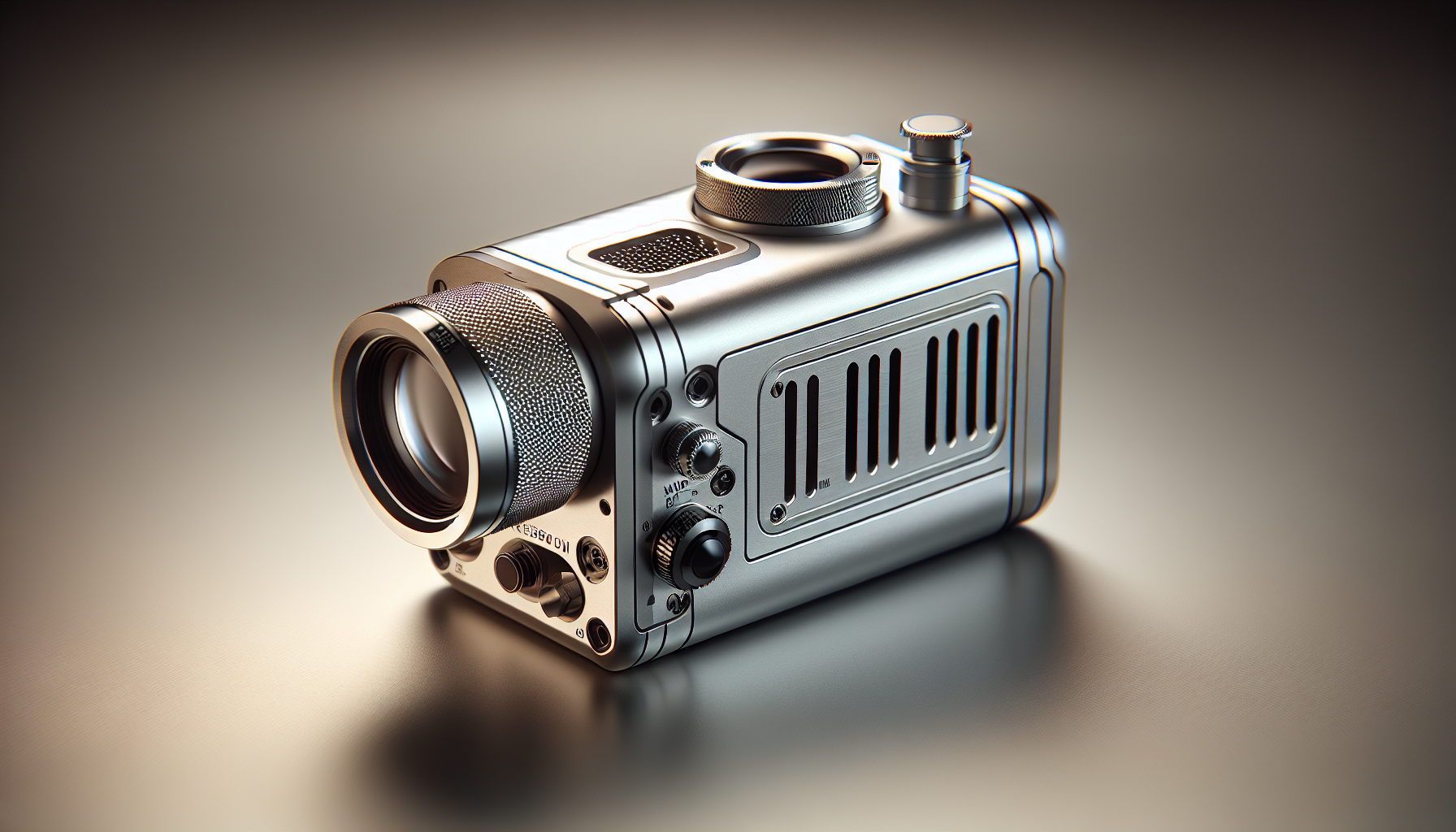
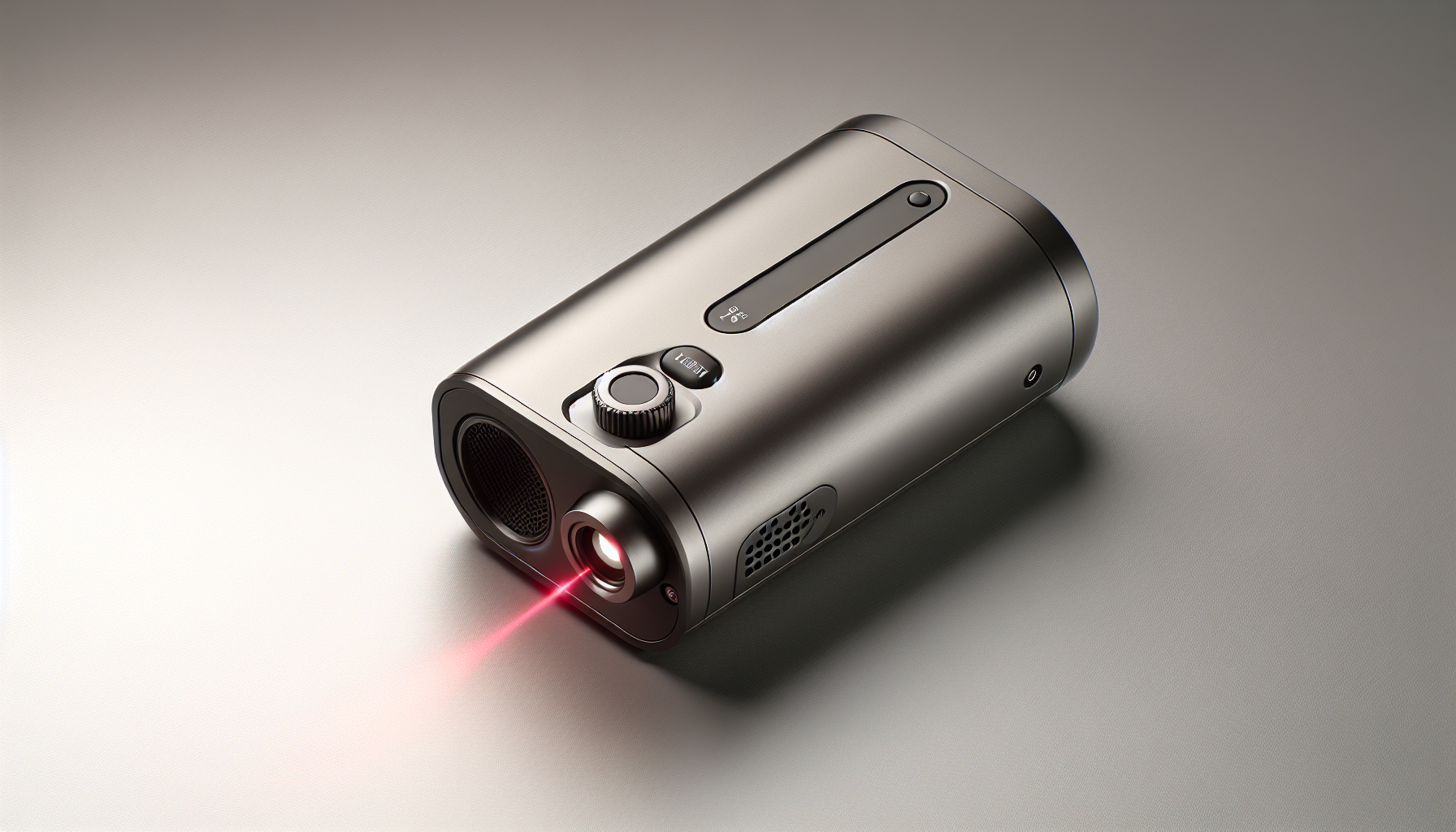
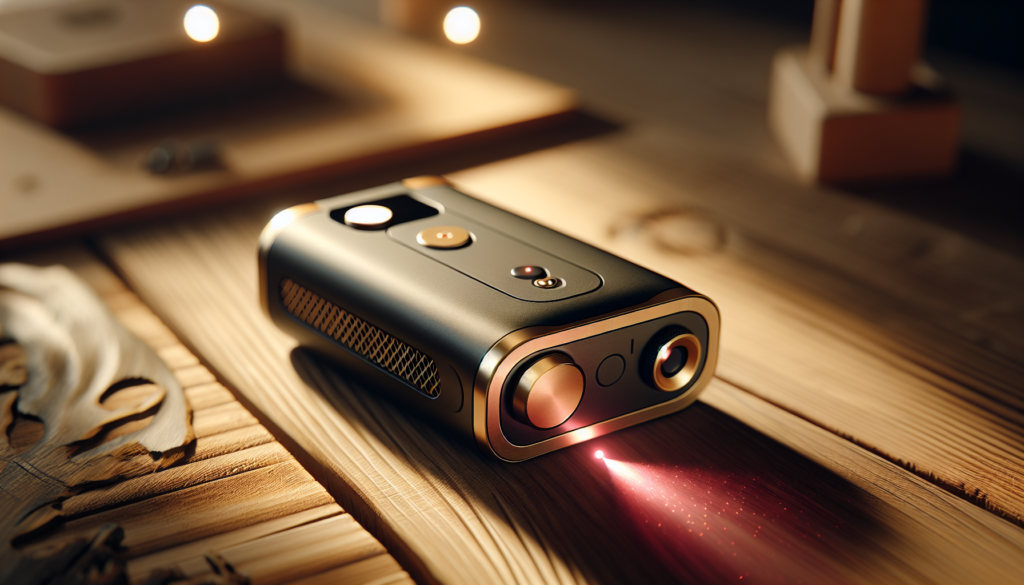
You might imagine a portable laser engraver as a magical wand that turns anything into an heirloom, and sometimes that’s exactly how it feels. In 2026, a portable laser engraver is a compact, easily transportable device that uses a focused beam of light to remove material or alter surfaces for marking, cutting, or engraving—designed so you can take it to a workshop, a craft fair, or your friend’s garage without the logistical drama of a full-size industrial machine.
A short, practical definition
You can think of it as a lightweight, self-contained laser system that balances power and convenience. It usually includes the laser source, motion system (either built-in or handheld guidance), basic ventilation or filtration options, and software or wireless control.
Why “portable” matters in 2026
You’ll find that portability is no longer just about small size; it’s about modularity, battery operation, and user-friendly software that runs on your phone. The idea is that you don’t need industrial power infrastructure or a dedicated room to use it. If you look for a device that fits in your car trunk and can be set up in under 15 minutes, you’re probably thinking like a 2026 buyer.
Types of portable laser engravers
There’s a bewildering variety of portable laser engravers. You’ll want to know the differences so you don’t end up buying a glorified flashlight or a desktop mill pretending to be mobile.
- Handheld pen-style engravers: You hold them like a pen and move them across the surface. They’re great for irregular shapes and fieldwork.
- Portable benchtop units: Smaller versions of desktop machines, often with foldable frames and lighter materials.
- Hybrid backpack/box units: Designed to be carried to remote sites, sometimes battery-powered and encased for protection.
- Modular kits: Systems that let you swap heads (laser, rotary, CNC) and fold down for transport.
Quick comparison table
| Type | Best for | Typical power | Portability score (1-5) |
|---|---|---|---|
| Handheld pen-style | On-site marking, awkward shapes | 0.5 – 5 W (diode) | 5 |
| Portable benchtop | Craft fair setups, small production | 5 – 40 W | 4 |
| Backpack/box units | Field repairs, outdoor signage | 2 – 20 W | 4 |
| Modular kits | Hobbyists wanting versatility | 2 – 30 W | 3-4 |
How a portable laser engraver works
You’ll find that beneath the glamor of “laser” is fairly straightforward engineering. A laser source produces a concentrated beam of light. The beam is either moved across the workpiece by motors (in benchtop units) or moved by you (in handheld units). The laser’s energy heats, vaporizes, or carbonizes material, creating marks or cuts.
Main components
You’ll see these parts in nearly every portable unit:
- Laser source (diode, fiber, or CO2)
- Optics (lenses, mirrors, focusing lens)
- Motion system or manual guidance
- Controller (hardware and software)
- Power source (wall adapter, battery)
- Safety features (shields, interlocks, filters)
Laser types and what they mean for you
The laser’s type determines what you can work on and how clean the results will be.
- Diode lasers: Affordable, compact, and ideal for marking wood, leather, paper, and some plastics. They’re common in portable models.
- Fiber lasers: Excellent for metals and some engineered plastics, but usually more expensive and less common in truly portable systems.
- CO2 lasers: Great for organic materials and acrylics; portable CO2 units exist but are typically larger and require more ventilation.
Material compatibility by laser type (short guide)
| Material | Diode | Fiber | CO2 |
|---|---|---|---|
| Wood | Yes | Limited | Yes |
| Leather | Yes | Limited | Yes |
| Acrylic | Limited | No | Yes |
| Aluminum | No | Yes | No |
| Stainless Steel | No | Yes | No |
| Paper/Cardboard | Yes | No | Yes |
Power, resolution, and speed explained
You might get lost in specs if you don’t know what matters. Power (measured in watts) tells you how much energy the laser can deliver. Higher power allows deeper engraving and some cutting. Resolution (often listed as DPI) determines how fine the details will be. Speed affects throughput: faster speeds are great, but if you go too fast without enough power, marks look faint.
- Power: 1–5 W for light engraving; 10–40 W for cutting thin materials in small production tasks.
- Resolution: 300–1000 DPI for detailed graphics.
- Speed: Listed in mm/s or mm/min. Faster isn’t better unless power and optics keep up.
Software, connectivity, and workflow
In 2026, the software experience often determines whether you’ll use the machine daily or leave it to gather dust. You’ll want software that is intuitive, accepts common file formats (SVG, DXF, PNG), and integrates with your workflow.
- App control: Many portable engravers offer phone apps for quick jobs.
- Desktop software: Provides advanced control, layers, and nesting for production.
- Cloud libraries: Some vendors have pattern libraries and firmware updates in the cloud.
- Compatibility matters: Make sure the controller accepts your design tools (Inkscape, Illustrator, CAD software).
Safety: what you must never ignore
You’re dealing with high-energy light. Safety isn’t optional, and in many jurisdictions, you must follow specific rules for use and sale.
- Laser classes: Most portable engravers fall into Class 1 (enclosed) to Class 4 (high-power, dangerous). Know which class your device is and the precautions needed.
- Eye protection: Use appropriate goggles rated for your laser wavelength.
- Interlocks & enclosures: They prevent accidental exposure; integrated enclosures reduce regulatory burden.
- Ventilation: Laser engraving produces fumes and particulates. Use an air filter or direct exhaust outdoors.
- Fire risk: Never leave the machine unattended when cutting flammable materials.
Regulatory table (simplified)
| Laser Class | Typical use in portable units | Key precautions |
|---|---|---|
| Class 1 | Enclosed, low risk | Minimal PPE, keep enclosure intact |
| Class 2 | Low power visible lasers | Avoid staring; use safety goggles for long exposure |
| Class 3R/3B | Higher power marking | Mandatory goggles, interlocks recommended |
| Class 4 | High power cutting | Full PPE, enclosures, strict ventilation, restricted use |
Materials you can engrave and cut
You’ll want to know what’s safe and what’s effective. Some materials produce hazardous fumes (PVC/vinyl emits chlorine). Others have surprising results (anodized aluminum marks beautifully with fiber lasers).
- Safe and common: wood, leather, card, paper, cork, glass (etch only), anodized aluminum (fiber), coated metals.
- Difficult or risky: PVC, vinyl, polycarbonate (often problematic), certain paints or substrates with harmful additives.
Quick reference: common results
- Wood: deep brown, charred edges; excellent for rustic looks.
- Acrylic: smooth, polished edge when cut; frosted when engraved (CO2 preferred).
- Leather: darkening and texture change; good for accessories.
- Stone/glass: surface etching (CO2 or fiber with special coatings).
Use cases: who benefits and why
You’ll find portable laser engravers used everywhere—from craft tables to construction sites.
- Makers and hobbyists: Personalization projects, prototypes, and gifts.
- Small business owners: Customized products, small-batch production, and on-site engraving for events.
- Repair and maintenance technicians: Marking serials, engraving tools, and field identification.
- Educators: Teaching design, physics, and hands-on fabrication in mobile classrooms.
- Artists and jewelers: Fine detail work on delicate pieces where mobility is essential.
Buying guide: what you should consider in 2026
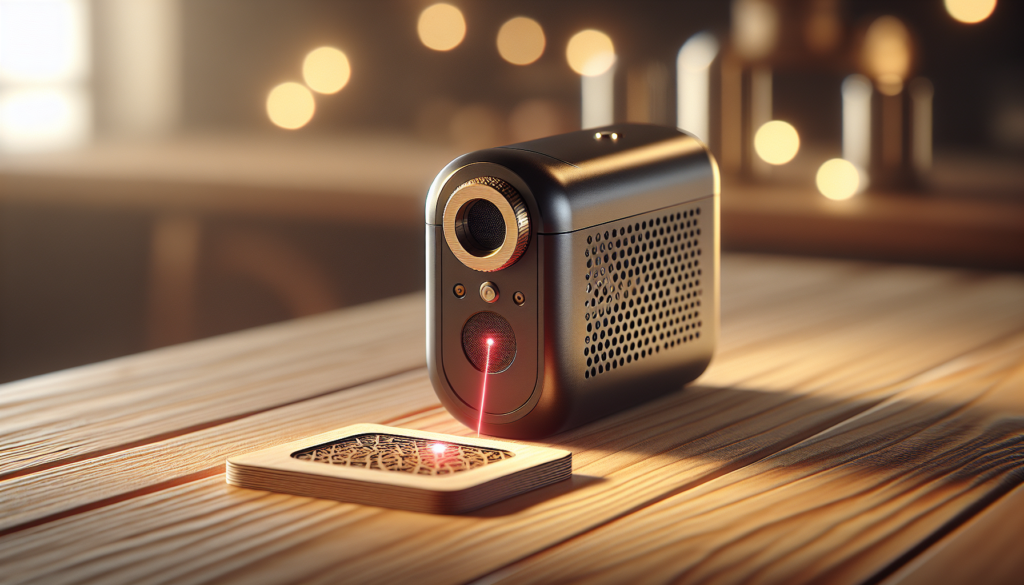
Buying a portable laser engraver in 2026 means balancing capability, safety, and longevity. You’ll want to weigh these factors to match your needs.
- Intended use: Casual hobby, business, or industrial fieldwork.
- Laser type: Diode for general engraving, fiber for metals, CO2 for organics and acrylics.
- Power & performance: Match power rating to material thickness and desired speed.
- Portability features: Weight, foldability, and protective cases.
- Power source: Mains vs battery; battery models will trade time for mobility.
- Software & ecosystem: Is firmware updated, and does the company provide good documentation?
- Service & parts: Check availability of replacement optics, lenses, and laser modules.
Budget tiers (practical breakdown)
| Tier | Price range (2026 estimate) | Typical use |
|---|---|---|
| Entry-level | $200–$800 | Hobbyists, light engraving, small signs |
| Mid-range | $800–$2,500 | Small business, higher power, better software |
| Prosumer | $2,500–$8,000 | Portable production, diverse materials, better safety |
| Industrial portable | $8,000+ | Field service, metal marking, regulated use |
Maintenance and longevity
You’ll keep the machine running longer if you treat it like a temperamental but loyal companion. Clean optics, check alignments occasionally, and replace worn belts or bearings. Diode lasers will degrade over time; plan for eventual replacement or module upgrades.
- Daily: Clean lens and work area, check emergency stops.
- Monthly: Inspect belts/rails, test accuracy on calibration pieces.
- Yearly: Replace worn parts, recalibrate, and check firmware updates.
Troubleshooting common problems
You’ll encounter a few recurring issues. Here’s what you can do without calling support.
- Faint marks: Check focus, increase power or reduce speed, clean optics.
- Misaligned engraving: Recalibrate the motion system and check for loose belts.
- Software connection failures: Update drivers, try different USB cable or use the app.
- Excessive smoke: Improve ventilation, use air assist, reduce power or slow speed.
Accessories that make your life easier
If you’re serious about portability, a few add-ons will feel like necessities.
- Air assist: Keeps the cut clean and reduces flare-ups.
- Honeycomb or slat bed: Supports small pieces and improves airflow.
- Camera/viewfinder: Helps with alignment and preview for complex layouts.
- Rotational axis: For cylindrical objects like cups and rings.
- Carry case and mounting fixtures: For travel and quick deployment.
Comparison with other fabrication methods
You’ll want to know why use a portable laser instead of a CNC router or UV printer.
- Versus CNC milling: Lasers are non-contact, have less tool wear, and handle delicate materials better. CNCs remove material, are better for depth milling, and handle thick materials more easily.
- Versus UV printers: UV printers add color and are better for full-color decoration; lasers provide permanent marks and can cut materials.
- Versus chemical etching: Lasers are faster, less messy, and avoid hazardous chemicals.
Pros and cons at a glance
Pros:
- Portability and quick setup
- Versatility across materials
- Low tool changeover
- Precise, repeatable marks
Cons:
- Limited cutting depth for thicker materials
- Fumes and particulate hazards
- Laser maintenance and eventual diode/fiber wear
- Power limitations vs industrial stationary units
Legal and environmental considerations
You’ll find that where you can use these machines and how you dispose of by-products has rules.
- Emissions: Some materials release toxic gases. Don’t burn PVC or vinyl indoors without proper exhaust.
- Waste: Metal dust, charred organic matter, and spent optics require safe disposal.
- Local regulations: Some municipalities require permits for business use, and many countries regulate the sale of high-power lasers.
Buying checklist for 2026 (your quick decision guide)
- Determine your primary materials and job types.
- Choose the laser type accordingly (diode/fiber/CO2).
- Check for proper safety certifications and enclosures.
- Confirm software compatibility with your design tools.
- Verify power options and battery life if portability is critical.
- Read warranty terms and check parts availability.
- Look for community or vendor support and firmware update policies.
Real-world workflows: from idea to finished product
You’ll appreciate an efficient sequence. A typical small-business workflow might look like this:
- Design in vector software (Inkscape/Illustrator).
- Export to SVG and verify scale in the engraver’s app.
- Secure workpiece on bed or clamp hand-held piece.
- Run a small test engraving to confirm settings.
- Execute final run with air assist and proper ventilation.
- Post-process if needed (cleaning, dyeing, sealing).
Trends shaping portable laser engravers in 2026
You’ll notice that the field has matured. Here are trends you’ll likely see and benefit from.
- Better battery technology: Longer runtime and faster recharge, enabling true field use.
- AI-assisted presets: Automatic material detection and optimized settings.
- Modular optics: Swap lenses quickly, upgrade laser modules without replacing the whole unit.
- Smartphone-first interfaces: Simplified control for quick jobs and templates.
- Safer enclosures: Improved airflow systems and particulate filtration built in.
Case studies: real scenarios where portability matters
- A jewelry maker who travels to markets and customizes pieces on the spot, increasing sales and reducing customer wait time.
- A maintenance technician who marks tools and equipment in the field to ensure asset tracking.
- An artist who takes a portable unit to a residency and creates site-specific engraved installations.
Common myths you should stop believing
You’ll want to let go of these misconceptions before you start shopping.
- Myth: “Bigger power always means better engraving.” Reality: Power must match the application. Too much power on thin materials ruins the piece.
- Myth: “All lasers are the same if they cost the same.” Reality: Optics, controller quality, and software make a huge difference.
- Myth: “Portable means unsafe.” Reality: Many portable units are engineered with robust safety if you choose wisely and follow guidelines.
Frequently asked questions (short answers)
- Can you use a portable laser outdoors? Yes—with battery power, shade, and ventilation; watch dust and wind that can interfere with smoke extraction.
- Are portable lasers legal to own? Mostly yes, but high-power units may be regulated; check local laws.
- Can you engrave metal with a diode laser? Generally no for bare metal; you can mark coated metals or use special foils. For true metal engraving, look at fiber lasers.
- How long does a diode laser last? Typical lifetimes vary; expect several thousand hours depending on usage and cooling; plan for eventual replacement.
Closing thoughts
You’ll find that a portable laser engraver is less like a tool and more like a relationship: it requires realistic expectations, occasional maintenance, and thoughtful handling. When it fits your work, it transforms what you can produce, where you can produce it, and how quickly you can respond to ideas or customers. In 2026, portability isn’t merely a convenience—it’s a strategy for makers and buyers who want flexibility without sacrificing capability.
If you want, you can tell me what you’re planning to engrave and I’ll suggest three models that match your needs and budget.