Which machine will make your next project feel inevitable: a CNC router or a CNC mill?
2026 CNC Router Vs. CNC Mill: Which One Is The Right Tool For Your Build?
You probably have a workbench crowded with clamps, a half-drunk mug of something suspicious, and an idea that sounds brilliant at two in the morning. Choosing between a CNC router and a CNC mill is the next episode in that drama, and it will determine whether your brilliant idea becomes a polished product or an expensive abstract sculpture. This article will guide you — with the blunt kindness of someone who has turned many prototypes into learning experiences — through the practical differences, costs, and use cases so you can pick the tool that makes the most sense for your build in 2026.
Quick snapshot: Router vs Mill
You like quick comparisons because they spare you the long waste of time. Here’s a concise table that will help you decide which machine aligns with your priorities at a glance.
| Characteristic | CNC Router | CNC Mill |
|---|---|---|
| Typical materials | Wood, plastics, composites, foam, soft metals (aluminum occasionally) | Metals (aluminum, steel, titanium), plastics, composites |
| Spindle speed | High RPM (8,000–30,000+ RPM) | Lower RPM (500–10,000 RPM) with higher torque |
| Rigidity | Less rigid (gantry designs) | Highly rigid (column/bed designs) |
| Precision & tolerance | ±0.1 mm to ±0.5 mm | ±0.005 mm to ±0.05 mm |
| Cooling | Usually air or dust extraction | Flood coolant or mist, sometimes air for light cuts |
| Chip type | Fine dust, chips (wood/plastic) | Longer curly swarf, heavy chips, coolant-laden |
| Typical applications | Furniture, signage, cabinetry, composites, prototyping | Machined components, dies, molds, precision parts |
| Typical cost (2026 ranges) | $2,000 – $150,000 | $10,000 – $500,000+ |
| Ease of use | Easier learning curve for simple tasks | Steeper learning curve but more precise |
What is a CNC router?
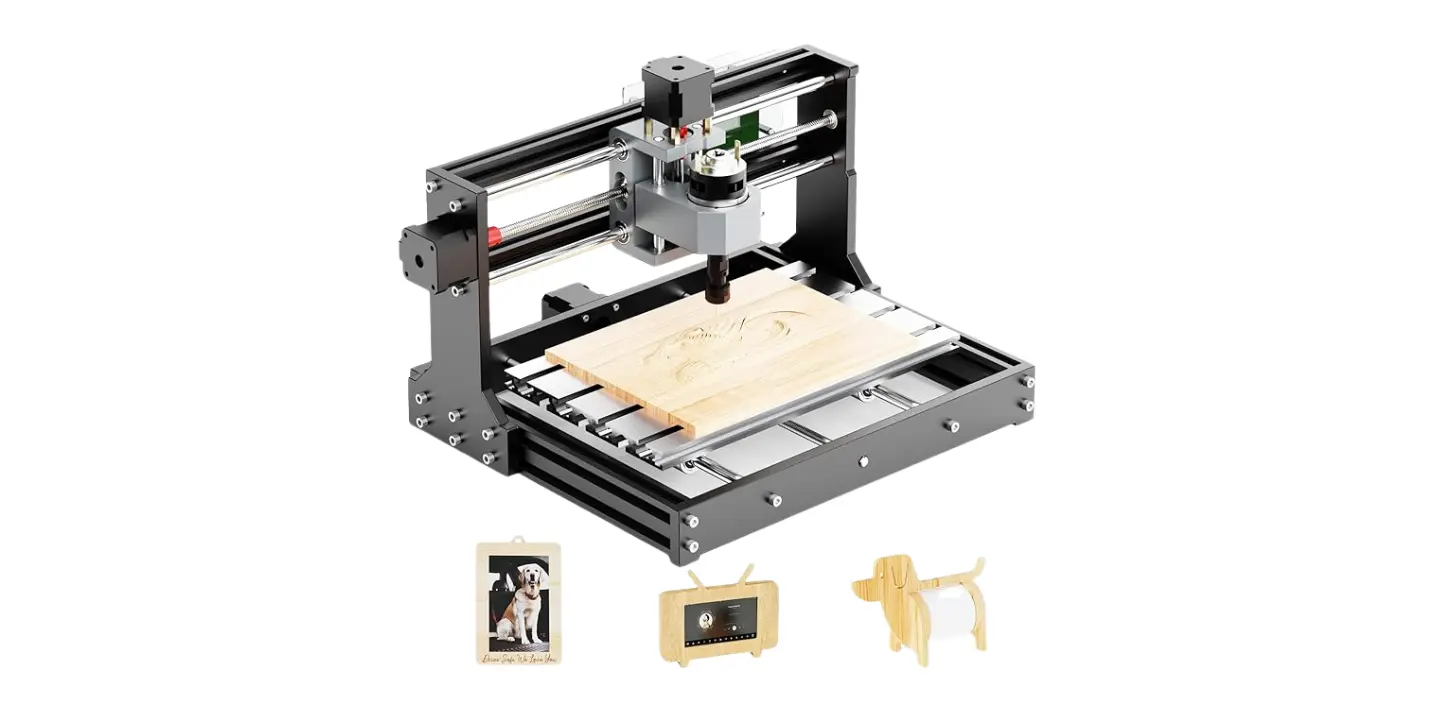
A CNC router is essentially a power tool with brains. It runs a fast-spinning spindle or router bit over a workpiece mounted to a flat bed — usually a gantry slides over the part. Routers are designed for high-speed cutting of softer materials and large-format panels. If you make signage, custom furniture, or large carved shapes, a router is your best friend who drinks only coffee and refuses to argue about aesthetics.
Typical components and features
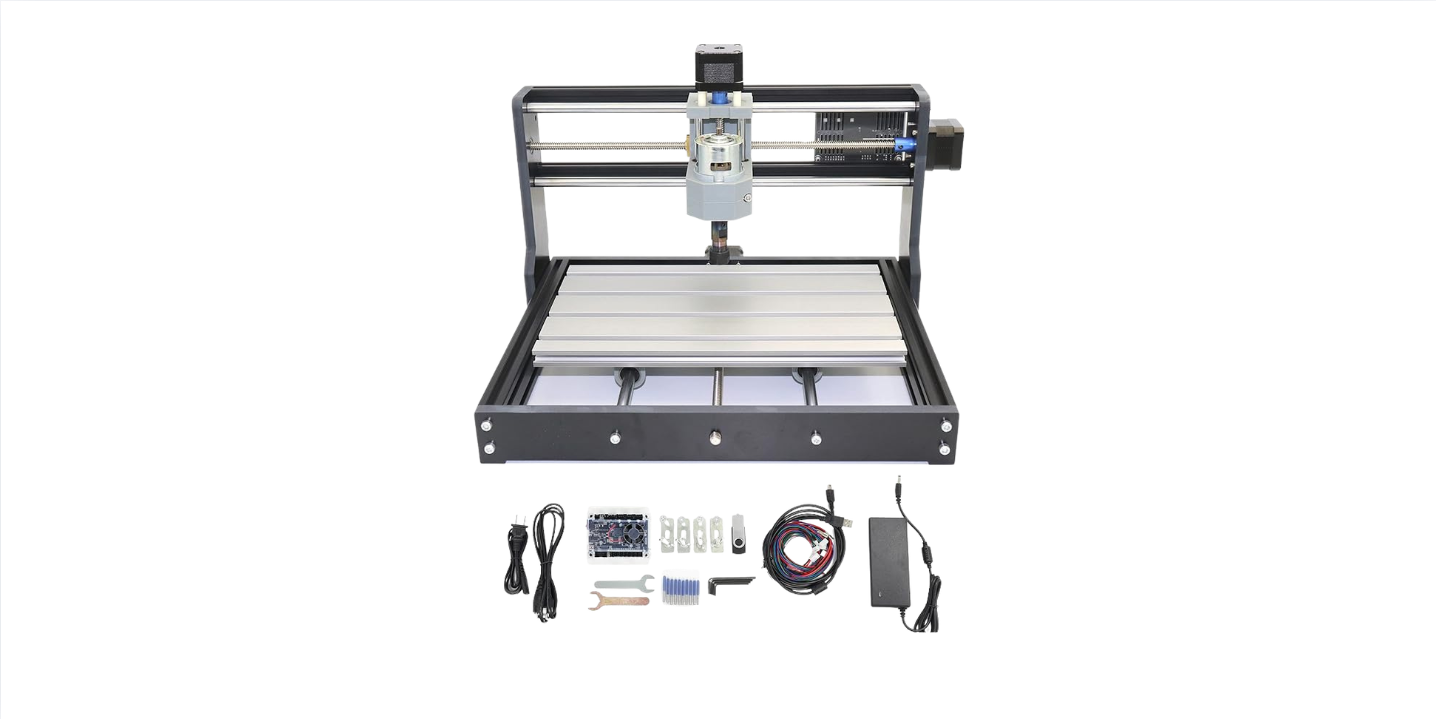
You will find a fast spindle or router motor, a gantry supported by rails, usually ball screws or rack-and-pinion systems, and a workbed that may be fitted with clamps or a vacuum table. Dust collection is almost as important as the machine itself; you’ll develop a paranoid devotion to hoses and filters.
Strengths and typical uses
Routers win on speed and area. If your work requires cutting big sheets of plywood, plastics, foam, or composites, routers are efficient. They’re also usually more affordable for larger working envelopes and are commonly used for sign making, cabinetry, inlay work, and 3D patterning.
Limitations
Routers are not the right tool when you need machining-level accuracy or when you’re cutting hard metals routinely. The reduced rigidity leads to chatter on heavier cuts, and tolerances are generally looser than what a mill will deliver.
What is a CNC mill?
A CNC mill is a machine built for precision and force. It’s sturdy, conservative, and very particular about tolerances. A vertical or horizontal spindle cuts parts rigidly clamped to a table, and you’ll find mills in machine shops where accuracy measures careers.
Typical components and features
You’ll see a rigid column, heavy-duty spindle, precise linear guides, ball screws, high-quality bearings, and often a coolant delivery system for metal cutting. Toolholders conform to standards (e.g., CAT/BT, HSK) and automatic tool changers (ATC) are common on production equipment.
Strengths and typical uses
Mills excel at metalworking, precise finishing, tight tolerances, and cutting complex geometries in hard materials. You’ll choose a mill when bolt-hole patterns must align perfectly, when parts must fit to printed tolerances, or when you’re machining aluminum frames, steel brackets, or aerospace components.
Limitations
Mills cost more for the same work area, and large-table mills will demand more floor space and heavier foundations. They’re slower for large-surface cutting of soft materials compared to routers and can be overkill for simple woodworking projects.
Mechanical differences that matter
Knowing the mechanical differences will save you from making the kind of purchase decisions that produce regret and a lot of barbed jokes at your own expense.
Rigidity and machine structure
You will notice rigidity first when you try to cut metals. A mill’s heavy column and bed restrict flex; a router’s gantry sacrifices a bit of rigidity for reach. If your parts flex while cutting, you’ll see chatter in the surface finish and feel the loss in tolerances. For metal or high-precision work, prioritize rigidity.
Spindle horsepower and torque
Routers often rely on high RPM and lower torque. Mills provide lower RPM with higher torque and horsepower. This means a router bit will slice through plywood like a hot knife, while a mill’s spindle will chew through aluminum while smiling a cold, professional smile.
Axes and travel
Routers commonly feature gantry X-Y with Z travel suitable for thicker panels. Mills may offer robust X-Y tables with pocketed beds and sometimes additional axes (4th or 5th) for more complex operations. If your project requires angular operations or undercuts, consider a mill with extra axes.
Drive systems and backlash
Both machines use ball screws, but the precision of those screws (preloaded, anti-backlash) and the quality of linear guides matter. When you need repeatable accuracy, look at the backlash spec and the resolution of the drive system.
Material considerations
What you want to cut is the single most important decision factor. Your choice of machine should be defined by the materials you use most often.
Wood, plastics, foam, composites
Choose a CNC router for wood, MDF, plywood, acrylic, HDPE, and many composite panel systems. Routers remove material quickly over large areas and are cost-effective for large-format work.
Aluminum and soft metals
Small, simple aluminum parts can be machined on a high-end router with proper fixturing and tooling. However, if you’ll machine aluminum regularly or require precision, a mill is safer and faster. Expect to use proper coolant and chips management for metal work.
Steel and hard alloys
Milling only. When you’re cutting steel, hardness eats machines that aren’t up to the task. A mill with a strong spindle, proper toolholders, and coolant is essential.
Advanced materials (carbon fiber, composites, laminates)
Routers and mills can both approach composites, but with caveats. Carbon fiber produces hazardous dust; you will need robust dust collection, HEPA filtration, and PPE. Routers can handle large composite panels, while mills are used for thick composite parts requiring precision. Vacuum tables are common for both.
Precision and tolerances
If your build must fit with other parts to tight tolerances, this topic will make your palms sweat.
Tolerance expectations
- Routers: ±0.1 mm to ±0.5 mm typical for well-built machines and good cutting setups. Acceptable for furniture, signage, and many prototypes.
- Mills: ±0.005 mm to ±0.05 mm achievable on quality equipment and in controlled conditions. Necessary for functional mechanical parts.
Factors that affect precision
- Thermal stability: Spindles and workpieces expand with heat. Long runs in summer can ruin your tolerances unless you control temperature or compensate in CAM.
- Tool wear: As an endmill dulls, your dimensions can wander. You’ll learn to change tools often and inspect parts like a paranoid gemologist.
- Machine maintenance: Loose bearings, worn screws, or sloppy guides will erode precision. Your machine’s maintenance schedule becomes part of your social calendar.
Tooling: bits, endmills, and holders
Tooling is where a surprising amount of money disappears. You’ll learn tool brands the way other people learn cocktail menus.
Router bits vs. endmills
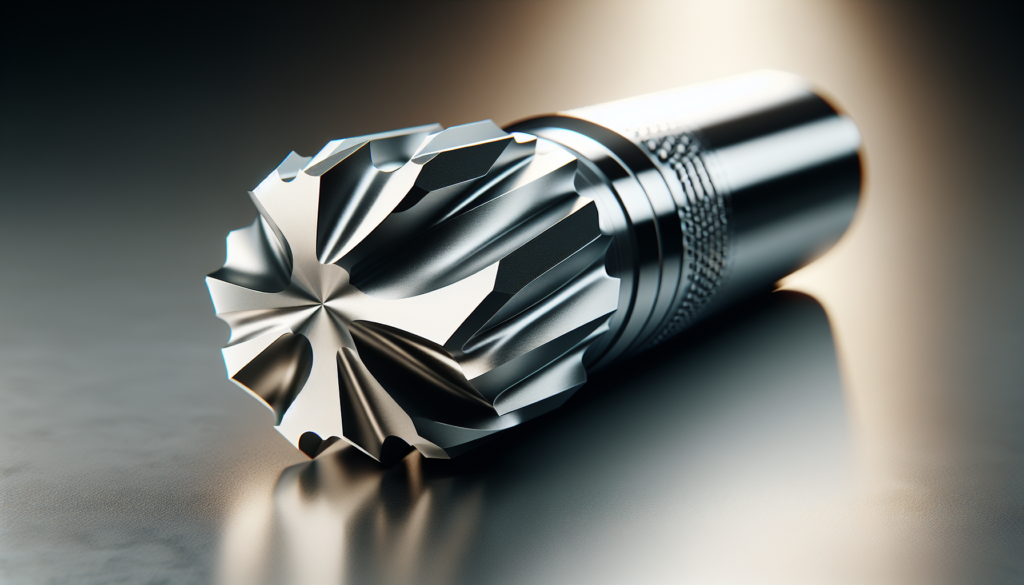
Router bits are optimized for soft materials, profile cutting, and very high RPM. Endmills in steel or carbide are designed for milling operations, with geometries for roughing, finishing, slotting, and aluminum-specific coatings.
Toolholding systems
Routers often use collet-type holders (ER collets) or proprietary systems for small spindles. Mills use standardized holders like BT/CAT or HSK for higher rigidity and quick-change capabilities. If you want the highest repeatability and the option of ATC, a mill is better equipped.
Tool changes and ATC
If you plan to make complex parts in a single cycle, a mill with an automatic tool changer (ATC) is invaluable. Some modern routers also offer ATC, but they’re rarer and limited by spindle horsepower.
Chip management, dust collection, and coolant
This is practical and unromantic, but essential. You will spend more on dust and coolant systems than you expect.
Dust and particulate (routers)
Wood and composites create extremely fine dust. Invest in a high-quality dust collector, cyclone system, and HEPA filtration. Without it, you’ll find dust in places even your cat refuses to go.
Swarf and coolant (mills)
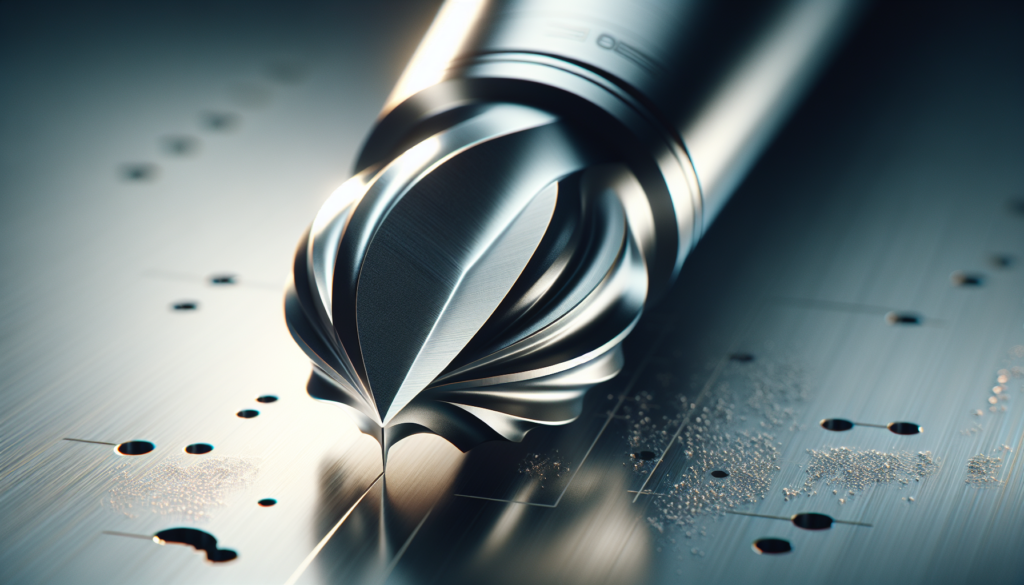
Metalworking produces swarf and requires coolant systems for tool life and part temperature control. Flood coolant systems, coolant recycling, and proper disposal are part of the overhead. Mist or oil-based coolants require careful handling and environmental compliance.
Environmental and health considerations
Carbon fiber dust and fine silica from some composites require respirators and sealed enclosures. Coolants may require specific waste disposal. Your workspace choices influence legal and safety obligations.
Workholding and fixturing
How you hold a part matters almost as much as the machine choice. Poor fixturing is the leading cause of ruined parts.
Vacuum tables
A router with a vacuum table is ideal for sheet goods and thin panels. Vacuum fixtures save time and make repeatable setups easier.
Vises, clamps, and modular fixturing
Mills often use vises and modular 3-D fixturing systems for metal parts. Fixturing adds to upfront complexity but pays off in accuracy and repeatability.
Modular tooling and pallets
For production, pallet systems and quick-change fixtures reduce downtime. If you’re considering production runs, prioritize machines with palletizing options and available fixture systems.
Software, CAM, and controllers
You can have the best machine in the world and ruin it with poor CAM settings. Software is less sexy than spindle horsepower but more decisive.
CAD and CAM options
You’ll choose CAD for part design (Fusion 360, SolidWorks, Onshape) and CAM to generate toolpaths. Fusion 360 remains popular for its integrated CAD/CAM and friendly pricing for smaller shops. For complex 5-axis or high-speed machining, professional CAM packages offer more control.
Controllers and G-code
Machines might use GRBL, LinuxCNC, Mach4, or vendor-specific controllers. Ensure compatibility with your CAM’s post-processor, and test your G-code in simulation before committing to the first cut.
Automation, nesting, and production software
For panel shops and nesting operations, software that optimizes parts per sheet reduces waste and increases profitability. For precision shops, look for features like toolpath linking, adaptive clearing, and dynamic speeds.
Cost and total cost of ownership (TCO)
The sticker price is just the start. You will be surprised how quickly consumables, tooling, and maintenance accumulate.
Initial costs (2026 ranges)
- Hobbyist/entry-level router (benchtop): $2,000 – $8,000
- Mid-range shop router: $10,000 – $60,000
- Large-format industrial router: $50,000 – $150,000+
- Small vertical mill (used/new benchtop): $5,000 – $25,000
- Production vertical/horizontal mill: $50,000 – $500,000+
Operational costs
- Tools and bits: Expect to replace carbide endmills and router bits frequently if you run production.
- Consumables: Coolants, filters for dust collection, lubricants.
- Maintenance: Ball screw replacement, bearing service, belt and pulley service.
- Software licenses and updates: Some CAM tools charge subscription fees.
- Utilities: Power consumption for spindles, dust collectors, coolant pumps.
Depreciation and resale
You will depreciate equipment like any other capital asset. Brands hold value differently; generally, mills retain resale value better than routers because of their utility in precision shops.
Safety and regulatory considerations
Safety is not glamorous, but you’ll avoid a lot of paperwork if you treat it seriously.
Personal protective equipment (PPE)
Use eye protection, hearing protection, and respiratory protection as appropriate. For dust and composite work, respirators and sealed enclosures are a must.
Machine enclosures and guards
Enclosures reduce noise and contain dust and chips. Mills with coolant sprays require splash guards and proper disposal. Emergency stops and interlocks should be part of the install.
Waste disposal regulations
Coolant disposal and dust from certain materials may be regulated. Check local guidelines for hazardous waste disposal and ensure you’re compliant.
Applications and case studies
You may be shopping for a very specific project. Below are practical scenarios and the machine most suited to them.
Case: Custom furniture, inlays, and large panels
Your need: big sheets, ornate surfaces, and speed. Recommended: CNC router with vacuum table and dust collection. Why: Fast cutting over large areas, easily switches between profile cutting and 3D carving.
Case: Small precision aluminum brackets for drones
Your need: light metal parts with threaded holes and tight tolerances. Recommended: CNC mill (3-axis or 4-axis) with proper fixturing and coolant. Why: Mills provide rigidity, will hold tolerances, and manage metal chips effectively.
Case: PCB prototyping and small plastic parts
Your need: fine traces and tight features. Recommended: High-precision desktop mill or dedicated PCB router (high RPM spindle, small endmills). Why: PCB work demands small tools, good spindle control, and minimizing deflection for trace accuracy.
Case: Carbon fiber molds and aerospace components
Your need: large compound shapes with high surface finish. Recommended: Router for large molds (if not metal tooling), mill for tight tolerance components. Why: Routers handle big molds efficiently, mills are necessary for mating components and precision features.
2026 trends that influence your decision
You’re not buying for 2020. In 2026, machines have evolved, and some changes affect your choice.
Increased automation and IoT
Many machines now offer cloud connectivity, predictive maintenance, and remote monitoring. If uptime matters, choose vendors with strong software ecosystems.
Hybrid additive-subtractive machines
Some platforms combine 3D printing and milling in one envelope. For prototypes that require both capabilities, hybrid machines reduce setup time and part handling.
Better tool changers and multi-head options
More routers and smaller mills offer ATC or multi-spindle setups for different materials. This can blur the lines between router and mill capabilities.
Materials innovation
New composites and engineered plastics require specialized tooling. If you plan to work with advanced materials, ensure your machine vendor supports compatible tooling and dust/coolant management.
Sustainability and quieter operation
Noise-reducing designs and more efficient dust collectors are becoming standard, making shops less hostile to neighbors and more pleasant for you.
Decision checklist: Ask yourself these questions
You will make a better purchase if you ask the right questions before you empty your account.
- What materials will you cut most often?
- What tolerances do you need?
- What work envelope (table size) is required?
- How much rigidity and spindle torque do your parts need?
- Do you need coolant and metal chip handling?
- What is your budget for purchase, tooling, and TCO?
- Will you scale to production, or is this for prototypes and one-offs?
- Do you require automation, ATC, or multi-axis capability?
- What are your dust/coolant/VOC disposal constraints?
- Do you have space, power, and floor support for the machine?
Write answers to these before shopping, then compare them to machine specs. You’ll be more decisive and less inclined to buy a machine because its photo makes it look like a spaceship.
Recommended configurations by user type
This winning simplicity will help you picture the right setup.
Hobbyist woodworker / maker
- Machine: Small-format router (X/Y 600–1200 mm)
- Spindle: 2–4 kW air-cooled or 3–10k RPM
- Accessories: Vacuum table, dust collector, basic CAM (Fusion 360)
- Why: Affordable, easy to maintain, suitable for furniture and signage.
Small prototyping shop
- Machine: Benchtop or small vertical mill (3-axis), or midsize router if panels matter
- Spindle: 1.5–5 kW (mill), 3–10 kW (router with ATC)
- Accessories: ATC, coolant system (if metals), good CAM software
- Why: Versatile for prototypes across plastics, aluminum, and composites.
Production / contract manufacturer
- Machine: Industrial mill (vertical or horizontal) and/or large-format router
- Spindle: High-horsepower, ATC, pallet systems, enclosures
- Accessories: Tool presetter, coolant recycling, advanced CAM, automation
- Why: Reliability, throughput, repeatability for repeat orders.
Education and makerspace
- Machine: User-friendly routers with safety enclosures, accessible control systems
- Accessories: Lockable enclosures, dust collection, basic CAM training software
- Why: Emphasizes safety and broad material access for many students.
Final considerations and a little practical advice
You will live with this machine, so think of it as a fuzzy roommate with an impressive hobby. Choose based on daily needs, not aspirational projects. If you plan to work mostly with wood, buy a router and spend the money you save on a great dust collector and better tooling. If you need parts to fit precisely and plan to work a lot in metals, invest in a mill and a training course on feeds and speeds.
Don’t skimp on tooling or maintenance. Cheap cutters will waste more material and time than their cost suggests. Also, plan your space carefully: dust and coolant require different handling, so locate routers and mills logically within your shop.
Closing verdict
You’re not choosing a machine for a single project; you’re choosing a partner. If your future involves large panels, fast cutting, and a forgiving tolerance band, a CNC router will make your life easier and your projects more spectacular. If your future involves precise metal parts, critical fits, and the sort of tolerances that make engineers sigh with relief, a CNC mill will be the reliable, sternly competent partner you need.
Either way, you’ll learn something. You’ll also spend money, find ways to justify it, and craft parts you’ll be proud of. When you finally hold the finished piece, with the correct hole alignment and the clean edge you dreamed of at two in the morning, you’ll know the decision was worth it. If it’s a little off, you’ll fix it, swear gently, and modify your CAM tolerances for next time. That’s the tradeoff: tools teach you patience and make your mistakes tangible.
Now, pick the machine that matches the materials you love and the tolerances you need. Buy the dust collection or coolant system you’ll truly use. And when you cut your first successful part, let that small triumph sit with you for a while — because it will be the exact moment when your work becomes something more than an idea.
If you want, tell me what you plan to build and the materials you’ll use, and I’ll help you translate that into a specific machine spec and a starter tooling list.